
SViCloud Blog & Guides
Buying guides · comparisons · setup help
Clear Guidance for Choosing and Using an SViCloud TV Box
Read practical articles about current models, purchase decisions, HDMI and network setup, troubleshooting and store support for customers in the United States and Canada.
Start With These Guides
Three useful starting points for buying, reviewing and setting up your device.
Buying Guide
How to Buy a Genuine SViCloud TV Box
Review the seller, product listing and support information before ordering in the US or Canada.
Product Review
SViCloud 10P Review and Buyer Fit
Understand the model specifications, package information and who should compare the 10P.
Setup Help
Set Up the SViCloud 10P
Follow the essential HDMI, power, TV input and network steps for initial setup.
Latest SViCloud Guides
New articles appear here automatically, so the page stays current without rebuilding the layout.
-
SviCloud TV Box Not Working? Complete Troubleshooting Guide & Solutions (2026)
Your SViCloud TV box was working yesterday. Today it’s frozen on a black screen, or the remote’s stopped responding, or your favourite show is buffering every 30 seconds.…
-
SViCloud TV Box VS Fire TV Stick VS Google TV: What is the Difference?
If you’re an overseas Chinese family shopping for a streaming device, you’ve probably compared these three: a SViCloud TV box, an Amazon Fire TV Stick, and a Google…
-
Best TV Box for Watching Chinese, HK & Taiwanese Channels (US & Canada)
If you’ve moved to the US or Canada and your living-room TV is a wall of English channels, the question is simple: what’s the best TV box for…
-
SViCloud vs EVPAD: Which Android TV Box Is Better in 2026?
If you are choosing between SViCloud TV Box and EVPAD TV Box, the better pick depends on what matters most to your household: a cleaner modern interface, hardware…
-
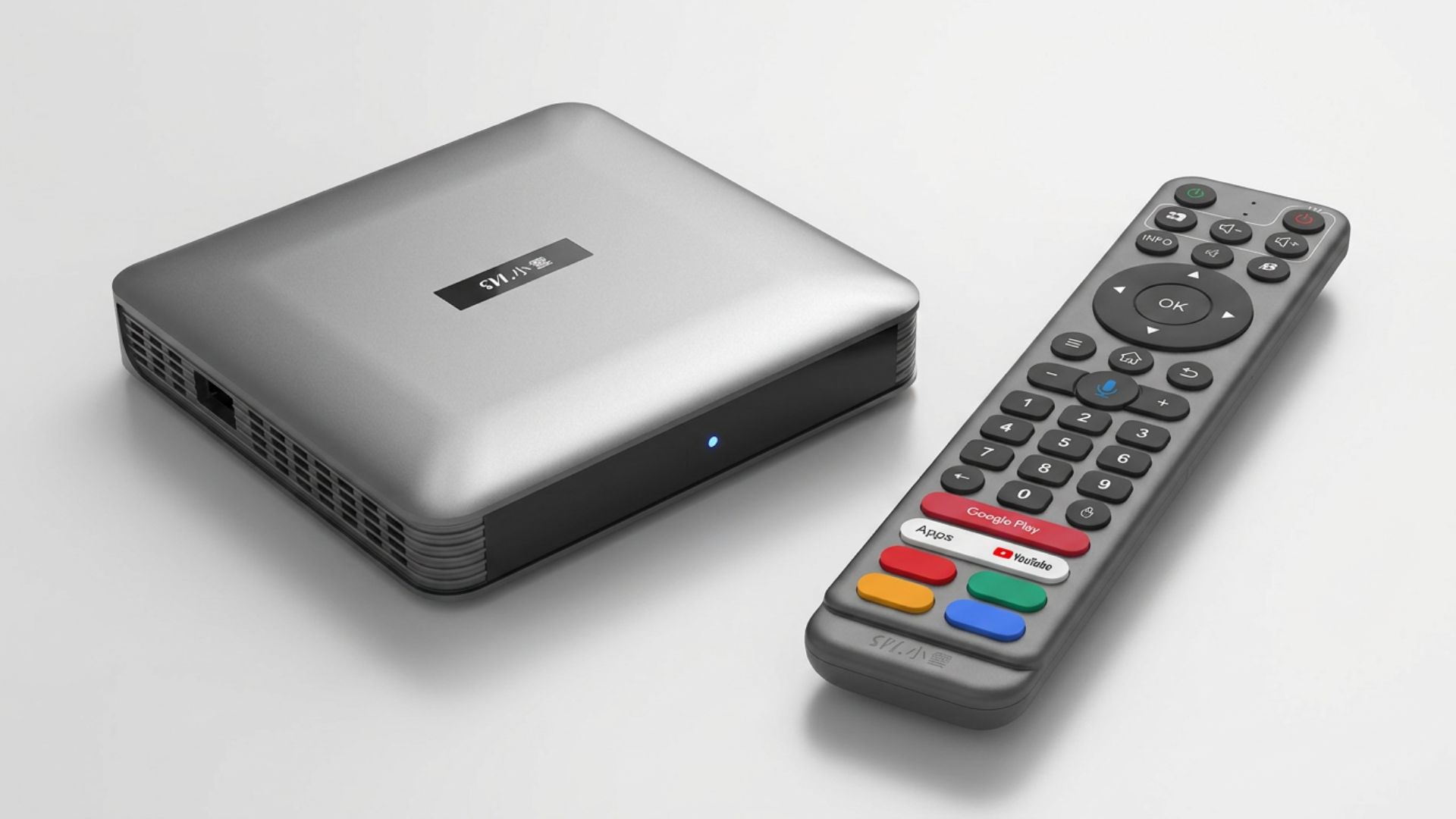
SViCloud 10P Review (2026): Specs, Real User Feedback & Who It’s For
Thinking about the SViCloud 10P? Here’s an honest 2026 review — full specs, real customer feedback, pros and cons, and exactly who this Android 12 TV box is…
-
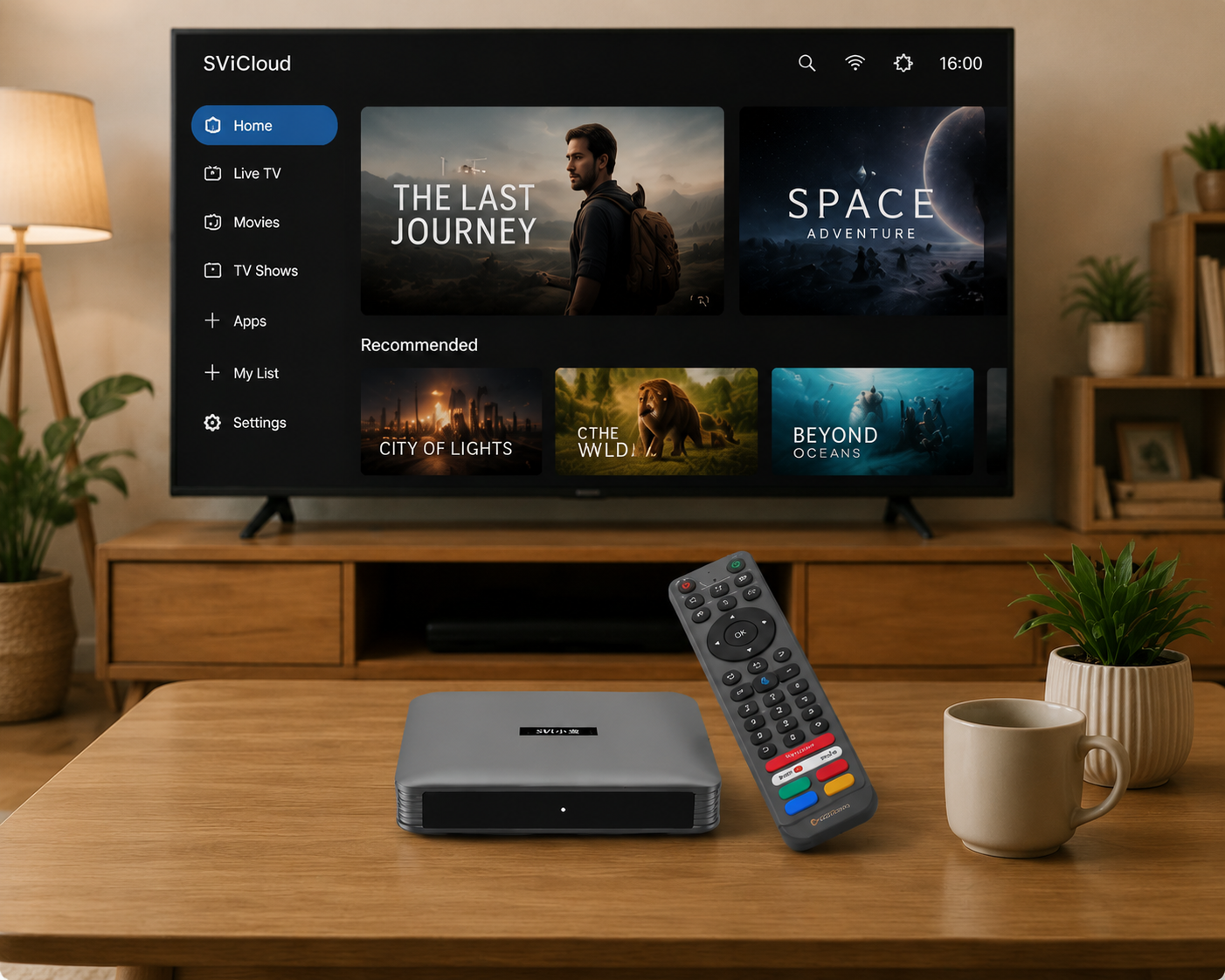
How to set up SVICLOUD 10p (Pair Bluetooth with Remote Control)
Open the Bluetooth settings interface, long press the volume + and – buttons. Language settings Select your desired language, click the OK button, and then click Next. Time…
Need Product or Order Help?
Use the FAQ for common questions or contact the store with your model and order details.