
Most people buy a TV box for watching movies, television programs, sports and online entertainment. Gaming is usually not the first thing that comes to mind. However, modern Android TV boxes can do more than streaming. With the right apps, accessories and internet connection, they can also become a simple entertainment hub for casual gaming, family games and classic gaming experiences.
The SviCloud ecosystem is designed around home entertainment, and the SviCloud 15P TV Box combines Android 14 flexibility with built-in entertainment features, making it possible to expand your television experience beyond movies and shows.
So, can the SviCloud 15P play games? The short answer is yes, but it is important to understand what type of gaming experience an Android TV box is designed for. SviCloud 15P is not a replacement for a dedicated gaming console. Instead, it works well as a casual gaming device for families, children and users who want more entertainment options from one TV setup.
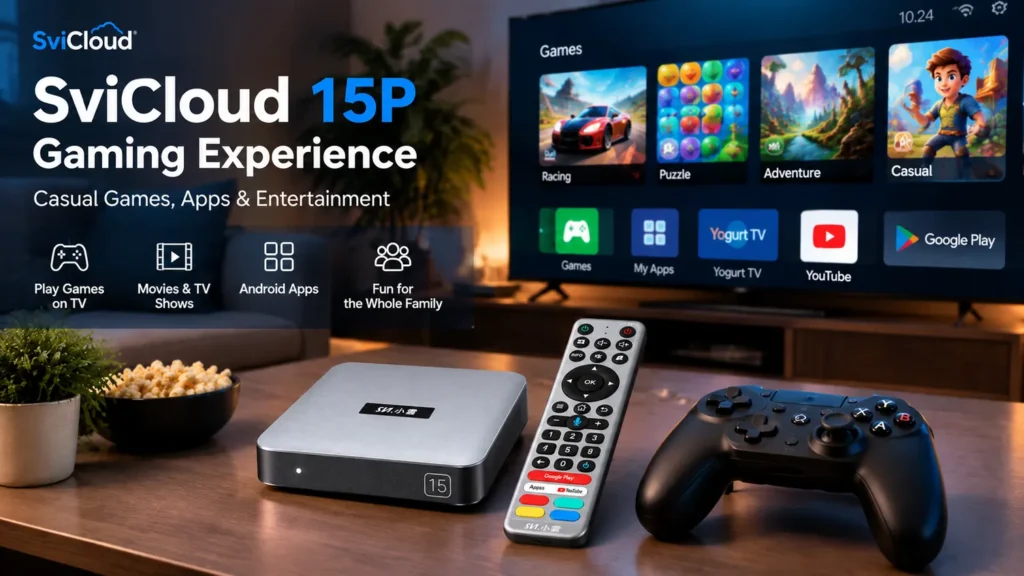
What Type of Gaming Can You Do on SviCloud 15P?
The SviCloud 15P runs Android 14, giving users access to a wider range of compatible Android apps than traditional TV systems. Depending on app compatibility and regional availability, users can explore several types of gaming experiences:
- Casual Android games
- Puzzle and arcade games
- Family-friendly games
- Simple racing games
- Retro gaming applications
- Cloud gaming services
The key difference is that SviCloud 15P focuses on flexibility. It is designed to combine television entertainment, apps and casual gaming in one living-room device. Users searching for a casual gaming TV box should look at Android compatibility, storage, Bluetooth support and network performance rather than expecting console-level performance.
SviCloud 15P Is Designed for Entertainment First
A common mistake when comparing Android TV boxes is assuming that every device should compete with PlayStation, Xbox or gaming PCs. That is not the purpose of SviCloud 15P. A dedicated game console is built around high-performance gaming hardware. An Android TV box has a different role: it combines television, streaming, apps, media playback, and lighter gaming into one device.
For many households, that combination is actually more practical. A family may use the same television for:
- Watching live TV
- Playing movies
- Using Android apps
- Listening to music
- Playing casual games
Instead of adding another device under the TV, SviCloud 15P lets families expand what their existing TV can do.
Playing Android Games on SviCloud 15P
The most straightforward gaming option is installing compatible Android games. Android offers thousands of games across different categories, including:
- Puzzle games
- Board games
- Arcade-style games
- Simple racing games
- Educational games for children
- Casual multiplayer games
These games are usually designed for shorter sessions rather than long competitive gaming. For example, a family can play a simple game together after dinner, or children can enjoy casual games on a larger television screen instead of a small phone display. The available gaming experience depends on each application’s compatibility with Android TV-style devices and available controls.
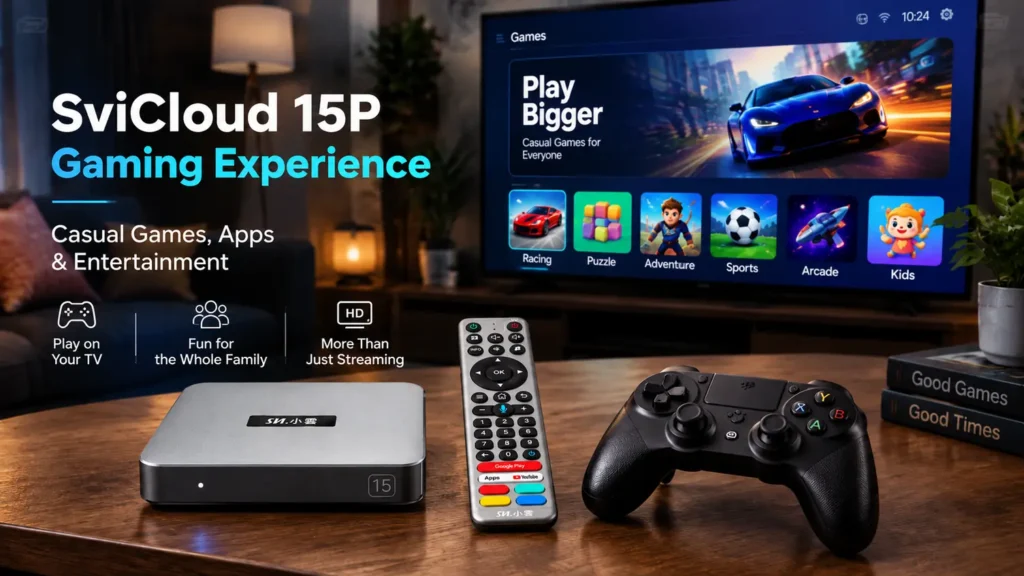
Can SviCloud 15P Run Retro Games?
Retro gaming is another area where Android TV boxes are commonly used. Many classic gaming enthusiasts use Android devices with compatible emulator applications to revisit older gaming systems. Depending on the emulator, controller support and legally owned game files, users may enjoy classic gaming experiences from older platforms. A TV box can be convenient for this because the television screen provides a more comfortable living-room experience compared with playing on a small mobile device. However, emulator performance depends on the specific application, game file and system requirements. Not every older or newer game will perform the same way.
Cloud Gaming on an Android TV Box
Cloud gaming works differently from traditional gaming. Instead of running the entire game locally on the device, the game runs on remote servers and streams video back to the user. This means the most important factors are often:
- Stable internet connection
- Low network delay
- Compatible controller
- Supported cloud gaming service
Services such as GeForce NOW and Xbox Cloud Gaming have their own device requirements and availability rules. Users should confirm whether a specific service supports their region and device before subscribing. For SviCloud 15P owners, cloud gaming is an additional entertainment option rather than the primary purpose of the device.
Why a Bluetooth Controller Matters
The included remote is designed for navigation, searching, and controlling entertainment apps. It is not a replacement for a gaming controller. For games, a Bluetooth controller usually provides a much better experience. The SviCloud 15P supports Bluetooth 5.4, allowing users to connect compatible Bluetooth accessories.
A controller can improve:
- Racing games
- Platform games
- Action games
- Classic emulator games
The setup is similar to connecting other Bluetooth accessories:
- Open Bluetooth settings on SviCloud 15P.
- Put the controller into pairing mode.
- Select the controller from available devices.
- Complete pairing and test the controls.
SviCloud 15P Hardware Benefits for Casual Gaming
Gaming performance depends on more than one specification. The processor, memory, storage and network connection all influence the experience. The SviCloud 15P includes:
- Android 14 operating system
- 64-bit A55 processor platform
- 4GB RAM
- 64GB storage
- WiFi 6 connectivity
- Bluetooth 5.4
These specifications are useful for everyday entertainment, app usage and casual gaming. The 64GB storage also gives users more room for compatible applications compared with smaller-capacity devices.
For a complete hardware overview, read our SviCloud 15P review.
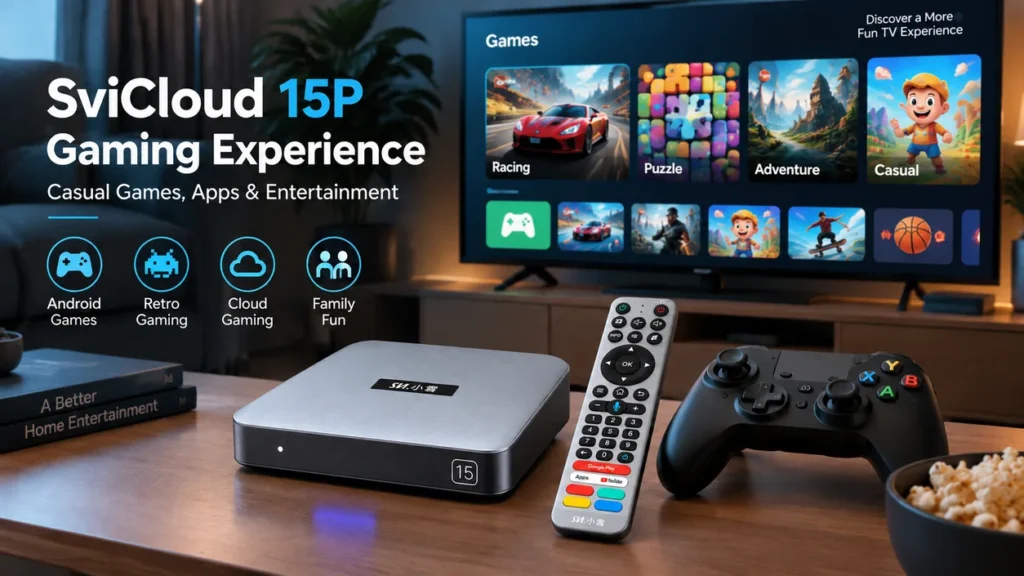
SviCloud 15P Gaming vs Traditional Game Consoles
| SviCloud 15P | Dedicated Console | |
|---|---|---|
| Movies & TV | Excellent | Limited |
| Android Apps | Supported | Limited |
| Casual Games | Suitable | Suitable |
| Retro Gaming | Possible with compatible apps | Available |
| AAA Gaming | Not the main purpose | Designed for this |
This comparison shows where SviCloud 15P fits. It is an entertainment device with gaming capabilities, not a replacement for a high-performance gaming system.
Other Entertainment Features Beyond Gaming
Gaming is only one part of the SviCloud 15P experience. Many users choose SviCloud because the device combines multiple entertainment functions in one place. The built-in SviCloud environment includes entertainment apps such as Yogurt TV, providing access to live TV, movies, shows and other categories. Users can also explore additional compatible applications based on their needs.
Our SviCloud 15P best apps guide covers other useful applications that can expand the device experience.
How to Install Games on SviCloud 15P
Installing games follows the same general process as adding other Android applications.
- Connect SviCloud 15P to the internet.
- Open the available app environment.
- Find compatible gaming applications.
- Install the selected game.
- Connect a controller if needed.
- Adjust game settings.
If you are setting up the device for the first time, our SviCloud 15P setup guide explains the basic installation process.
Who Should Buy SviCloud 15P for Gaming?
The SviCloud 15P is a good match for users who want more entertainment from their television. It is suitable for:
- Families who want casual games on the big screen
- Parents looking for simple entertainment options for children
- Users who enjoy retro gaming
- People who want one device for TV, apps, and light gaming
It may not be the right choice for someone looking specifically for competitive gaming hardware or the latest AAA titles.
SviCloud 15P Price and Current Offer
The SviCloud 15P price can change depending on current promotions. Customers comparing options should consider not only the device price but also warranty, support, included accessories and seller reliability.
You can check our latest SviCloud 15P price guide before ordering. Customers who want to buy the SviCloud 15P can also check the official store for current availability.
Final Thoughts: A Flexible Entertainment Device for Casual Gaming
The SviCloud 15P is not designed to replace a dedicated gaming console. Its strength comes from combining several entertainment experiences in one device.
For families, casual players, and users who want more from their television, Android gaming adds another layer of entertainment alongside live TV, movies, apps and media playback.
A bigger screen, a Bluetooth controller and the flexibility of Android can turn an ordinary evening into a more interactive experience.
Explore the SviCloud TV Box collection or visit the SviCloud 15P product page for current details.
View SviCloud 15P
Upgrade your home entertainment setup with SviCloud 15P.
Use coupon code svi8 at checkout to enjoy 8% OFF.