
A TV box can be a thoughtful gift for parents who miss familiar programs, but the hardware is only part of the decision. The real test is whether they can find something to watch, use the remote comfortably, and get help when a setting changes. If you are shopping for an older family member, start with the SviCloud TV box range and check the current package for the SviCloud 15P TV Box. Then use the checklist below to judge the gift against your parents’ actual viewing habits.
This guide is for adult children buying for parents in the United States, Canada, or another country served by the store. It focuses on daily use, not a list of impressive specifications. A SviCloud 15P can be a strong fit for a family that wants Chinese-language entertainment on the living-room TV, but it still needs a compatible television, a workable internet connection for online content, and a little setup time.
In this guide
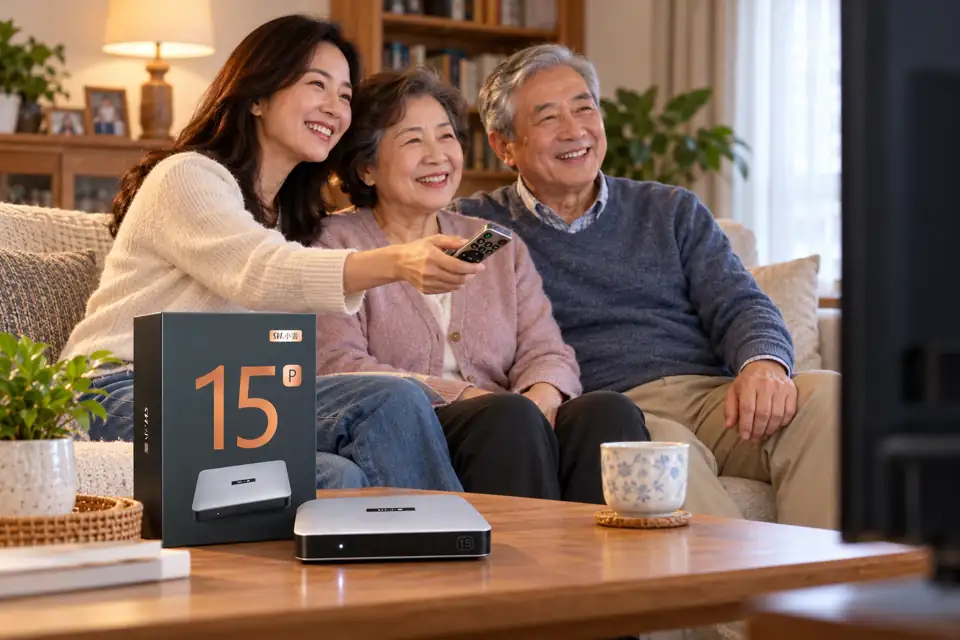
Start with what your parents actually watch
Before comparing processors or picture formats, ask a simpler question: what do your parents turn on most nights? Some want live news at a familiar hour. Others prefer Cantonese dramas, Mandarin films, variety shows, sports, animation with grandchildren, or a documentary after dinner. A gift that matches those routines has a better chance of being used than a device chosen only for its specification sheet.
The SviCloud 15P brings live and on-demand choices together through its supported apps. The available categories can include news, sports, TV series, movies, documentaries, and animation. The exact channel lineup and individual programs can change by app, region, and time; do not buy on the assumption that one named channel or title is guaranteed forever. If your parents have a must-watch program, check the current SviCloud 15P channel guide and ask the seller about that specific requirement before ordering.
Language matters as much as the number of programs. Ask whether your parents prefer Cantonese, Mandarin, English, or a mix, and whether they like live channels or browsing an on-demand library. For Cantonese-speaking households, the site’s TVB and Cantonese viewing guide is a more useful companion than a generic app list. It explains the viewing angle without implying that every show is always available.
Quick gift test: Write down three programs or categories your parents enjoy, the language they use at home, and whether they prefer live TV or choosing a title. Check these before you pay.
Will the SviCloud 15P feel easy to use every day?
Many parents do not want another gadget to manage. They want to press a button, find a familiar category, and return to the same place tomorrow. The 15P’s included remote has conventional directional buttons alongside supported voice input and air-mouse navigation. That gives users more than one way to search, but it does not mean every feature will be equally useful to every person. Some will stick with the arrow keys; others may appreciate speaking a long movie title rather than typing it.
Try to picture the actual room. Can the remote be seen easily under the usual lighting? Is the box close enough to the TV for tidy cable routing? Is the Wi-Fi signal reliable where the TV sits? If your parents already struggle with several remotes, keep the initial setup simple and show them only the few buttons they need. The SviCloud 15P remote guide covers pairing and voice-control basics if you need to teach those functions later.
For a parent who has never used an Android TV box, a live demonstration is better than a printed feature list. Let them open one familiar news category, return to the main screen, adjust volume, and choose a film. Repeat that routine twice. If it still feels awkward, simplify the app layout and leave a short handwritten note beside the TV. A gift is successful when the recipient can use it without calling you for every evening’s viewing.
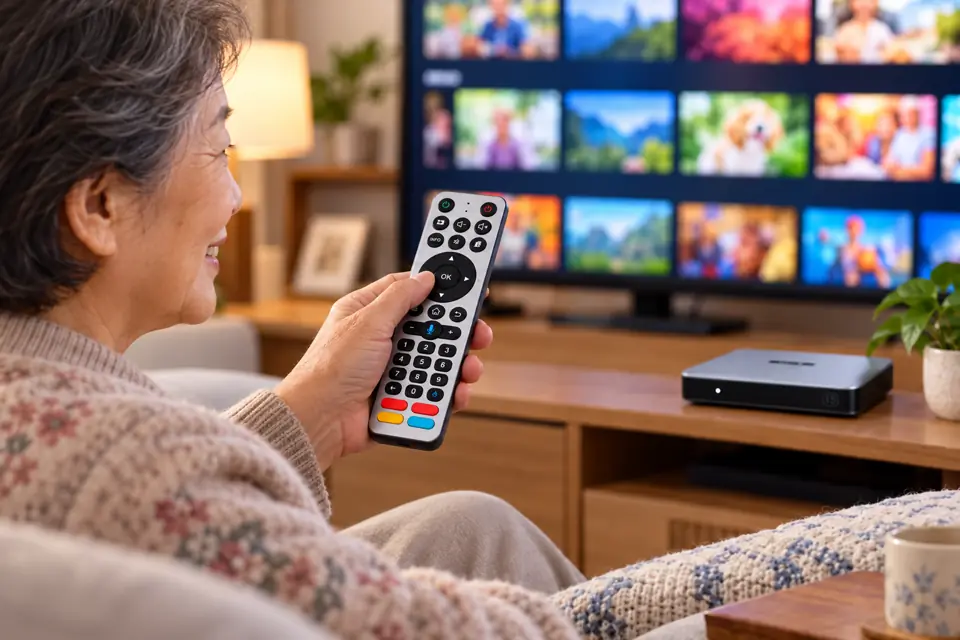
Do the setup work before you hand over the gift
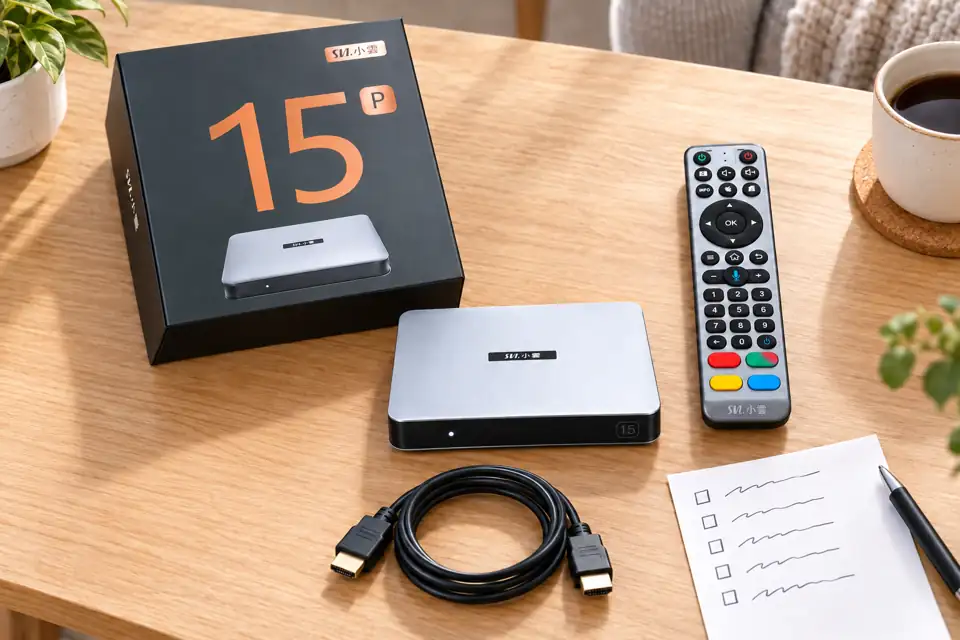
The most thoughtful part of a SviCloud 15P gift may be the hour you spend preparing it. Open the package together or, if practical, set the box up at your parents’ home. Connect the supplied power adapter and HDMI cable, select the correct TV input, choose the preferred language, and join the home network. Follow the prompts shown by the device; menu labels can vary after updates. Our step-by-step SviCloud 15P setup guide walks through the basic sequence.
Check the internet connection in the room where the device will actually live. The product listing specifies dual-band Wi-Fi 6 and Ethernet, but neither can repair a weak service connection by itself. If wireless reception is poor behind the television, try a more open position or a wired connection when the router is nearby. Test a normal viewing session rather than assuming that a successful network login proves everything is ready.
Keep passwords and account decisions under your parents’ control. Some apps may require their own accounts or subscriptions, while the box’s core setup and supported built-in features are separate questions. If you intend to sign in to a third-party service, explain what you are doing and who will pay for it. Leave the original packaging, manual, and order information somewhere easy to find in case support is needed later.
| Before gift day | Why it helps |
|---|---|
| Confirm TV input and an available HDMI port | Avoids the common blank-screen confusion during first use. |
| Test Wi-Fi or Ethernet in the living room | Shows whether online programs load where the box will sit. |
| Choose language and show two favorite categories | Gives parents a familiar starting point. |
| Practice Home, Back, OK and volume | Covers most daily navigation without a long lesson. |
| Save the order receipt and support contact | Makes later questions easier to resolve. |
Is there a monthly fee after you give the box?
The box itself is a one-time hardware purchase, and the store says there is no required monthly SviCloud device subscription for its built-in offering. That should not be confused with free home internet or free access to every third-party app. Internet service has its own bill, and an optional outside streaming service may have a separate charge. The SviCloud 15P monthly-fee explanation separates these costs so your parents are not surprised.
If the recipient is on a fixed budget, be explicit about which services you intend to use. Avoid signing them into paid apps during the initial setup unless they have asked for those services. A straightforward gift keeps the payment arrangements as clear as the remote controls.
Choose the bundle and seller with care
Check the current product listing for the included remote, power plug choice, package contents, and any temporary gifts before ordering. The SviCloud 15P listing currently describes an Android 14 box with 4GB RAM, 64GB storage, a voice air-mouse remote, and accessories, but listings and promotions can change. The specification that matters most for a parent is the one that supports their real setup: a compatible TV connection, a workable network, and controls they can learn.
Also check the delivery destination and leave enough time to prepare the box before a birthday or family visit. Shipping estimates are not guaranteed arrival dates. If the listing or seller details are unfamiliar, use the site’s genuine SviCloud buying checklist to review authenticity and support before payment. This is especially worthwhile when a parent will rely on you for after-sales help.
For families comparing several devices, the current SviCloud TV box selection is a sensible final check. The 15P is a compelling gift when parents mainly want familiar Chinese-language entertainment, appreciate a physical remote, and have someone who can help with the first setup. A parent who already uses a different TV platform confidently or needs one highly specific third-party service should check that service’s compatibility first.
Frequently asked questions
Is the SviCloud 15P suitable for older parents who are new to TV boxes?
It can be, especially if you connect it at their home and teach a few repeatable actions. Ease of use depends on their viewing habits and comfort with the remote; do not assume that a long feature list replaces hands-on setup.
Can my parents watch Chinese-language news, films and drama?
The supported SviCloud apps offer categories that include news, films and TV series. Confirm any must-have channel or title before ordering because availability can change by app and region.
Does the box require a monthly subscription?
The store does not list a required recurring device fee for the built-in offering. Home internet and optional third-party subscriptions are separate expenses.
What should I check before shipping the gift abroad?
Confirm the destination is served, choose the correct plug option, review the current shipping policy, and keep the order details. If you cannot visit to set it up, arrange a video call for the first connection.
Final verdict: a good gift when you include a little guidance
A SviCloud 15P is most persuasive as a gift for parents who want familiar programs on the main TV and would value a simple path from the remote to something worth watching. Match the available content to their language and interests, check the home network, and plan a short practice session. That modest preparation can matter more than any single technical feature.
When the fit is clear, check the latest SviCloud 15P package and availability and choose the plug for your parents’ location. Keep the purchase decision practical: give them the box, the setup, and the confidence to enjoy it on their own.