
A TV box can feel warm after a long evening of streaming. That does not, by itself, tell you whether something is wrong. What matters is the pattern: does the SviCloud 15P feel hot only while it is working, or does it repeatedly lose picture, restart, or become uncomfortable to handle? If you are searching for SviCloud 15P overheating help, begin with a safe placement check before changing software settings.
The SviCloud TV box lineup includes compact devices meant to sit near a television. The current SviCloud 15P TV Box listing identifies its Type-C power connection and supplied power adapter. Those details matter because a blocked shelf or an unsuitable power supply can confuse a heat diagnosis. This guide separates normal warmth from warning signs without inventing a temperature limit for the 15P.
In this guide
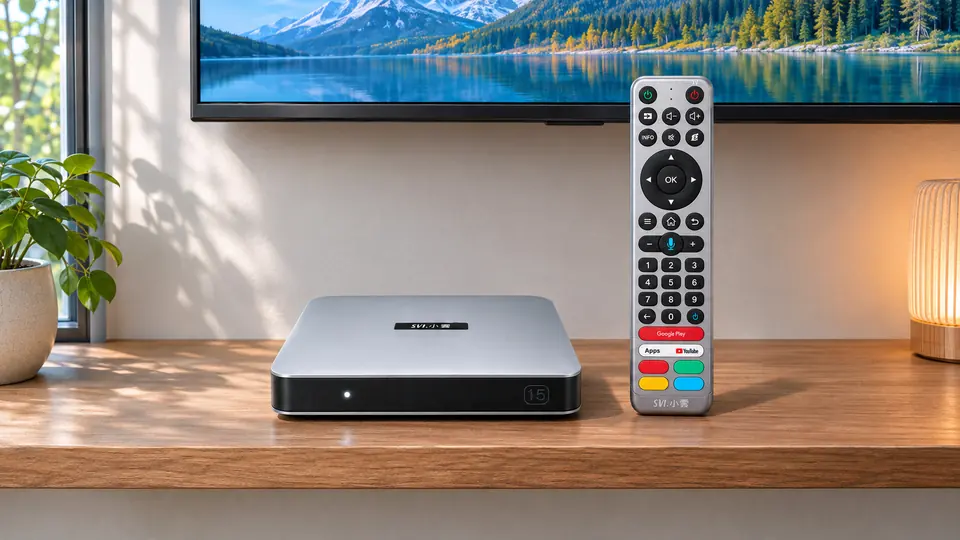
SviCloud 15P overheating: when should you worry?
Warm case, normal playback: first check that the box is uncovered and has room around it; monitor it during your usual viewing session.
Very hot case, repeated restarts, a damaged power lead, or an unusual smell: stop using the box, disconnect power carefully, let it cool, and contact the seller before trying again.
Buffering or a black screen alone: these symptoms can have several causes. Do not call them proof of overheating without checking the network, HDMI path, power and timing.
Other streaming-device makers describe mild surface warmth during use as possible, while advising users to unplug an unusually hot device and keep it away from enclosed spaces and other heat sources. The SviCloud 15P seller does not publish a specific case-temperature threshold here, so a hand test cannot provide a diagnosis in degrees. Look for a repeatable change in behavior instead.
Start with the shelf, not the settings menu
Look at where your SviCloud 15P actually sits while the TV is on. A box tucked behind the screen, pushed against a warm receiver, or surrounded by stacked equipment has less opportunity to shed heat. Move it to a firm, open surface. Keep fabric, papers and other objects off the top; avoid direct sunlight and nearby heaters. Do not place it on a bed, rug or cushion.
The simple change is often more useful than adding a fan or opening the case. Leave enough room for the device and cables to sit naturally, without forcing a connector against the wall. You do not need to guess where internal vents are or drill the housing. If a cabinet is the only available location, test the box temporarily on an open shelf and compare the same viewing session before deciding that the location is harmless.
Placement can affect more than temperature. A box hidden behind a large television may also have weaker Wi-Fi reception. If the symptom is buffering rather than a hot enclosure, the SviCloud 15P Wi-Fi and Ethernet comparison is the more relevant next check. Avoid attributing every slow stream to heat.
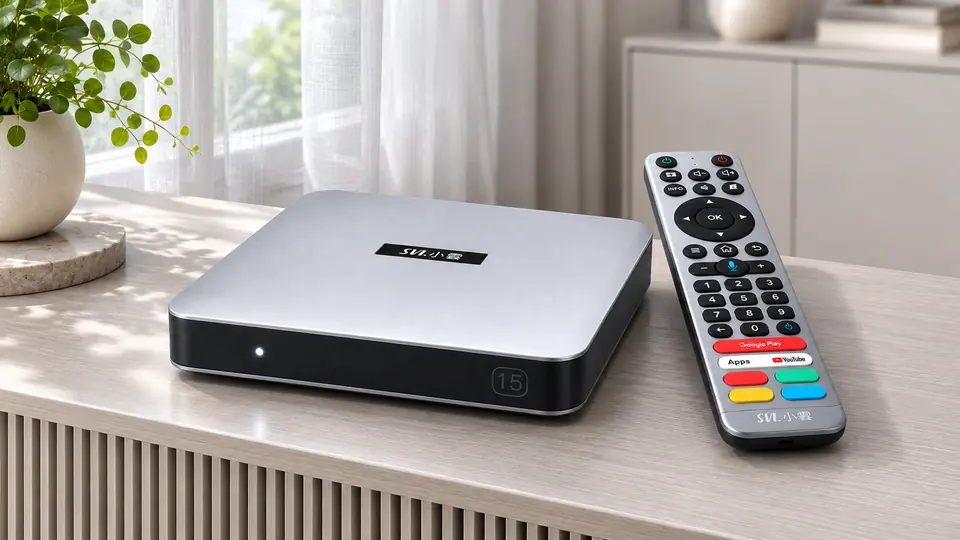
Run one controlled SviCloud 15P heat check
A controlled test is more informative than repeatedly unplugging and reconnecting the box. First, note what happened: which app was open, how long the 15P had been running, whether the TV lost its picture, and whether the box itself restarted. If you can handle it comfortably, switch it off through its normal control and disconnect the power supply. If the case is unusually hot, handle the plug and cable cautiously and allow the device to cool before moving it.
- Change the location. Put the cooled box on an open, hard surface away from the TV’s warm rear panel and direct sun.
- Keep the test consistent. Use the same TV, the supplied power adapter and the same app or local video you were using when the issue occurred.
- Observe the next session. Note whether the picture, sound and box remain stable. Compare a shorter session with the point at which the earlier problem appeared.
- Change only one variable at a time. If a single app fails while the home screen and another app work, investigate that app. If the TV says “No Signal,” inspect HDMI and input selection.
- Stop after a repeated serious symptom. A second unexpected shutdown, a very hot adapter, visible damage or an unusual odor is a reason to seek support, not to keep cycling power.
If the screen stays black even when the device is cool, the SviCloud 15P no-signal checklist walks through the television input and HDMI connection.
If only one application freezes, compare its behavior with the SviCloud 15P apps guide and use the app provider’s trusted update route. Neither symptom, on its own, proves a temperature fault.
| What you notice | Useful first check | Why it matters |
|---|---|---|
| Case feels warm; video and menus work | Open placement and normal monitoring | Warmth alone is not a measured fault. |
| Only one app freezes | App status and trusted update | The problem may be app-specific. |
| TV reports “No Signal” | HDMI cable and selected TV input | A display-path issue can mimic a failed box. |
| Repeated shutdown after warming up | Stop, cool and contact support | A recurring failure needs individual assessment. |
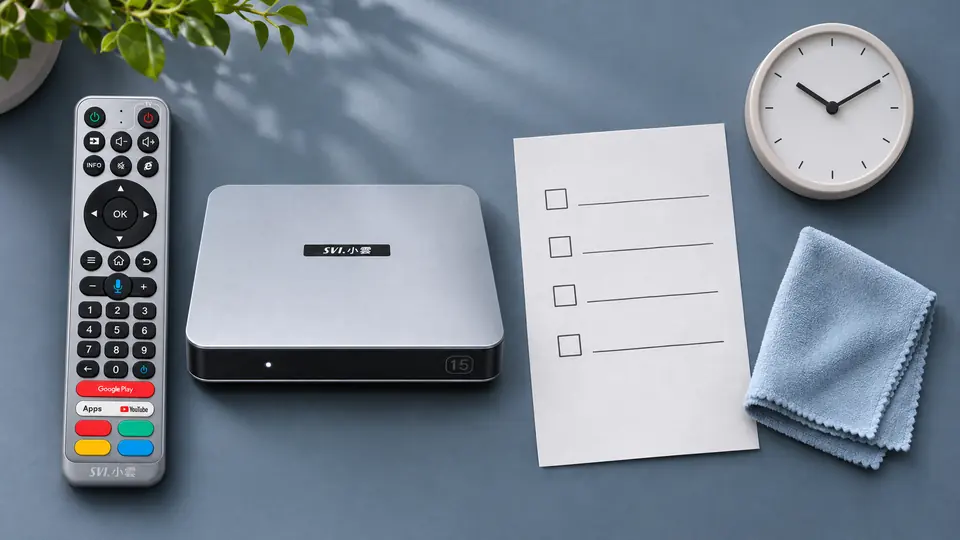
Check the power supply without improvising
The 15P uses Type-C power, but a connector that fits does not mean every phone charger is appropriate. The product listing and SviCloud 15P setup instructions point to the supplied power adapter. Use that adapter while testing, and check the cable, connector and wall outlet for visible damage or a loose fit. Do not tape a damaged cable, use an unknown replacement, or open the adapter.
Power interruptions and temperature problems can look similar from the sofa: both may interrupt a session. If the device behaves normally after being moved but fails again only with a particular outlet or power lead, record that pattern for support. Do not try to diagnose an electrical fault by touching the adapter while it is powered if it seems abnormally hot. Disconnect it safely and seek help.
What not to do when a TV box feels hot
A factory reset removes settings and may require app setup again, but it cannot create airflow around a closed cabinet or repair a damaged adapter. Leave it for a clearly identified software problem after simpler checks. Similarly, do not install a random “cooling” APK, cover the unit with a cold pack, or modify the enclosure. Moisture and improvised accessories introduce risks without showing whether the original problem was thermal.
A single speed test is not a temperature test either. If your connection drops at the same hour every night while the box remains only mildly warm, compare another device on the same network. That observation can help separate a household-network pattern from a box-specific failure. Record the evidence rather than repeatedly switching Wi-Fi bands and power supplies at once.
When to stop testing and contact the store
Contact support if the SviCloud 15P repeatedly shuts down, becomes uncomfortable to handle, shows visible cable or adapter damage, or produces an unusual smell. Stop using the affected equipment first. Share the order number, where the box was placed, whether you used the supplied adapter, when the problem begins, and a short video if one can be captured safely. These details give the support team something concrete to assess.
The store’s SviCloud 15P warranty and returns guide explains the distinction between product support and returns. The store also advertises 30-day worry-free returns; if a return is the right choice, contact the seller within 30 days of receiving the box and check the current policy for the steps. For a device that appears unsafe, use the SviCloud support contact rather than continuing home experiments.
Frequently asked questions
Is it normal for a SviCloud 15P to feel warm?
A streaming box may feel warm while operating. Warmth alone does not establish a fault. If it is unusually hot or its behavior changes, turn it off, unplug it safely and assess the placement and power supply.
Can I leave the SviCloud 15P inside a closed cabinet?
An open, stable surface is a better starting point for troubleshooting. A closed cabinet and stacked electronics can trap heat; move the box temporarily and compare the same viewing activity.
Does buffering mean the TV box is overheating?
No. Buffering can reflect Wi-Fi reception, internet congestion or an individual app or service. Check the network path before concluding that the case temperature caused it.
Should I buy a cooling fan or replace the adapter?
First use an open location and the supplied adapter. If the box or adapter is unusually hot, stop using it and ask the seller which remedy or replacement is appropriate for your unit.
Conclusion: a calm check beats a guess
For SviCloud 15P overheating concerns, begin with the observable facts: location, surface warmth, the supplied power adapter and whether the same symptom repeats. A warm case with stable playback calls for sensible placement and monitoring. A box that becomes very hot or repeatedly shuts down calls for a pause and store support. If you are comparing replacement options, the current SviCloud models provide the broader context; check the 15P listing for its present specifications and availability before ordering.