
One television is in the living room; another is in the bedroom. Can the same SviCloud 15P TV Box serve both? Yes, if you move the box and reconnect it each time. If two people want different programs at the same time, each screen needs its own source device. The practical choice depends on how often the rooms are used, the network in each room, and whether convenience is worth a second box.
The SviCloud TV box lineup includes the 15P for HDMI-connected home viewing. This guide focuses on the room-by-room decision, rather than assuming that every household needs another device.
Contents
Can one SviCloud 15P work with two TVs?
One room at a time: move the SviCloud 15P, its matching remote, HDMI cable and supplied power equipment to the TV you want to use. Select that TV’s connected HDMI input and check its internet connection. Two different programs at once: use a separate streaming device for each TV. An HDMI splitter distributes one source signal; it does not turn one box into two independent players.
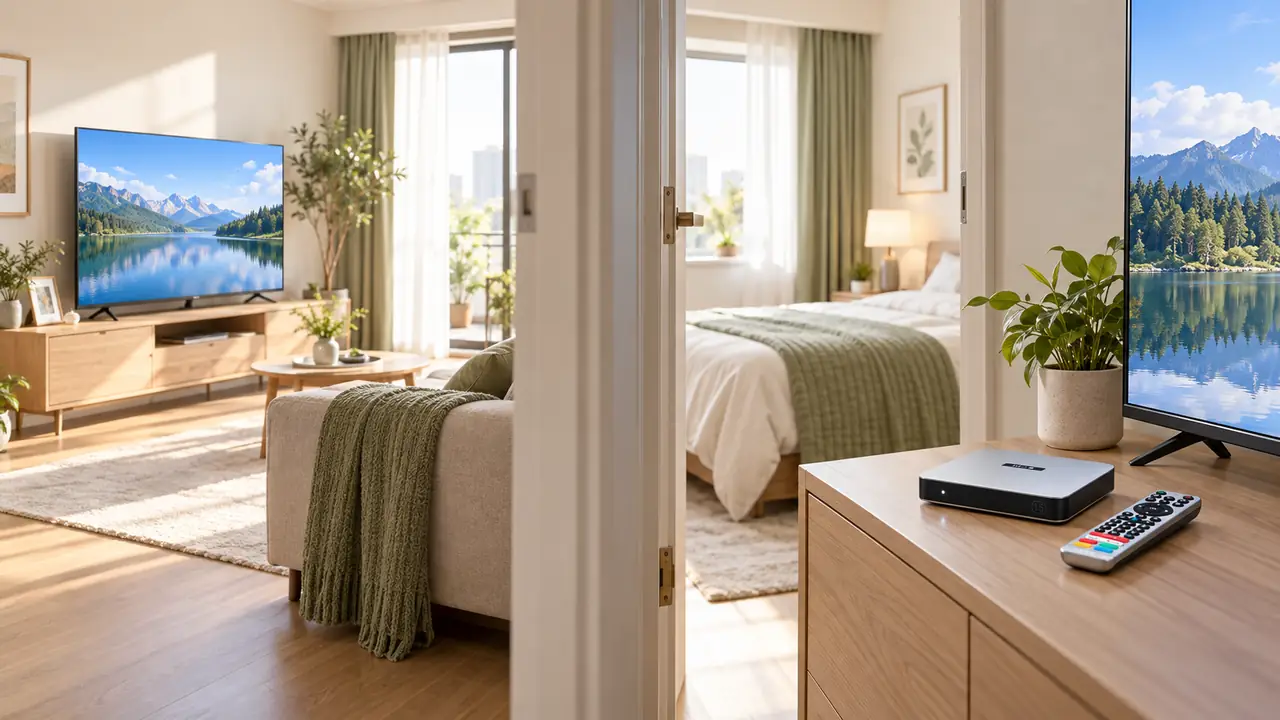
That distinction prevents an expensive mistake. A splitter may show the same picture on two compatible displays, subject to the splitter, cables, content protection and the displays’ capabilities. Both screens would still follow the same box and remote. It is not the answer when one person wants a film in the bedroom while another watches news in the living room.
| Household pattern | Practical approach | Main trade-off |
|---|---|---|
| One TV is usually idle | Move the existing 15P between rooms | Reconnect power and HDMI; carry the remote |
| Both TVs show the same program | Ask an installer about a compatible HDMI distribution setup | Extra hardware and cable routing; no independent viewing |
| People watch different content simultaneously | Use a separate box on each TV | Higher upfront device cost; separate setup |
How to move the SviCloud 15P between rooms without losing track of the setup
Moving the device is a physical reconnection, not a factory reset. The current 15P listing describes an HDMI cable, power adapter and AI voice air-mouse remote in the package. Keep those items together. If you leave a cable at each television for convenience, use cables and power equipment that meet the box’s requirements; do not assume a phone charger is a safe substitute simply because its connector fits.
- Stop playback and turn the box off using its normal controls.
- Disconnect the power equipment and HDMI cable carefully; avoid pulling on the cable itself.
- Place the box near the second TV with space around it, then connect HDMI and compatible power.
- Turn on the television and choose the exact HDMI input to which the box is connected.
- Wait for the home screen, then test picture, sound, network and remote response with familiar content.
If this is the first time the box has been used in the second room, the site’s SviCloud 15P setup walkthrough covers the normal connection order and on-screen prompts. Menu wording can vary with software revisions, so follow the labels on your own unit.
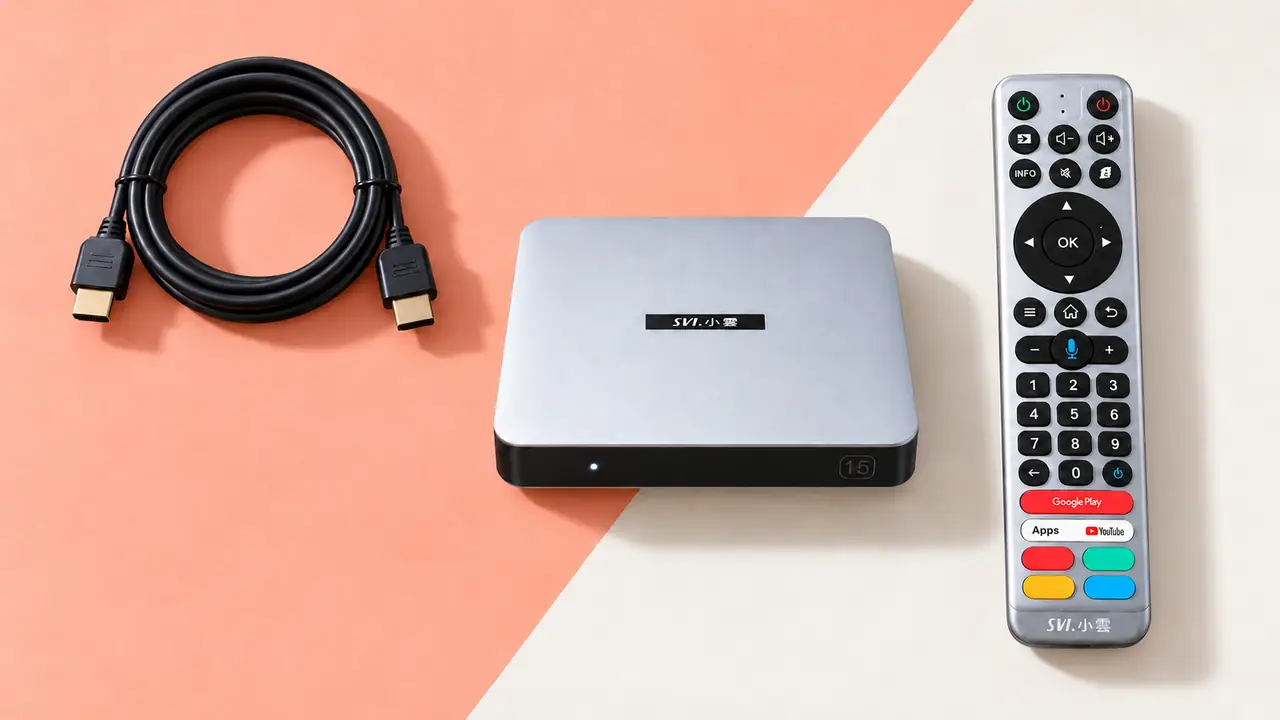
Before buying duplicate accessories, check the second TV’s available HDMI input, nearby outlet and cabinet space. A cable that reaches comfortably is better than one stretched behind a cabinet. If children or older relatives use the room, label the TV input in a way they will recognize, such as “TV box,” using the television’s own input-naming feature if it has one.
Check the network where the second TV actually sits
A box that streams well beside the router may behave differently behind a bedroom wall. The SviCloud 15P listing specifies dual-band Wi-Fi 6 on 2.4GHz and 5GHz. This tells you which wireless options the device supports; it does not promise identical speed or stability in every room. A nearby 5GHz connection may be useful, while 2.4GHz may reach farther through obstacles. Actual results depend on the router, interference and the internet service.
Try the second room before ordering more hardware. Put the box in its intended position, connect to the home network, and play the sort of program the household normally watches. If it buffers, compare a nearby placement, the other Wi-Fi band if available, and a suitable wired connection where practical. The site’s SviCloud 15P Wi-Fi versus Ethernet guide explains those trade-offs in more detail.
A useful test: check at the hour the room will usually be used. A bedroom that works well in the afternoon can face more network congestion during family viewing in the evening. Keep the device in the same position for each comparison so the result means something.
If the second television is in a guest room or a relative’s home on a different network, expect to select that network and enter its credentials as needed. Do not promise that saved logins or every app session will transfer unchanged between networks or devices; account requirements belong to each service.
Check the second TV’s picture, sound and remote behavior
The most common first impression of a failed move is a blank screen caused by the television viewing the wrong input. Note the HDMI port number, then select it with the TV’s own remote. If the display says “No Signal,” reseat the HDMI cable and confirm that the box has power before changing any software setting. The existing SviCloud 15P no-signal checklist is the right next step if the second TV still shows nothing.
Sound deserves its own short test. Bedroom TVs sometimes use their built-in speakers while the living-room screen routes audio through a soundbar. Start with the TV speakers and normal volume, then add any external audio equipment after the basic connection works. If your plan is late-night viewing, the 15P lists Bluetooth 5.4 and compatible headphone support; the Bluetooth headphone guide covers the separate pairing and listening considerations. Accessory behavior can differ by model.
Keep the SviCloud remote with the box. The TV’s own remote is still useful for selecting its HDMI input and checking speaker settings. HDMI-CEC may simplify some basic controls on compatible televisions, but whether it does so in both rooms depends on each TV’s settings. Test control on the second screen instead of assuming that a setting learned in one room will behave identically in another.
When buying a second SviCloud 15P is the more convenient choice
Moving one box is sensible when the bedroom TV is used occasionally. It becomes awkward when two people want to watch at the same time, the rooms are far apart, or a family member cannot easily reach the rear connections. A second SviCloud 15P gives each television its own device and remote, so one viewer’s menu choice does not interrupt the other. Each unit still needs its own HDMI connection, suitable power and usable network access.
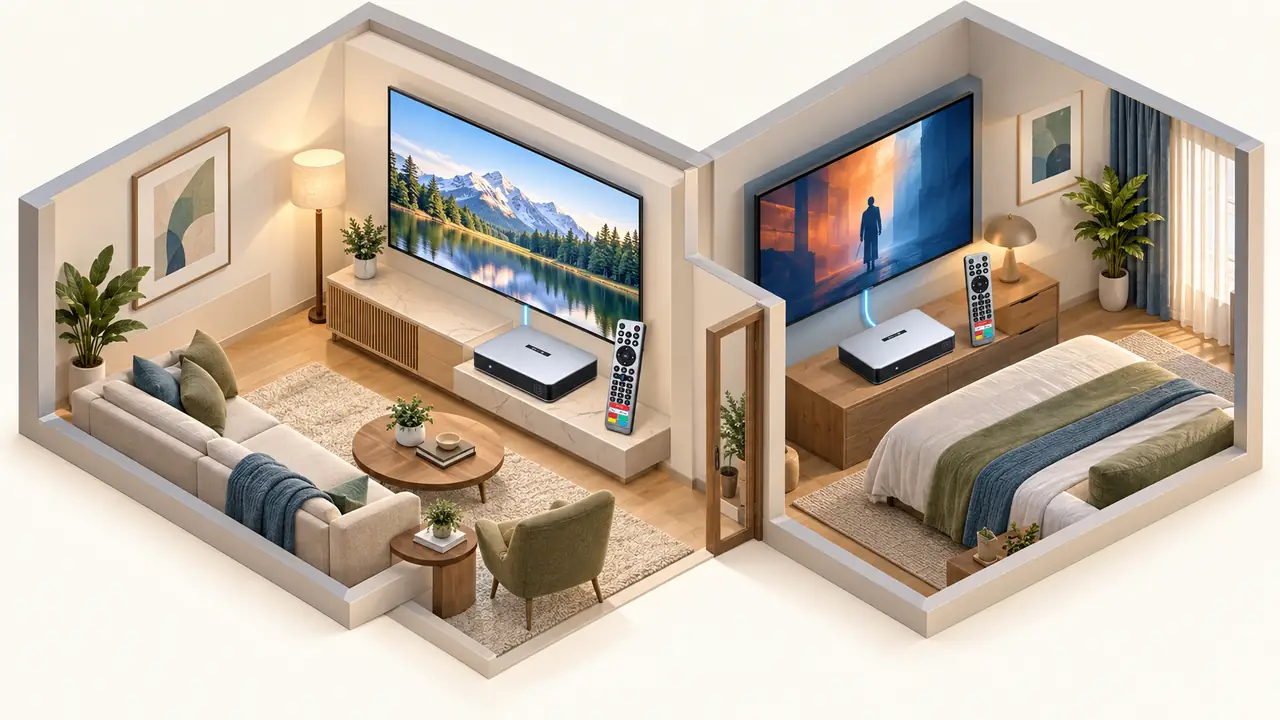
Think through accounts before assuming that two boxes automatically mean two simultaneous streams. A third-party app may impose its own account, household, regional or concurrent-stream rules. The store says the SviCloud device itself does not require a monthly subscription, but internet service and optional third-party subscriptions are separate costs. The SviCloud 15P monthly-fee explanation separates those charges so you can budget for the actual viewing plan.
The 15P’s current listing includes Android 14, 4GB RAM, 64GB storage, Wi-Fi 6, 4K HDR10 and an AI voice remote. Those specifications can make it a practical second-room choice if you want the same interface in both rooms. They are not a reason to replace an already satisfactory box without first testing your TV, apps and network. A second unit should solve a real scheduling or convenience problem.
Three household examples that make the decision easier
Weekend bedroom viewing
You only use the second screen once or twice a week. Move the existing box, keep its cables organized and confirm that the room’s Wi-Fi works. Buying another unit may add little value.
Parents in the living room, adults in the bedroom
Both rooms are active most evenings and viewers choose different programs. Separate devices avoid moving equipment and arguing over one remote. Check each service’s concurrent-use rules.
Guest room or occasional visitor
Decide whether guests need access to your personal accounts at all. A spare device can be convenient, but account privacy and a reliable network matter more than putting a box under every TV.
FAQ: SviCloud 15P and two televisions
Can I plug my SviCloud 15P into another TV?
Yes, provided the other TV has a suitable HDMI input and the box has compatible power. Select the matching TV input, then test its network and sound. Moving the box does not itself require a factory reset.
Can one SviCloud 15P play different channels on two TVs at once?
No. One box is one source. An ordinary HDMI splitter distributes its output rather than creating a second independently controlled player. For different content at the same time, use separate source devices and check the relevant app’s stream rules.
Will a second 15P need another internet plan?
Usually both devices can use the household’s existing network if it reaches both rooms, but your internet provider’s plan and performance still apply. Check Wi-Fi coverage or a wired option in the second room before buying.
Does a second box mean another SviCloud monthly fee?
The store states that its device has no required monthly subscription. The upfront device cost, internet access and any optional paid apps or services are separate. Verify each third-party service’s terms for multiple devices.
What if the second TV has picture but no sound?
Check the TV’s volume and speaker output, then test the box directly through that TV’s HDMI input before reconnecting a soundbar or headphones. Audio settings can differ between rooms.
Choose the setup that matches your rooms
If one screen is rarely used, start by moving the box and testing its HDMI, sound and network connections in that room. If two people routinely watch different content, a second unit is the cleaner long-term setup. The broader SviCloud entertainment box range can help you decide whether another 15P or a different model fits the second screen.
Before ordering, check the current SviCloud 15P model listing for included accessories, plug type and availability in your region. Make the purchase only after you know that the second television has the input and network access the room needs.