
SviCloud 15P vs 10S comes down to the television you use most. The 10S is a practical, lighter-use TV box with 2GB of memory and 32GB of storage. The SviCloud 15P TV Box doubles both figures, moves to Android 14, and adds Wi-Fi 6 and a more capable local-media experience. For a main family TV, we would choose the 15P; for a simpler second-room setup, the 10S may be enough when it is available.
We carry the SviCloud TV box range for households with different viewing habits. This guide focuses on what the published specifications actually change for a buyer, rather than treating the larger model number as the answer by itself.
Quick choice: Choose 15P for your main screen, a larger app library, newer wireless hardware, and organized personal movie collections. Consider 10S for lighter viewing and a lower-cost second screen. Check current stock and the selected plug type before ordering.
In this guide
SviCloud 15P vs 10S: specifications at a glance
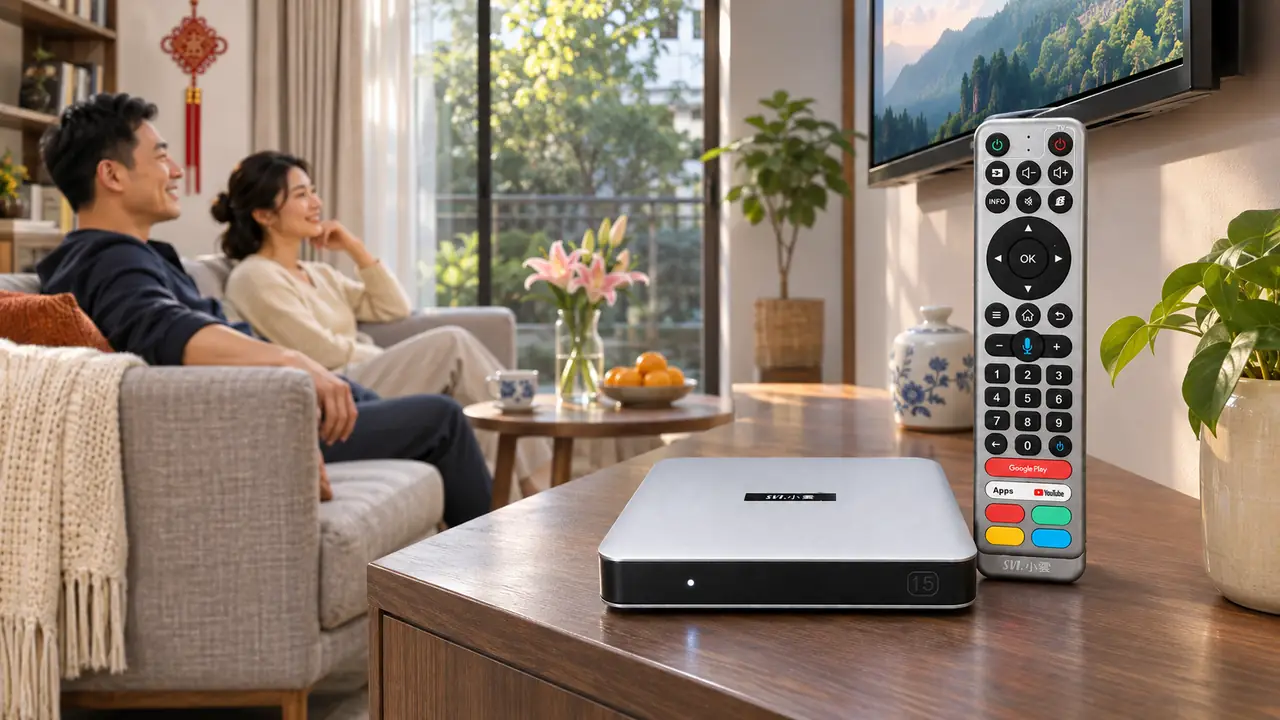
The two boxes share the basic job of bringing Android-based entertainment to an HDMI television. The meaningful differences are the resources available to apps, the wireless generation, and the 15P’s additional media features. Our SviCloud 10S model is positioned for value-focused everyday viewing, while the 15P is the more fully equipped option.
| Feature | SviCloud 15P | SviCloud 10S |
|---|---|---|
| Operating system | Android 14 | Android 12 |
| Memory and storage | 4GB RAM / 64GB storage | 2GB RAM / 32GB storage |
| Processor family | 64-bit Cortex-A55 | Quad-core Cortex-A35 |
| Wireless network | Dual-band Wi-Fi 6, 2T2R | Dual-band 2.4GHz / 5GHz Wi-Fi |
| Bluetooth | 5.4 | 5.0 |
| Voice control | Voice remote with air-mouse navigation | Voice remote |
| Local movies | Filmax and compatible personal media playback | Compatible local media playback |
Both models can serve a straightforward television setup. The table is most useful when you connect each line to your own routine: how many apps you keep, how busy the home network is, whether you use Bluetooth accessories, and whether you maintain a personal movie library. A larger specification does not make a source video higher quality by itself; the TV, content, network, and settings still matter.
Why 4GB/64GB versus 2GB/32GB matters
Memory and storage are the clearest differences to understand. The 10S gives you a compact 2GB/32GB configuration for a focused set of everyday apps. The 15P gives you 4GB/64GB, so there is more room for installed apps, downloads, and the files those apps create. For a household that tries new applications, switches between entertainment and utility apps, or shares one main TV, the extra headroom makes the 15P the more flexible purchase.
Storage figures describe the device’s total capacity, not the exact free space shown after the operating system and preinstalled software. If your current box already feels crowded, compare the apps you actually use before replacing it. The hardware comparison here tells you how much room the two models start with.
The newer Android version is another reason to look at the 15P when buying a box today. Android 14 on the 15P and Android 12 on the 10S are confirmed model differences, but an OS number alone is not a promise that every third-party app will run. For a closer look at the platform change, see our Android 14 upgrade guide.
Network, picture and remote: which upgrades will you use?
Wi-Fi 6 is useful when your home is ready for it
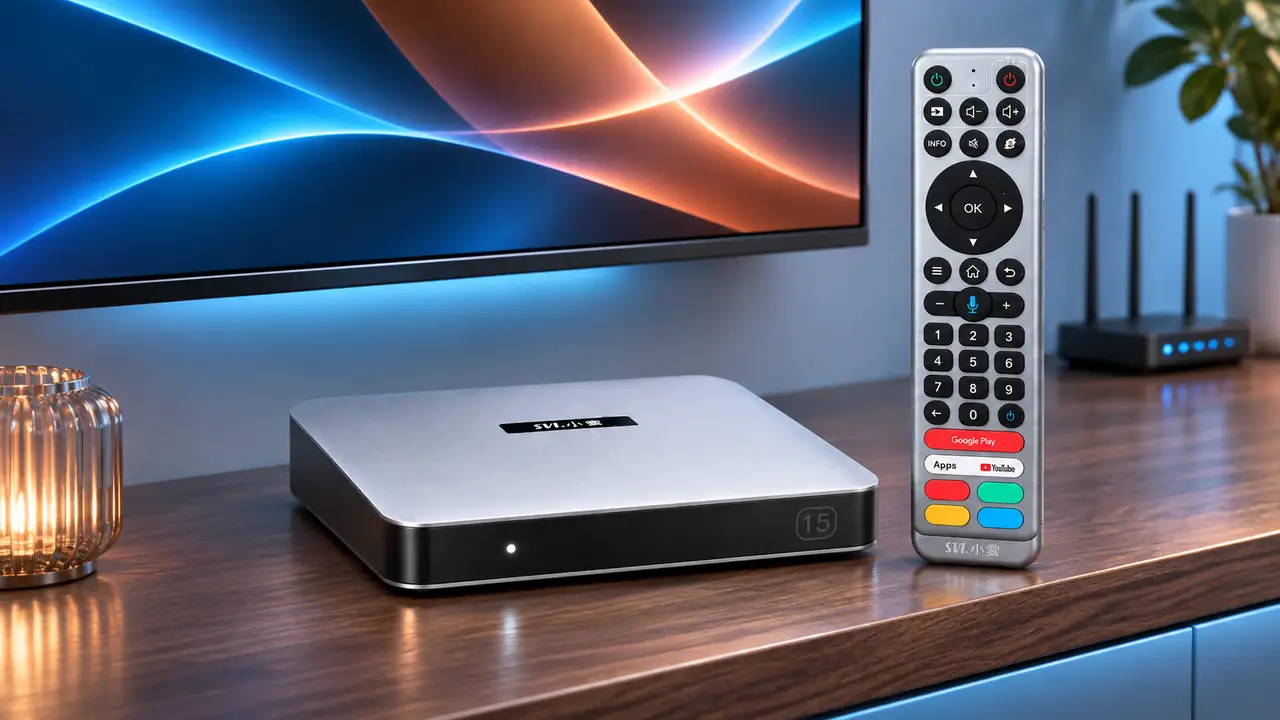
Both boxes support 2.4GHz and 5GHz Wi-Fi. The 15P adds Wi-Fi 6 with 2T2R support, while our 10S information lists dual-band Wi-Fi without that Wi-Fi 6 specification. If several people use phones, computers, and televisions on the same network, the 15P gives you a newer wireless option to pair with a compatible router. It does not replace a sound internet connection or good router placement.
If the television sits near the router, a wired connection may be worth considering regardless of model. We explain the practical tradeoffs in our 15P Wi-Fi and Ethernet comparison. That guide is especially useful if your purchase decision is driven by an unreliable wireless connection rather than by app storage.
Picture quality depends on the whole setup
The 15P lists 4K HDR10 output and AV1 decoding among its features. The 10S materials also show 4K and AV1 support, so “4K” alone is not a good reason to choose one over the other. Consider the television’s capabilities and the source you actually watch. For the buyer with a newer main TV, the 15P’s broader overall package—memory, wireless, Bluetooth, and local-media tools—is a stronger reason to upgrade than a single resolution badge.
Voice search on both, more navigation options on 15P
Both models come with voice-capable remotes. The 15P remote also provides air-mouse navigation, which can make pointer-based menus easier to use from the sofa. If you mainly move through standard TV menus with the directional pad, the 10S remote may cover your routine. If the household regularly uses apps with different interface layouts, the 15P gives you an additional way to navigate.
Personal movie collections are a 15P reason to upgrade
Most comparison articles stop at RAM and Wi-Fi. For families who keep movies or home videos on compatible storage, the 15P offers another distinction: its Filmax local-media environment helps organize a personal collection, including supported poster-wall browsing and compatible file playback. The 10S can play compatible local media, but the 15P is the better choice when local files are a regular part of your entertainment rather than an occasional USB test.
Our guide to organizing local movies on the 15P covers the practical side of that feature. If you never use personal files, do not let it dominate your decision; put greater weight on app space, network setup, and the television you are equipping.
Which model fits your home?
Choose SviCloud 15P for the main family TV
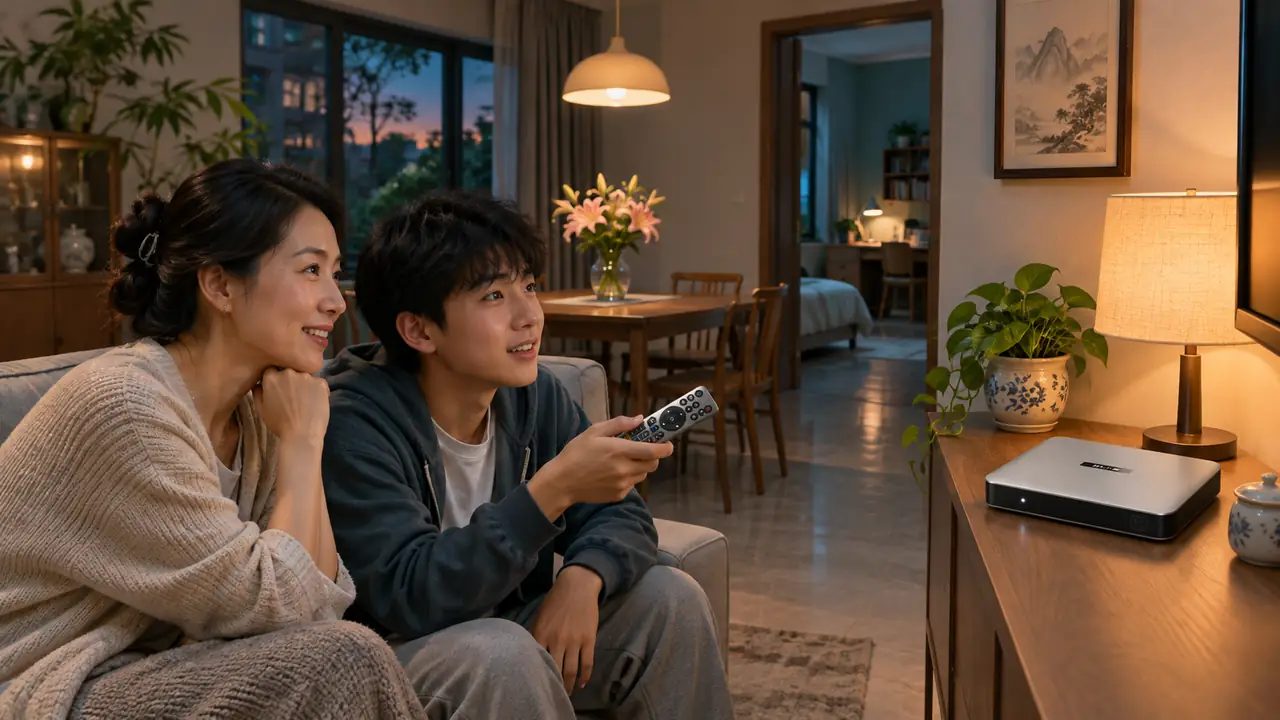
For the screen used most evenings, our recommendation is the 15P. Its 4GB RAM and 64GB storage provide more working room, Android 14 gives you the newer platform, and Wi-Fi 6 and Bluetooth 5.4 broaden the connection options. The air-mouse remote and Filmax player add value if family members use a mix of apps and personal media. This is a sensible way to invest once in the TV setup everyone shares.
Consider SviCloud 10S for a lighter second screen
A bedroom or guest-room TV that runs a smaller app set has a different job. The 10S remains a practical choice where 2GB RAM, 32GB storage, dual-band Wi-Fi, Bluetooth 5.0, and voice control fit that use. We would not tell a light-use buyer to pay for capabilities they will never touch. At the time of writing, our storefront shows the 10S as out of stock, so check its listing for current availability before planning a second-room purchase.
What if your budget falls between them?
There is a middle step in the range. Our 15P and 10P comparison is worth a look if you want 4GB/64GB but are still weighing the latest generation against an established model. If you are deciding between the lighter configurations, our 10S and 10P buying comparison explains that tradeoff. These are different decisions; use the article that matches the two boxes actually on your shortlist.
SviCloud 15P vs 10S: common buying questions
Is the SviCloud 15P worth choosing over the 10S?
Yes for a main TV or a household that wants the larger 4GB/64GB configuration, Wi-Fi 6, Android 14, air-mouse navigation, and Filmax. A 10S can still make sense for a lighter secondary setup.
Do both boxes need a monthly device fee?
The TV box is a one-time hardware purchase. Internet service and any optional paid third-party apps or subscriptions are separate decisions. Our 15P cost and subscription guide explains what to count before checkout.
Will the 15P automatically make every stream faster?
No single TV box controls the quality of your internet service or the source stream. The 15P gives you more memory and newer wireless hardware; choose a suitable network connection and compatible content to make good use of them.
Can I use either model on an HDMI television?
Both are intended for an HDMI television. Confirm the display input, available power outlet, plug type, and your preferred network connection before ordering.
Our recommendation
For most customers buying one box for the household’s primary television, choose the SviCloud 15P. It brings the more generous configuration and a broader set of current features without making your purchase decision depend on vague promises about channel counts or instant speed. The 10S remains a reasonable lighter-use alternative when stock returns and its smaller configuration matches the room.
Explore our SviCloud TV boxes if you are equipping more than one screen.
For your main TV, check the current SviCloud 15P options and availability, select the plug type for your home, and compare the final checkout details before ordering.