
If you keep movies on a hard drive, USB storage device, or personal media library, the SviCloud 15P local media features can do more than play individual files. Its Filmax local media environment, Smart Poster Wall, compatible BDMV and ISO playback, subtitle controls, and 64GB storage are designed to make a personal collection easier to browse on a television.
The best starting point is the SviCloud TV box lineup, then review the SviCloud 15P TV Box specifications to confirm that its local playback features match your collection, display, storage device, and viewing habits.
Contents
Quick answer
- The SviCloud 15P supports compatible BDMV, ISO, MKV, MP4 and TS media files.
- Filmax and Smart Poster Wall can make a large personal movie library easier to browse.
- Artwork and media information depend on available metadata and file organization.
- Playback quality depends on the source file, storage device, display, audio system and selected settings.
Why local media works well on SviCloud 15P
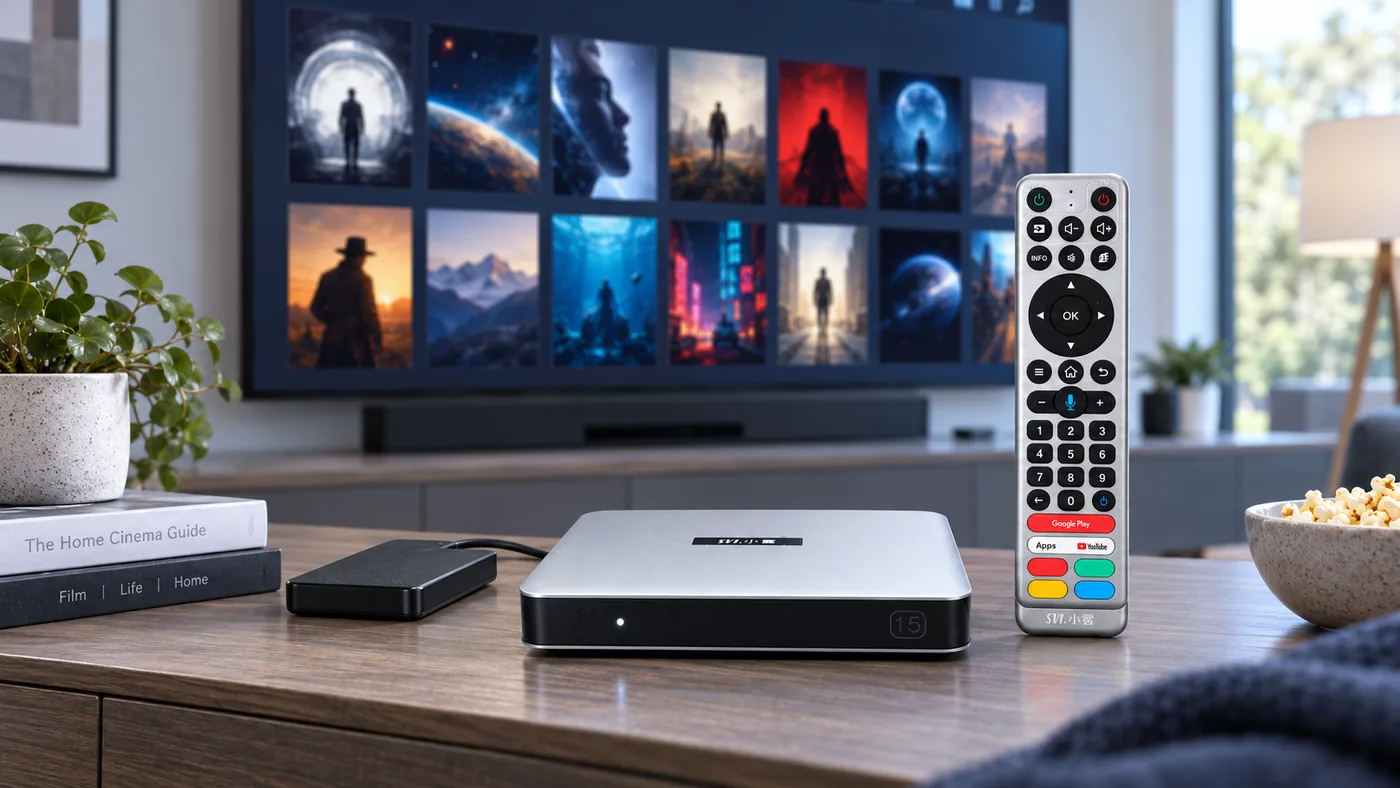
Many Android TV box users rely entirely on online applications. That is convenient, but it is not always the best way to manage a personal collection. A family may already have downloaded movies, home videos, concert recordings, legally backed-up discs, or files stored on a local drive.
The SviCloud 15P is positioned as both an Android TV box and a more advanced media player. Its product information lists Android 14, a 64-bit A55 processor, 4GB RAM, 64GB storage, 4K HDR10 output and AV1 decoding. It also highlights local media playback through Filmax, Smart Poster Wall and compatible BDMV or ISO files.
This makes the SviCloud 15P more suitable for households that want one device for online apps and personal movie files. If you are comparing the device with an older model, our SviCloud 15P review and specifications guide explains the wider hardware platform and the changes from earlier generations.
Supported files and realistic expectations
The SviCloud 15P product information highlights BDMV, ISO, MKV, MP4 and TS among its compatible local media formats. Compatibility with a file extension does not mean that every file will play identically. Video codec, audio track, subtitle format, storage condition and file structure can all affect the result.
| Media type | Useful for | What to check |
|---|---|---|
| MKV | Movies with multiple audio or subtitle tracks | Video codec, audio format and subtitle compatibility |
| MP4 | Common movies, TV recordings and personal videos | Resolution, codec and audio track |
| TS | Broadcast recordings and transport-stream files | Recording structure and audio format |
| ISO | Disc-style backups and structured media | File integrity and supported disc structure |
| BDMV | Compatible Blu-ray-style local libraries | Folder structure, source condition and playback support |
Important: A supported format does not guarantee that every file, codec, subtitle, menu or audio track will work in exactly the same way. Test important files before a family movie night.
How to prepare your movie library
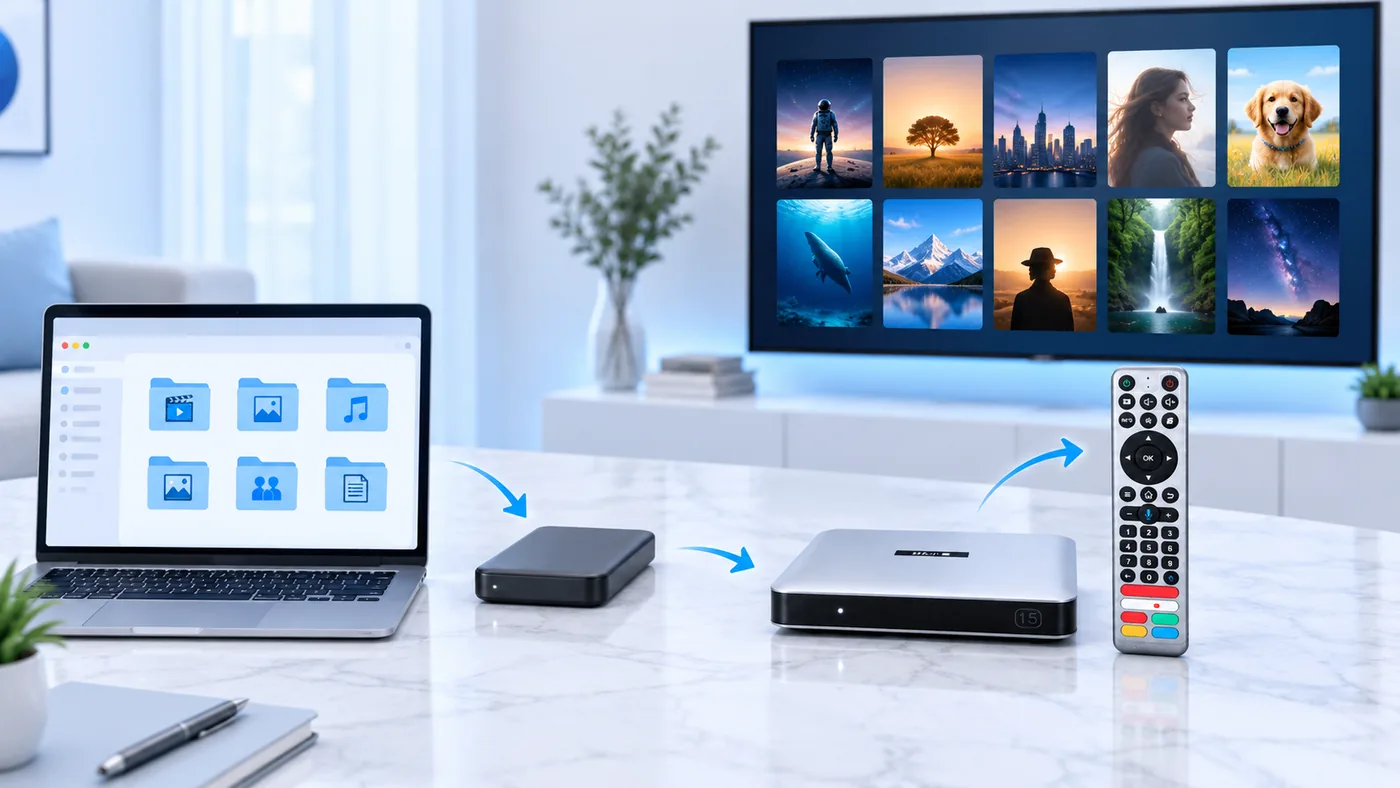
Good organization before connecting a storage device makes the SviCloud 15P experience much easier. Start by grouping files into clear folders such as Movies, TV Shows, Concerts, Family Videos and Documentaries.
- Use simple file names that include the movie title and year when appropriate.
- Keep each movie folder together instead of scattering related files across several locations.
- Remove incomplete downloads, duplicate copies and files with unclear names.
- Check that the storage device can be read correctly before importing a large collection.
- Keep subtitles and alternate audio tracks in the same folder as the related movie when the file structure requires it.
Do not begin with your entire collection if it contains hundreds of files. Add a small test group first. Open different file types, check subtitles, test audio tracks and confirm that the poster information is being matched correctly. This makes it easier to identify whether a problem comes from one file or from the overall storage setup.
If you are still completing the first installation, follow the SviCloud TV box installation guide before organizing your media library. A correct HDMI, power and network connection gives you a better starting point for testing local playback.
How Smart Poster Wall helps
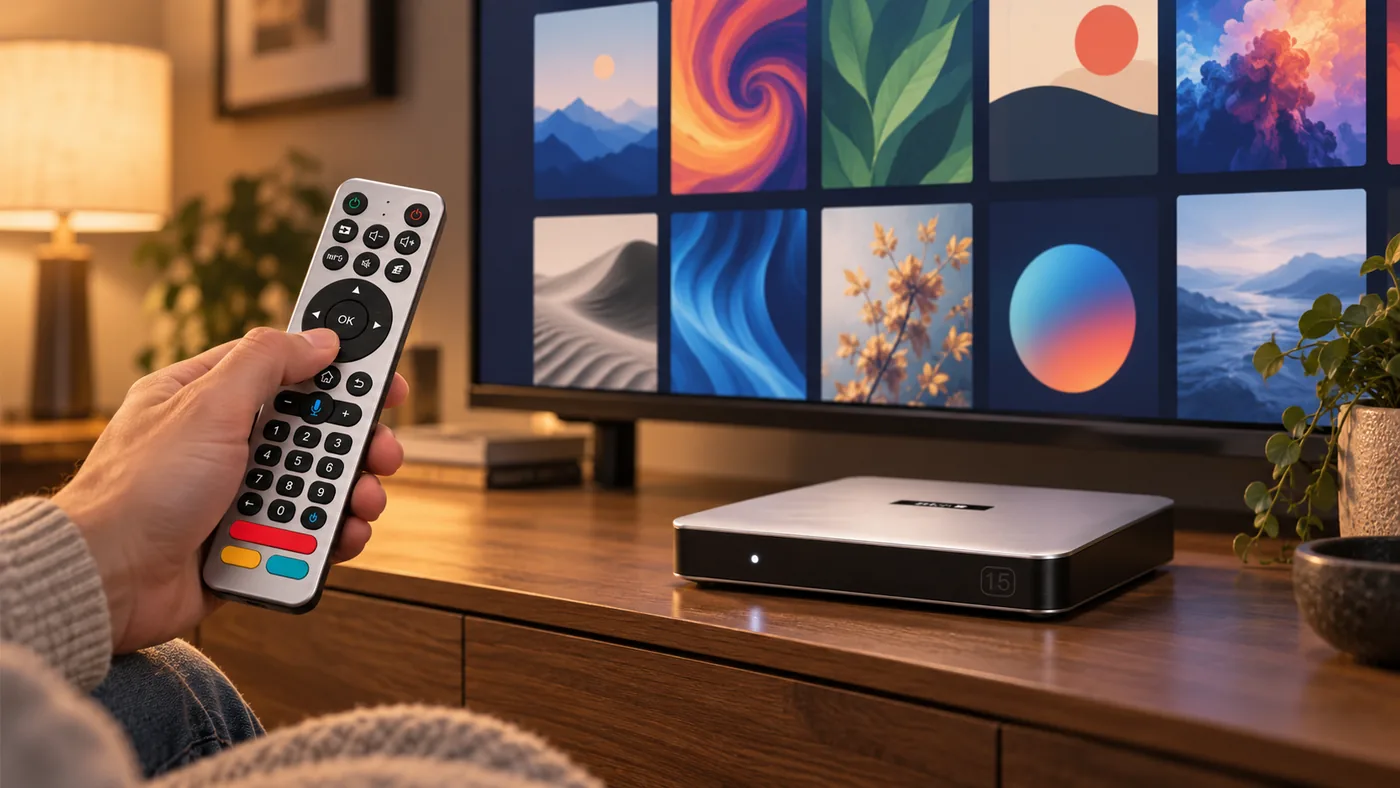
A folder list is functional, but it becomes inconvenient when a library grows. Smart Poster Wall is designed to give compatible local movies a more visual browsing experience. Instead of opening a series of folders and reading long file names, you can browse artwork and movie information in a television-friendly layout.
The quality of the poster wall depends on the information available for each file. Clear titles and consistent naming improve the chance of correct matching. If artwork is missing or incorrect, check the file name and metadata before assuming that the SviCloud 15P itself is malfunctioning.
The poster wall is especially useful for families. One person can browse by visual artwork while another uses the remote to move between categories. This is simpler than remembering the exact folder name for every movie.
Our SviCloud 15P tips and tricks guide covers additional ways to organize the home interface and use the box more efficiently.
Subtitle, audio and playback checks
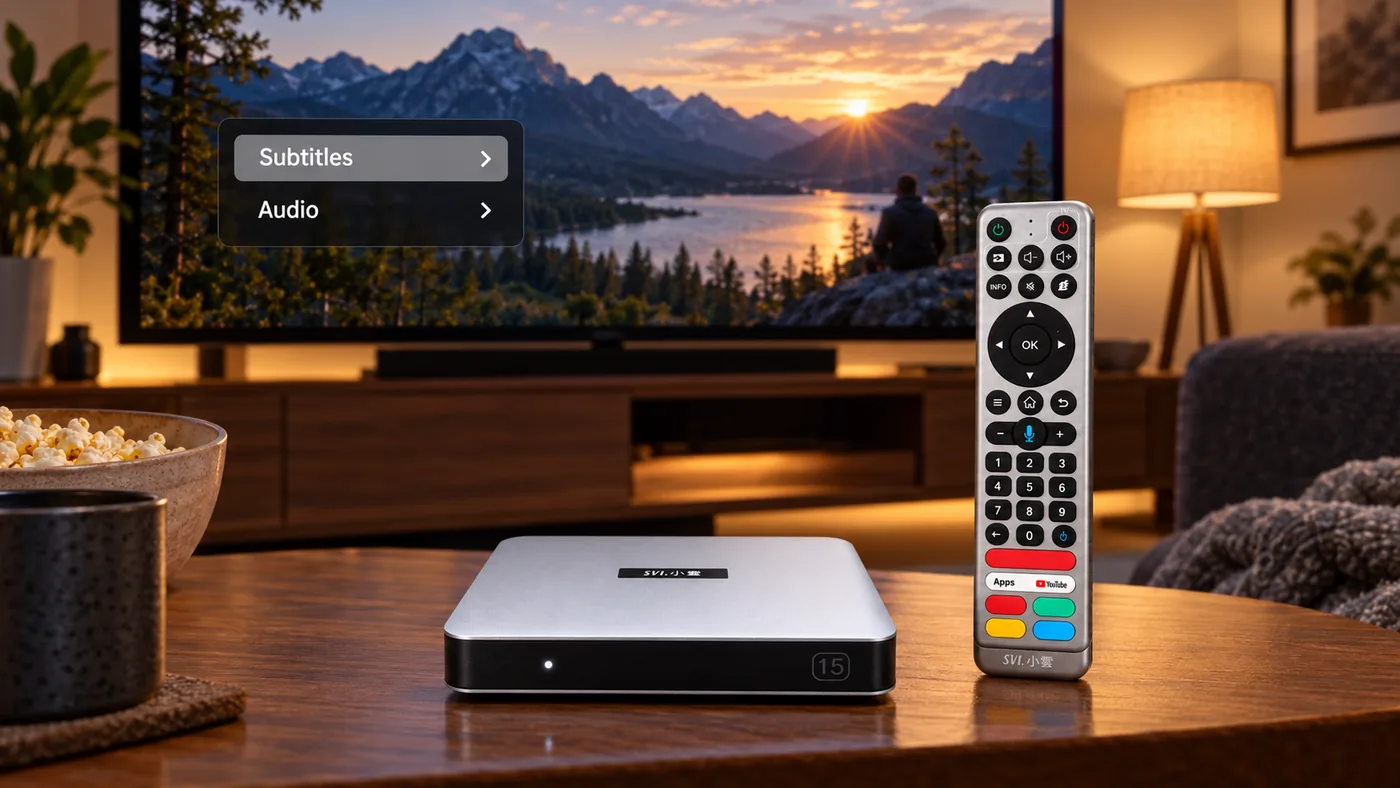
Local playback is not only about pressing Play. When a movie opens, check the subtitle menu, available audio tracks, picture mode and aspect ratio. A file may contain multiple language tracks, but the correct track may not always be selected automatically.
For subtitles, verify that the text appears at the right size and position. If a subtitle file does not load, check whether its name matches the movie file and whether the format is supported. Do not assume that every subtitle format will behave the same way.
For audio, test the volume level and confirm that the selected track is compatible with your television or sound system. The SviCloud 15P supports compatible Bluetooth accessories, but wireless headphone performance depends on the connected accessory, distance and local conditions.
For 4K HDR content, the final result depends on the television, HDMI cable, source file and display settings. A 4K-capable box cannot turn a low-resolution file into genuine 4K detail.
When network quality still matters
Local playback can reduce dependence on internet streaming, but network quality still matters if your media is stored on a network location, if you download files through an app, or if you switch between local movies and online services.
The SviCloud 15P supports dual-band WiFi 6 on 2.4GHz and 5GHz with 2T2R technology. Ethernet can be a useful option when the router is close to the television. For wireless placement and buffering tests, see the existing SviCloud 15P WiFi 6 connection guide.
A practical test is to play the same file from the same storage source several times. If only one file fails, inspect that file first. If many files fail or the interface becomes slow, check the storage device, available space, cable and connection path before changing multiple settings at once.
Who should use the SviCloud 15P for local media?
Good fit for
- Families with a personal movie or TV library
- Users who want online apps and local playback in one box
- Viewers who prefer poster browsing to long file lists
- People who need subtitle or alternate audio controls
May not be necessary for
- Users who only watch online services
- Homes without compatible local media files
- Buyers who do not want to manage storage devices
- Viewers expecting every file or codec to work automatically
The SviCloud 15P is most compelling when you want a flexible Android TV box that also handles a personal media library. It is not a replacement for checking file compatibility, storage condition or display limitations. Those details still determine how smoothly a particular movie plays.
For app-based entertainment, our SviCloud 15P apps guide explains the core apps and the installation route described in the site’s current documentation.
FAQ
Can SviCloud 15P play local movie files?
Yes. The product information describes compatible BDMV, ISO, MKV, MP4 and TS playback as part of its local media feature set.
What is Smart Poster Wall?
Smart Poster Wall is a visual browsing environment for compatible local media. It can show artwork and information so a movie collection is easier to navigate on a television.
Why is a poster missing or incorrect?
Artwork matching depends on file names and available metadata. Check the title, year and folder structure before assuming that the TV box is defective.
Does local playback require WiFi?
Not always. Playback from directly connected storage may not require internet streaming, but network access is still useful for online apps, downloads, updates and media stored on a network location.
Will every 4K movie look the same?
No. Picture quality depends on the source file, codec, display, HDMI cable, HDR support and selected settings. Compatible 4K HDR content is required for the best result.
Final recommendation
If your household has a growing movie library, the SviCloud 15P offers a useful combination of Android 14 apps and organized local playback. Prepare your files carefully, test a small group first, and use Smart Poster Wall only after the basic file structure is working correctly.
When the hardware, storage and media formats fit your needs, review the latest SviCloud TV box options and confirm the current product details before ordering.