SviCloud 15P vs Roku Ultra is a practical choice between two different ways to use an HDMI television. The useful question is what your family expects to do after the first movie ends. Do you mainly open familiar US streaming services, or do you also want a Chinese-language entertainment environment, compatible Android apps and a more developed personal-media library?
We sell the SviCloud 15P TV Box, so this comparison starts with the situations in which we think it earns its place. It also explains where Roku Ultra may be the simpler purchase. If this SviCloud 15P vs Roku Ultra decision has you comparing models within our range, the SviCloud TV box lineup is a useful starting point.
In this guide
The short answer
Choose Roku Ultra if your household already lives inside its supported streaming apps and values a polished, familiar interface, Dolby Vision and Dolby Atmos support on compatible equipment, and a rechargeable backlit voice remote. Choose SviCloud 15P if Chinese-language viewing, Android app flexibility and managing a personal movie library matter more to your household. Neither device can promise a particular program in every region forever; check the specific apps and titles you need before ordering.
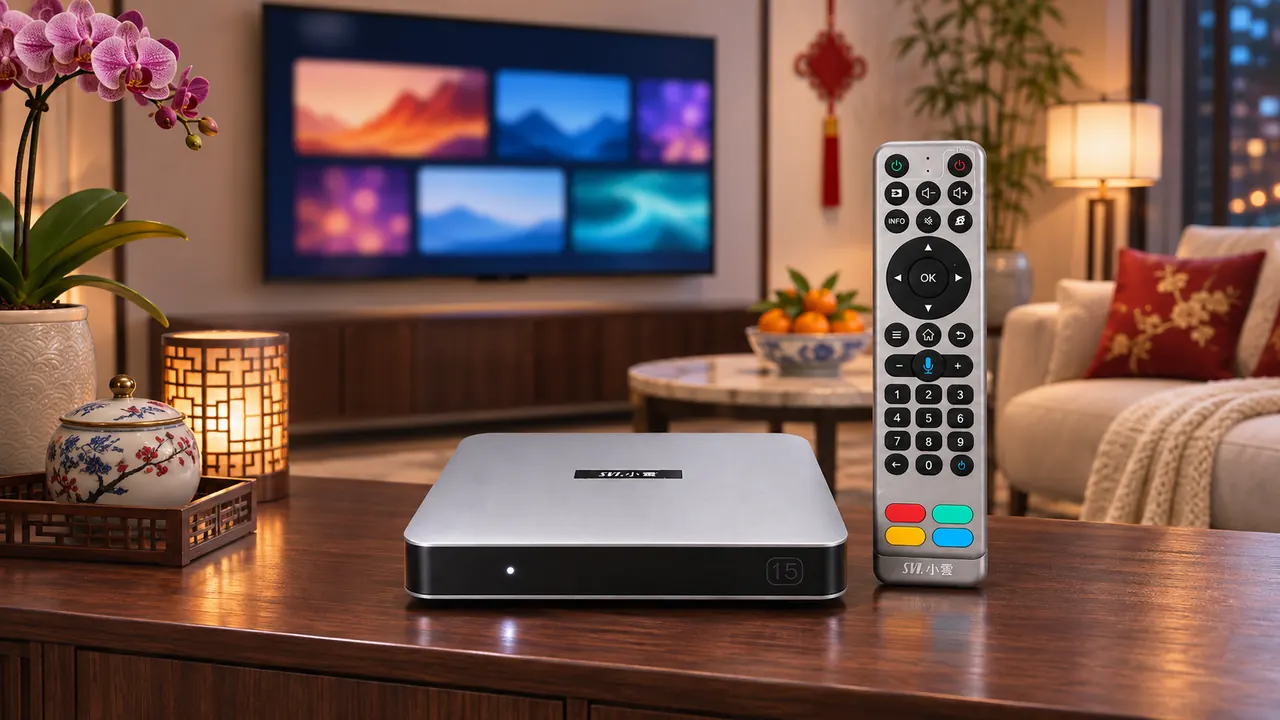
SviCloud 15P vs Roku Ultra: the differences that matter
| Buying question | SviCloud 15P | Roku Ultra |
|---|---|---|
| Software approach | Android 14 TV box with SviCloud’s entertainment environment and compatible apps | Roku platform with apps added from the Roku Store |
| Picture formats advertised | 4K HDR10 and AV1 decoding | 4K, HDR10+, Dolby Vision and Dolby Atmos on compatible setups |
| Connection choices | Dual-band Wi-Fi 6, with wired networking available | Wi-Fi 6 and Ethernet |
| Remote | AI voice air-mouse remote with directional and number keys | Rechargeable, backlit Voice Remote Pro with hands-free voice and finder |
| Personal media | Filmax library tools and compatible BDMV/ISO playback | USB/network media through Roku Media Player, subject to supported formats |
| Best fit | Families who prioritize Chinese-language discovery and varied media sources | Families centered on supported Roku apps and premium home-theater formats |
This is a feature comparison, not a speed test. A processor name, wireless standard or remote feature cannot tell you which box will open your preferred app faster in your living room. Internet quality, TV capabilities, software versions and the service itself all affect the experience.
Start with the apps and languages your family actually wants
For many overseas Chinese households, the shopping decision turns on discovery. One person wants Chinese-language news; another looks for dramas, sports, films or children’s programs. The 15P’s built-in entertainment environment is designed around that broader mix, alongside compatible third-party Android apps. Our SviCloud 15P channel guide explains why the available lineup should be checked by region, app and date instead of treated as a permanent promise.
Roku takes a different route. You add apps from the Roku Store, and its own platform offers a substantial selection of mainstream, free and live TV options. That is a real strength if the exact services your family uses are available on Roku in your country. Some Roku apps charge a subscription or one-time fee; others are free. The SviCloud device itself does not require a monthly SviCloud subscription, but internet service and optional third-party subscriptions remain separate. Our 15P monthly-fee explanation separates those costs before checkout.
Make a short list of five non-negotiable viewing needs: perhaps one news source, two on-demand apps, a sports service and a children’s option. Check each one on the current device and in your country. A vague promise of “all channels” is a poor substitute for that list. If you want to expand beyond the box’s built-in experience, our SviCloud 15P app guide covers the available installation paths and the limits of app compatibility.
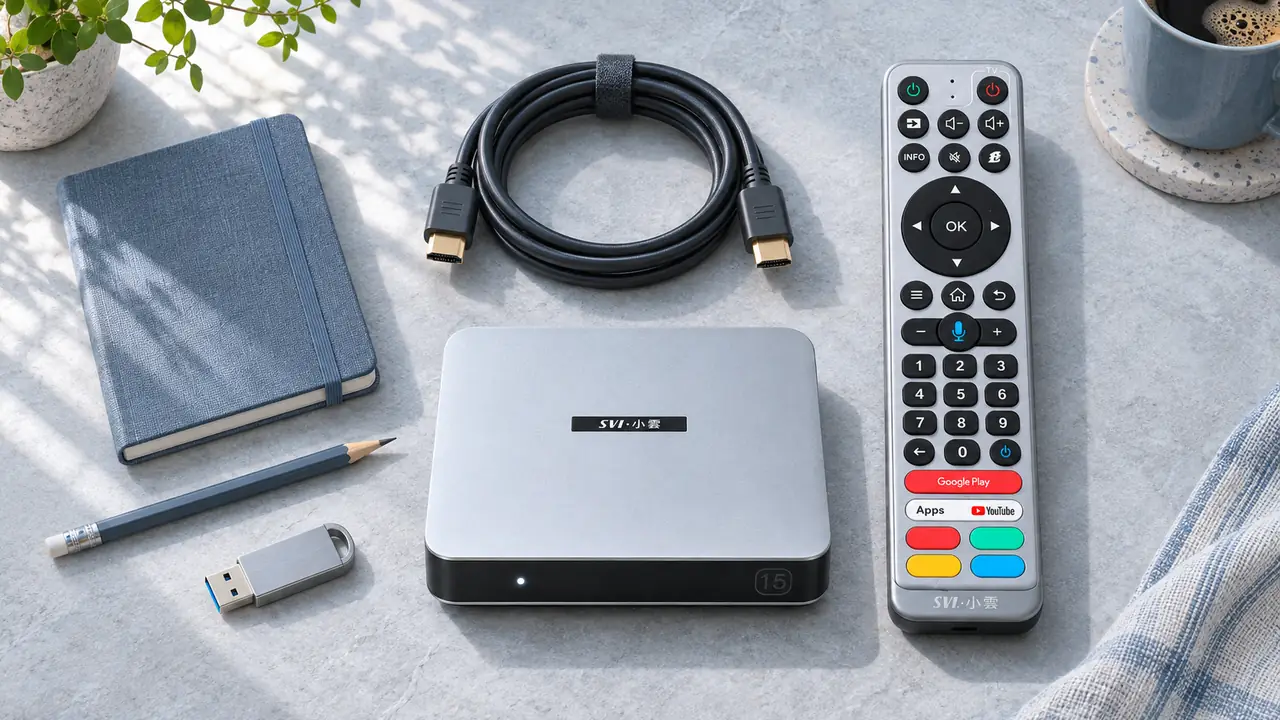
What if you keep your own movies?
The two boxes can both handle some personal media, but the emphasis differs. The 15P includes Filmax and a Smart Poster Wall for compatible local libraries. Its product details also identify compatible BDMV and ISO playback, along with common video-file use. If you keep an organized collection on external storage, those tools may be a meaningful reason to choose the SviCloud 15P Android TV box. Our local movie library guide walks through the planning questions.
Roku Ultra is not limited to online streaming. Its USB port and Roku Media Player can access supported files from USB storage or a local media server. That is enough for many households with a straightforward collection of supported video, music and photo files. The format support is not identical to the 15P’s advertised BDMV/ISO features, so compare a few files from your actual library before using either device as your main media player.
Picture claims need the same care. Roku Ultra’s Dolby Vision and Dolby Atmos support can matter if your television, sound system and content all support them. The 15P advertises 4K HDR10 and AV1 decoding. Those are useful features, but a 4K logo on a box cannot upgrade a low-resolution source or an incompatible TV. Buy for the display and files you own rather than the longest specification list.
Remote controls, Wi-Fi and daily friction
A remote is the part of a TV box everyone touches. SviCloud 15P’s included AI voice air-mouse remote offers directional controls, a pointer mode and number keys. That combination may suit family members who move between menus and channel-style browsing. Voice behavior depends on the active app, language, network and software, so do not assume every search works in every place.
Roku Ultra’s Voice Remote Pro has different advantages: its rechargeable battery, backlighting, hands-free voice command option and lost-remote finder are useful in a dark living room. If your household dislikes air-mouse navigation and mainly opens a few Roku apps, that remote can be an easier fit. The deciding question is which controls your family will actually use without instruction.
Both products advertise Wi-Fi 6 and a wired Ethernet option. That means neither wins simply because the other lacks modern networking. Where the router sits, how crowded the network is, and the quality of the stream will still matter. If you are also considering a smaller streaming device, our 15P versus Fire TV Stick comparison explains a different set of trade-offs around a full box and a stick.
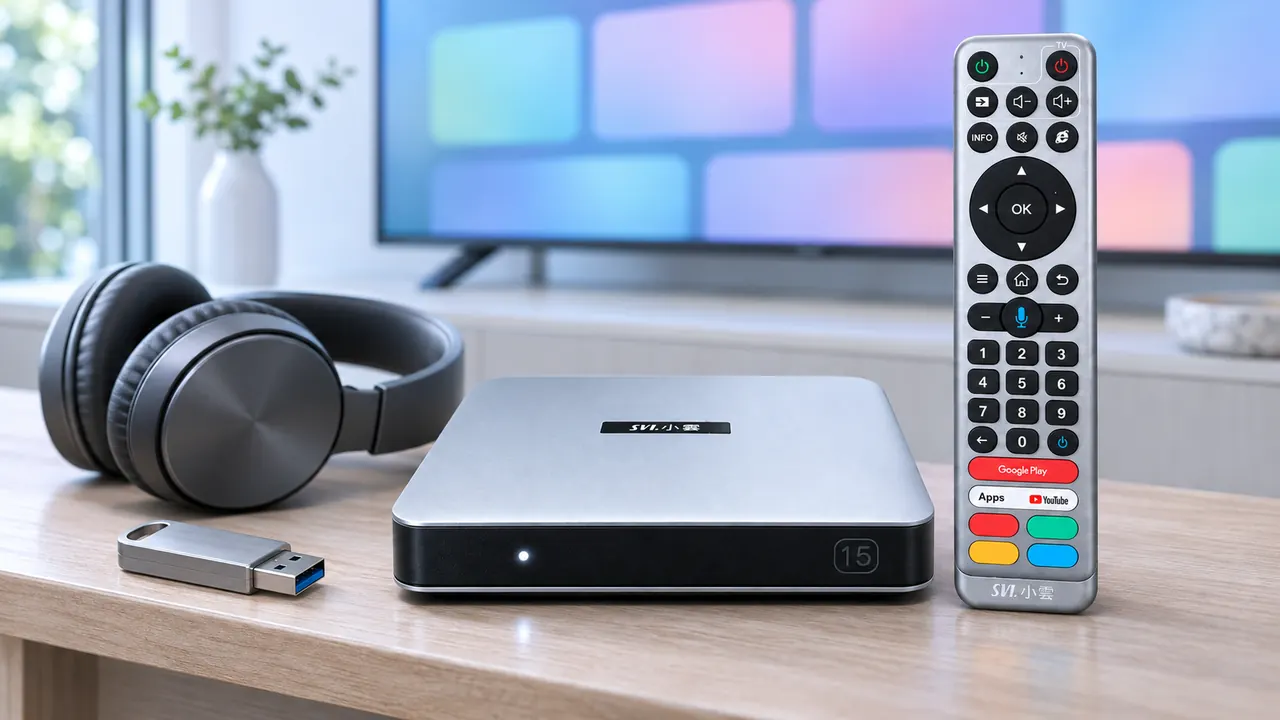
Which one should your household buy?
Choose SviCloud 15P when…
- Chinese-language news, dramas, films and other categories are central to the family TV.
- You want the brand’s built-in entertainment environment as well as compatible Android apps.
- You keep compatible personal media and want more than basic folder-by-folder playback.
- Number keys, an air mouse and the 15P’s remote layout feel natural to your viewers.
Choose Roku Ultra when…
- Your must-have services are available in the Roku Store where you live.
- Dolby Vision or Dolby Atmos is an important part of your compatible home-theater setup.
- A rechargeable, backlit remote and Roku’s familiar interface matter most.
- Your own USB files fit Roku Media Player’s supported formats.
Neither choice has to replace every other service. Many families keep an existing smart TV or a second device for a particular app. If you are weighing more than two ecosystems, our 15P and Apple TV 4K comparison covers the iPhone-centered household, a different buying decision from Roku.
Before paying, check your TV’s HDMI input, your preferred apps in your region, your home network and the full cost of any optional services. Then compare the current SviCloud 15P configuration and the seller’s return and support information. We can help with the 15P order and setup questions, but we cannot guarantee the availability of a third-party title or app.
Frequently asked questions
Is SviCloud 15P better than Roku Ultra for Chinese-language viewing?
It may be the better fit when Chinese-language discovery is the main reason for buying a box. Check the current 15P app and channel information for your region. Roku may still fit if your specific Chinese-language apps are available in its Store.
Does Roku Ultra play files from a USB drive?
Yes. Roku Ultra has a USB port and Roku Media Player can play supported local files. Test your real file formats first; the 15P’s advertised Filmax and BDMV/ISO support addresses a different personal-library need.
Do either of these boxes require a monthly device subscription?
There is no required monthly SviCloud device subscription for the 15P’s built-in offering. Roku provides free apps and content too, while some apps on either platform may require separate paid memberships. Home internet remains a separate expense.
Which box is better for 4K home theater?
Roku Ultra advertises Dolby Vision, HDR10+ and Dolby Atmos, which can be decisive with compatible equipment and content. SviCloud 15P advertises 4K HDR10 and AV1 decoding. Verify your television, sound system and sources before treating any format as a practical advantage.
Our recommendation
For a household that mainly wants popular Roku apps and a refined home-theater remote, Roku Ultra is a credible choice. For an overseas Chinese family that wants a dedicated Android TV box with the 15P’s entertainment environment, flexible compatible apps and stronger personal-library tools, we would start with SviCloud 15P. That recommendation rests on how your family watches TV, not a claim that one box wins every category.
Explore the SviCloud TV box range if you want to compare our current models. If the 15P matches your viewing checklist, confirm its current specifications, plug option, availability and order terms before checkout.