
If everyone in your home uses an iPhone, Apple TV 4K is an obvious name to consider. AirPlay, Apple services and a compact remote fit neatly into that routine. But a household that also wants Chinese-language entertainment, a numbered remote and a personal media library may be solving a different problem. This SviCloud 15P vs Apple TV 4K guide looks at the choice through the habits of the people who actually use the television.
Start with the wider SviCloud TV box lineup and the current SviCloud 15P TV Box specifications. Then write down the three things your family watches most. A brand comparison only helps when it reflects those choices.
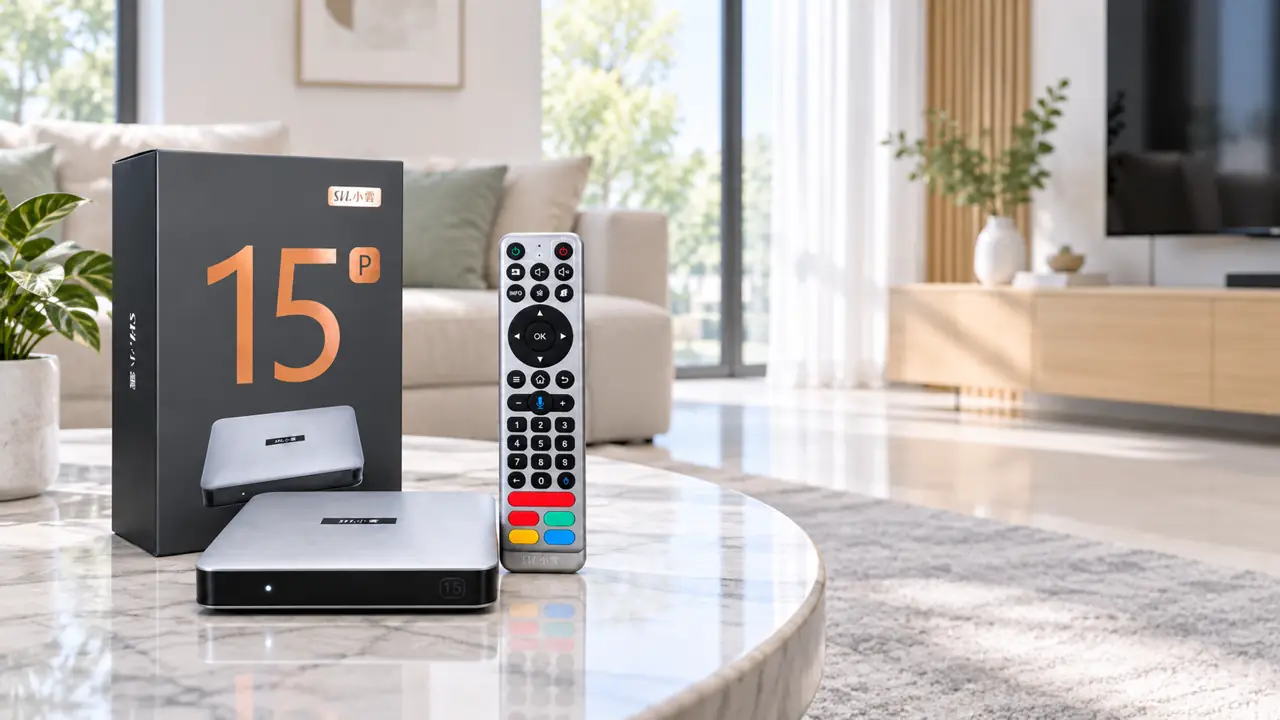
SviCloud 15P vs Apple TV 4K: quick answer
Choose Apple TV 4K if the television is an extension of your Apple devices: you regularly send photos and video from an iPhone with AirPlay, use Apple services, prefer the tvOS interface and want Siri Remote controls. Apple’s current product information lists a 4K-capable player and an Ethernet-equipped option, although specifications depend on the exact model.
Choose SviCloud 15P if the television is a shared family screen where Chinese-language programs and a broad mix of news, sports, drama, films, documentaries and children’s entertainment matter most. The 15P combines its built-in entertainment environment with compatible Android apps, a voice air-mouse remote with number keys and local-media features. It does not require a monthly device subscription for its built-in offering. Your internet plan and optional paid third-party services remain separate.
Neither box guarantees every channel or app in every country. Rights, app support and available programs can change. Check your must-have services and region before paying.
The question to ask before comparing specifications
Imagine a normal week, not a product launch video. One parent wants familiar Chinese-language viewing. A child opens a mainstream video app. Someone else wants to cast vacation photos from an iPhone. Which action happens every evening, and which happens once a month? The answer points toward the more useful box.
The current SviCloud channel and content overview is the right place to check content categories before choosing the 15P. Treat it as a guide to the ecosystem, not a permanent promise that a particular program will remain available. If your family mainly watches specific paid services, check each service’s current device, account and regional rules instead.
Apple TV 4K is attractive when your family already pays for and uses Apple or other supported streaming services. The device itself does not include every film or channel simply because apps are visible. SviCloud 15P offers a different starting point: the box’s own entertainment environment sits alongside compatible optional apps. This SviCloud 15P vs Apple TV 4K comparison is about viewing habits, not a claim that one platform universally has more content.
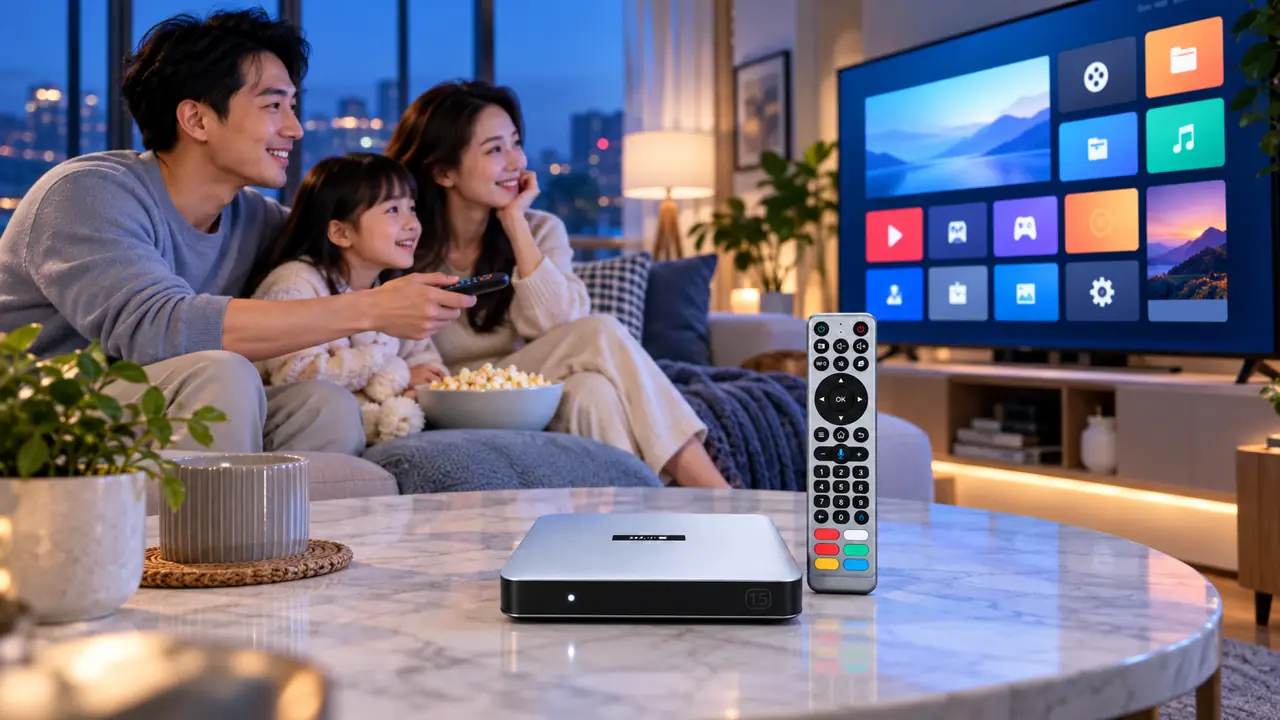
iPhone casting and AirPlay: an important difference
Apple TV 4K has a straightforward advantage for iPhone owners who use AirPlay often. It is part of Apple’s ecosystem, so sending supported photos, video or audio from an iPhone is a natural part of the product. If casting from Apple devices is the main reason you are buying a box, take that convenience seriously.
An Android TV box is not automatically a native AirPlay receiver. On SviCloud 15P, iPhone Screen Mirroring may require a compatible receiver app, and the result depends on the app, network and content source. Our guide to casting from an iPhone to SviCloud 15P explains the distinction. Do not assume protected streaming content will mirror just because personal photos do.
That does not make the 15P a poor choice for an iPhone household. If most viewing happens directly on the TV through SviCloud’s built-in environment or compatible apps, casting can be a secondary feature. If AirPlay is the centerpiece, Apple TV 4K is the simpler match.
Remote controls and the people holding them
The Apple Siri Remote is compact, rechargeable and built around a touch-enabled clickpad and voice input. It suits people who like a minimal controller. The SviCloud 15P remote offers a more conventional layout with directional navigation, number keys, voice input and an air-mouse function. That can be more familiar to a parent who still thinks in terms of channels and numbers.
Picture your least technical family member using each one. Would they prefer fewer buttons or a visible number pad? Can they read the button labels? Can everyone find their apps without a long explanation? These questions often matter more than processor speed in a shared living room.
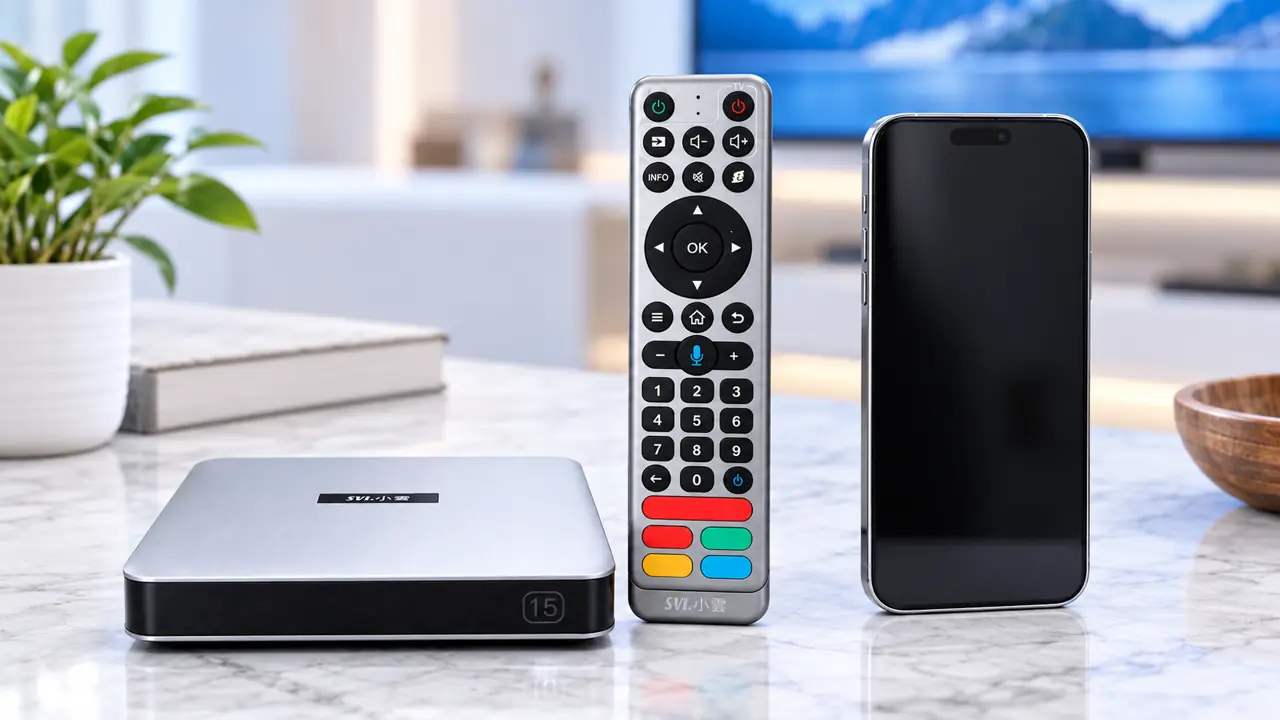
Apps, storage and personal media
SviCloud 15P runs Android 14 with 4GB RAM and 64GB storage according to its current listing. Its built-in entertainment apps cover several viewing categories, while compatible third-party Android apps can expand the experience. Check the SviCloud 15P app guide for current installation and compatibility guidance. An app icon or download option does not include a paid account.
Apple TV 4K uses tvOS and Apple’s App Store ecosystem. That is a strength if your must-have services are supported there and your family already uses Apple accounts. The two storage figures are not a simple speed contest: the platforms manage apps and media differently, and storage alone does not tell you how smoothly a service will run.
The SviCloud 15P has a clearer pitch for people with their own compatible movie files. Its Filmax and Smart Poster Wall features are designed around organizing and browsing a local collection. If you have family videos or a personal library, see our SviCloud 15P local movie guide before assuming a general streaming device will handle your files in the same way. File format, storage device and metadata still affect the result.
Network and picture quality: check the exact model
The SviCloud 15P listing states dual-band Wi-Fi 6, Bluetooth 5.4, 4K HDR10 output and AV1 decoding. Apple TV 4K specifications vary by generation and configuration; Apple’s model information should be used for the unit you plan to buy. In particular, do not assume every Apple TV 4K configuration includes Ethernet. Compare exact models, not a brand name.
Both devices depend on the television, HDMI connection, network and source video. A 4K badge cannot upgrade a low-resolution stream, and a faster Wi-Fi standard cannot fix a weak signal at the TV. If you already own a capable smart television, our separate-box versus smart-TV-apps comparison helps decide whether you need another device at all.
What will it cost after the box arrives?
For SviCloud 15P, the store says there is no mandatory monthly subscription for the device’s built-in offering. That does not pay for broadband, optional third-party subscriptions or services that charge separately. Buying Apple TV 4K hardware does not grant every Apple or third-party subscription either. Look at your family’s existing accounts before adding up a first-year cost.
Then look beyond headline price: plug type, delivery destination, returns, warranty and support all affect a real purchase. The guide to buying a genuine SviCloud box is useful if you are comparing sellers. A lower listing price is less reassuring if the seller cannot explain what arrives, who handles a fault or which policies apply.
Who should buy which box?
- Apple-first household: Choose Apple TV 4K when AirPlay, Apple services and Siri Remote are central to daily use.
- Multigenerational Chinese-speaking household: Consider SviCloud 15P when built-in Chinese-language entertainment categories and familiar remote controls are used every day.
- Personal-media collector: Give the 15P a closer look for its local-media tools, but test the exact file types and storage device you own.
- Occasional viewer with a capable TV: Check whether existing smart-TV apps already do everything you need before buying either device.
There is also a case for owning both. A family invested in Apple can keep Apple TV 4K for AirPlay and Apple services, while using SviCloud 15P for the viewing categories that matter to relatives. Two HDMI inputs and a simple explanation of which remote does what are more important than forcing one device into every role.
Final buying decision
SviCloud 15P is the stronger fit when the main television serves a Chinese-speaking family and its built-in entertainment mix, numbered remote, compatible Android apps and personal-media features will be used regularly. Apple TV 4K remains the cleaner option for a household whose main goal is AirPlay and Apple integration. Decide from your weekly viewing, not the biggest specification number.
Before checkout, confirm current stock, region, plug type and seller terms through the SviCloud store’s current model information. If the 15P fits your home, check its current listing. The verified code svi8 gives 8% off an eligible SviCloud 15P order at checkout; confirm the discount appears in the total before paying.
Frequently asked questions
Is SviCloud 15P better than Apple TV 4K for an iPhone family?
Apple TV 4K is easier for frequent AirPlay use and Apple services. SviCloud 15P may fit better when Chinese-language viewing, a numbered remote and personal-media features matter more than seamless Apple casting.
Can an iPhone screen mirror to SviCloud 15P?
It may be possible with a compatible receiver app and suitable network conditions, but the 15P should not be treated as a native Apple TV AirPlay receiver. Some protected content may not mirror.
Does SviCloud 15P require a monthly fee?
The store says no mandatory monthly device subscription is required for its built-in offering. Internet access and optional paid third-party services are separate.
Does Apple TV 4K include Ethernet?
That depends on the Apple TV 4K generation and configuration. Check Apple’s current technical specifications for the exact model before buying.