
SviCloud 15P vs Xiaomi TV Box S (3rd Gen) is a choice between two different living-room experiences. The better question is what your household wants to watch every evening. Our 15P brings a flexible Android entertainment setup, ample onboard storage, and a local movie experience, while Xiaomi focuses on the familiar Google TV interface and its supported streaming services. If Chinese-language entertainment and a personal media library are central to your plans, the 15P deserves a close look.
We carry the SviCloud TV box lineup for homes that want more from a television, and our SviCloud 15P TV Box is the model discussed here. This guide compares verified features and the real buying choices they create. It does not assume that every app, channel, or service is available in every country.
Quick answer: Choose the SviCloud 15P if you want 4GB RAM, 64GB storage, a flexible Android 14 box, and a strong fit for Chinese-language viewing and local movies. Choose Xiaomi TV Box S (3rd Gen) if your first priority is Google TV, Google Cast, and the supported mainstream streaming ecosystem. Both can make an ordinary TV more useful; the better purchase depends on the apps and viewing habits that matter in your home.
In this guide
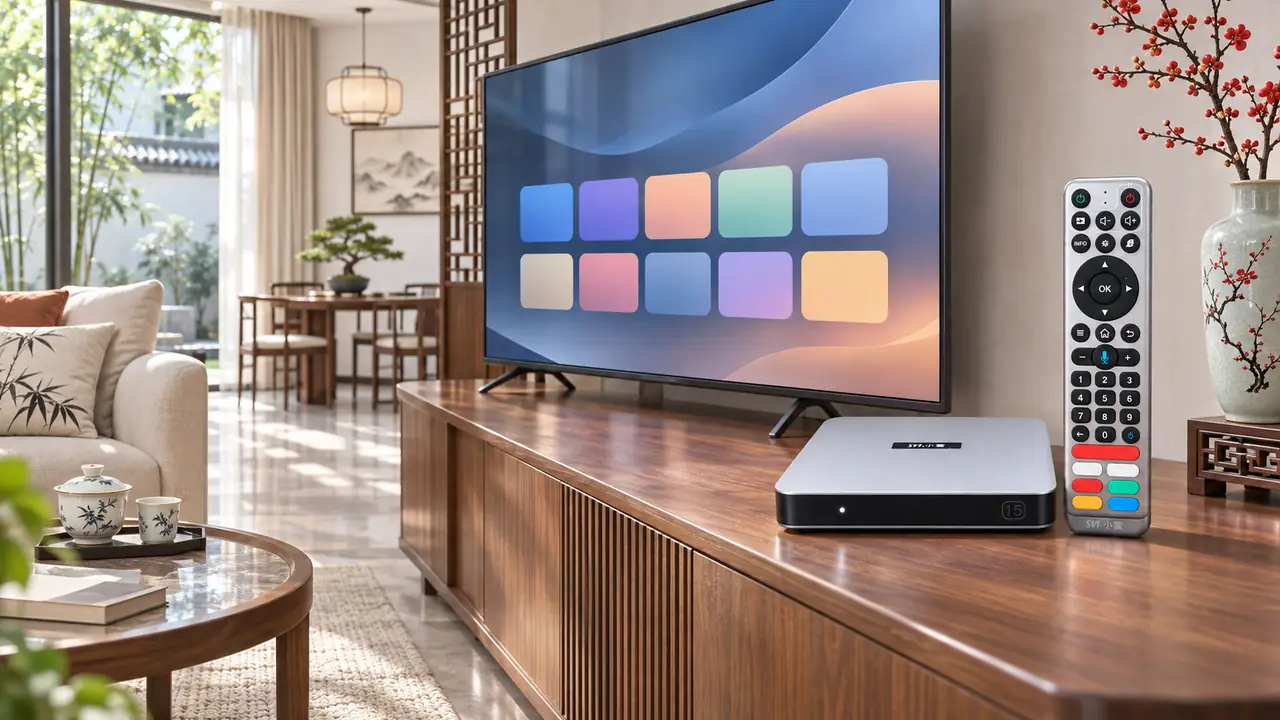
SviCloud 15P vs Xiaomi TV Box S (3rd Gen): the differences at a glance
These two boxes are not interchangeable versions of the same product. Their software environments, memory, and media priorities differ. Here is the short list to use before comparing price.
| Buying factor | SviCloud 15P | Xiaomi TV Box S (3rd Gen) |
|---|---|---|
| Software platform | Android 14 | Google TV |
| Memory and storage | 4GB RAM, 64GB storage | 2GB RAM, 32GB storage |
| Wireless connection | Wi-Fi 6; Bluetooth 5.4 | Wi-Fi 6; Bluetooth 5.2 |
| Video features | 4K HDR10 and AV1 decoding | 4K, Dolby Vision and HDR10+ |
| Standout experience | Flexible entertainment apps and Filmax local-media organization | Google TV recommendations, Google Cast and Google Assistant |
Those figures describe capacity and supported features, not a benchmark result. More RAM or storage alone cannot tell you which interface you will prefer. Start with your must-have content, then use the specifications to check whether the box fits the way you watch.
What will your family actually watch?
A household that moves between Chinese-language programs, sports, films, and family viewing may prefer the 15P’s entertainment-oriented setup. Our SviCloud guides explain the range of content available through its built-in apps, while the exact selection can change by app and region. If you are shopping for parents or relatives, ask which languages and program categories they open first. A familiar set of choices often matters more than the number on a specification sheet.
Xiaomi’s appeal is different and legitimate. Google TV brings recommendations together in one familiar interface, and Google Cast makes it convenient to send supported content from another device to the television. If your family already relies on Google services and specific subscription apps, that ecosystem may be the easiest fit. Check the apps you personally need, your country, and any separate subscription charges before treating a platform name as an answer.
For a deeper look at choosing a device around regional viewing habits, our guide to Chinese, Hong Kong and Taiwanese TV box options explains the questions that matter before ordering. It is useful when one member of the household watches mainstream English-language services while another mainly wants Chinese-language entertainment.
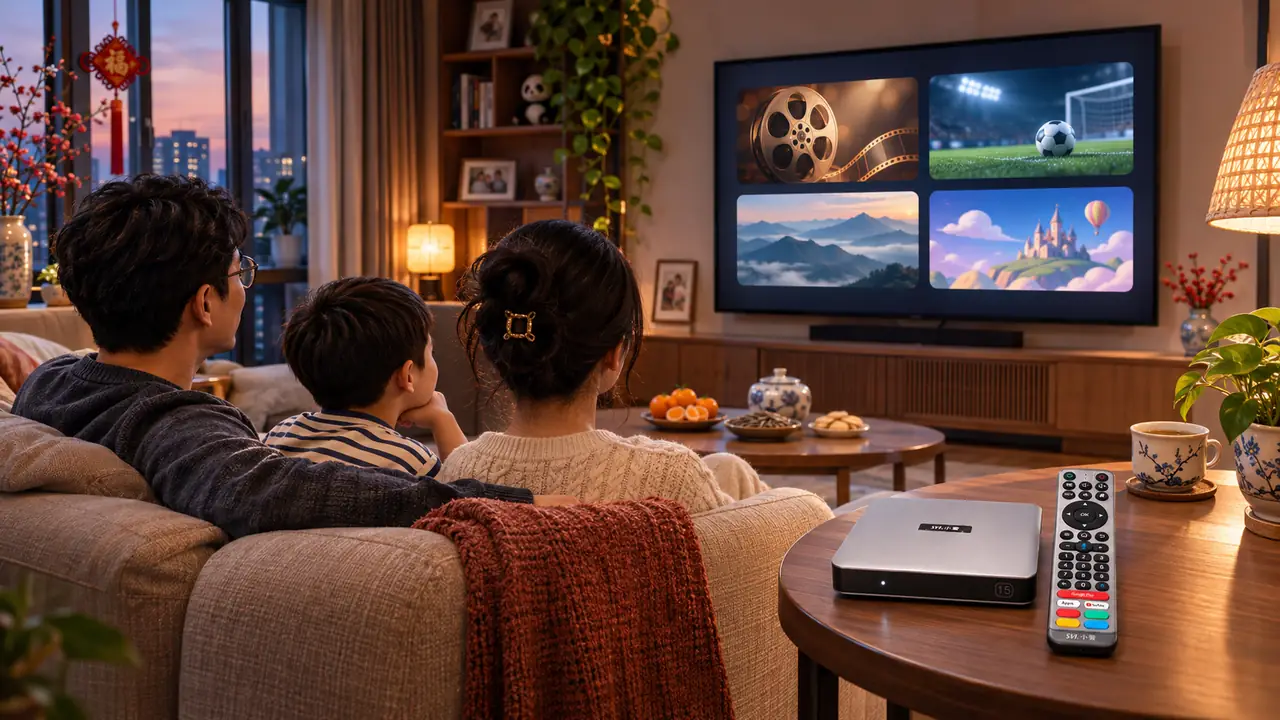
Storage and local movies: where the 15P stands out
The SviCloud 15P’s 4GB RAM and 64GB storage are twice Xiaomi’s listed 2GB RAM and 32GB storage. That difference gives the 15P more room for compatible apps, updates, and files. It also makes sense for someone who wants the TV box to do more than launch a handful of streaming services. The exact usable space will be less than the advertised total because system software also occupies storage.
Local media is another practical reason to consider our 15P. Its Filmax environment and Smart Poster Wall are designed to help organize a personal movie library, and the model supports compatible BDMV and ISO playback alongside common local-media formats. If you already keep films on a storage device, the SviCloud 15P local movie library guide shows how to prepare that collection for easier browsing on a television.
Xiaomi’s USB port and Google TV apps can still serve viewers who occasionally play a local file. The difference is one of emphasis: our 15P offers a more prominent local-library story, while Xiaomi is organized around Google TV discovery, casting, and streaming. If your movie collection is a regular part of family viewing, put that workflow near the top of your checklist rather than treating it as an afterthought.
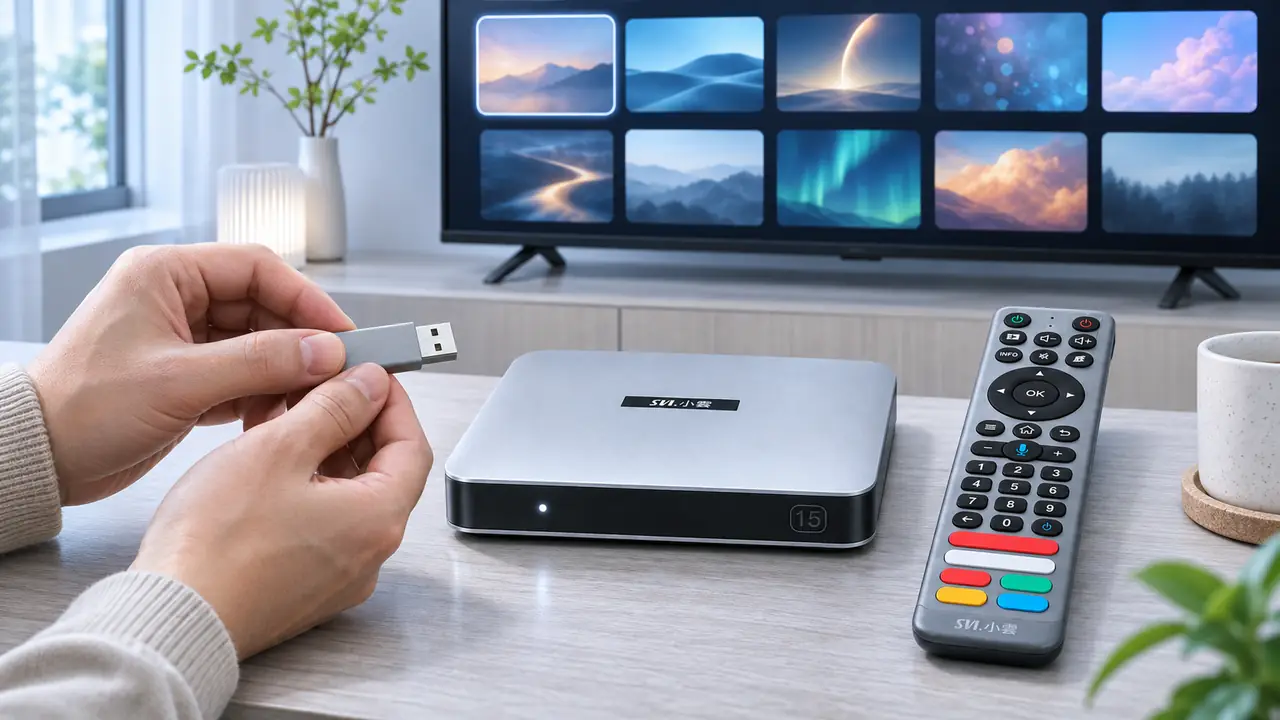
Picture, audio, and connections: choose for your equipment
Both models support 4K output and Wi-Fi 6. Xiaomi explicitly lists Dolby Vision and HDR10+ for video, plus Dolby Audio and DTS:X in its specifications. That can be a meaningful reason to choose Xiaomi if a compatible television and sound system are central to your setup. The 15P lists 4K HDR10 and AV1 decoding, giving it a capable modern video foundation for supported sources. These are format lists, not evidence that one box produces a better picture in every room.
Before buying either device, check the HDMI input on your television, the sound format you care about, and whether your router can give the box a stable connection where it will sit. A fast plan alone cannot fix weak reception at the TV. If 4K viewing is important, our 4K internet-speed checklist for SviCloud 15P helps separate the network question from the box comparison.
Remote and everyday navigation
Our 15P comes with a voice and air-mouse remote, giving you a second way to reach controls that are awkward with directional buttons alone. Xiaomi supplies a Bluetooth voice remote built around the Google TV experience and Google Assistant. Which one feels easier depends on whether you prefer a flexible pointer or a familiar Google-style home screen and voice search.
Picture the person who uses the television most. If that person switches between app interfaces, local files, and on-screen controls, the 15P remote may be especially appealing. If they mostly open a few supported streaming apps and cast from a phone, Xiaomi’s simpler Google TV flow may feel more familiar. Our SviCloud box versus built-in smart TV apps comparison can help if you are still deciding whether you need an external box at all.
Which TV box should you buy?
Choose SviCloud 15P when the household wants a flexible Android TV box with more onboard memory and storage, Chinese-language entertainment as a regular part of viewing, and a useful home for a personal movie collection. It is particularly attractive when one purchase needs to serve several people with different tastes. Our SviCloud 15P versus Fire TV Stick buying comparison looks at a different mainstream alternative if you are building a shortlist.
Choose Xiaomi TV Box S (3rd Gen) when your first priorities are the Google TV interface, Google Cast, and the specific mainstream services you already pay for. Its Dolby Vision and HDR10+ support may also matter to viewers with matching equipment. This is a strong fit for a household that values those ecosystem features more than extra built-in storage or the 15P’s local-library tools.
If a monthly bill is part of your decision, separate the hardware from the services you watch. The SviCloud 15P does not require a recurring device subscription, while optional third-party services and your internet connection have their own terms. Our SviCloud 15P monthly-fee explainer walks through that distinction. Buying either box does not automatically pay for every streaming service on the screen.
Frequently asked questions
Is the SviCloud 15P better than Xiaomi TV Box S for a Chinese-speaking household?
It can be the better fit when Chinese-language viewing and a personal movie library are high priorities. Compare the actual programs and apps your family wants, because availability varies by service and region. Xiaomi is a sensible choice when your household is centered on Google TV and supported subscription apps.
Does the SviCloud 15P have more storage?
Yes. Its listed 64GB storage is double the Xiaomi TV Box S (3rd Gen)’s listed 32GB. The 15P also lists 4GB RAM compared with Xiaomi’s 2GB. Available user storage on either device is lower after system files are counted.
Can Xiaomi TV Box S cast from a phone?
Yes. Google Cast is a stated feature of the Xiaomi TV Box S (3rd Gen). Casting still depends on the supported app, phone, and network setup.
Do I have to pay a monthly fee for the SviCloud 15P box?
No mandatory monthly device fee is required for the box itself. Your internet service and any optional paid apps or subscriptions are separate costs.
Our recommendation
For a family that wants one TV box for Chinese-language entertainment, a varied evening watchlist, and organized local movies, we would start with the SviCloud 15P. Its 4GB/64GB configuration and flexible entertainment setup give that household practical room to grow. Xiaomi remains a good match for a Google TV-first home, especially when casting and its listed Dolby formats lead the wish list.
Explore the wider SviCloud entertainment range if you are comparing models for more than one room. When the 15P fits your family’s checklist, use the button below to review the current configuration, price, and availability from our store.