
Picture a family arriving at a holiday apartment after a long flight. There is a television, but its built-in apps and language options are unfamiliar. Bringing a familiar TV box sounds convenient. The more useful question is whether the room, network and travel routine will actually let you use it. If you are comparing SviCloud TV boxes for more than one location, start by checking the current SviCloud 15P TV Box configuration, then work through the travel checks below.
Quick answer: The 15P can be a practical travel companion when your destination has an accessible HDMI input, suitable power and a usable network—or when you plan to play compatible personal media. It is a poor purchase solely for travel if you cannot confirm those basics. No TV box can guarantee that a hotel network, a particular app or content catalog will work at every destination.
In this guide
Who benefits from packing a SviCloud 15P?
A person who spends several weeks in the same holiday rental has a different problem from someone changing hotels every night. In a long-stay apartment, setting up your own box once can make a shared television feel familiar. For a one-night stop, unpacking cables, finding a free HDMI input and signing into a network may take longer than the viewing itself.
The SviCloud 15P combines Android 14, 4GB RAM, 64GB storage, dual-band Wi-Fi 6 and a Bluetooth voice remote, according to its current product listing. These specifications describe the device; they do not tell you whether a particular hotel will allow you to use its screen or network. Think of travel suitability as a property of the entire destination, not a label on the box.
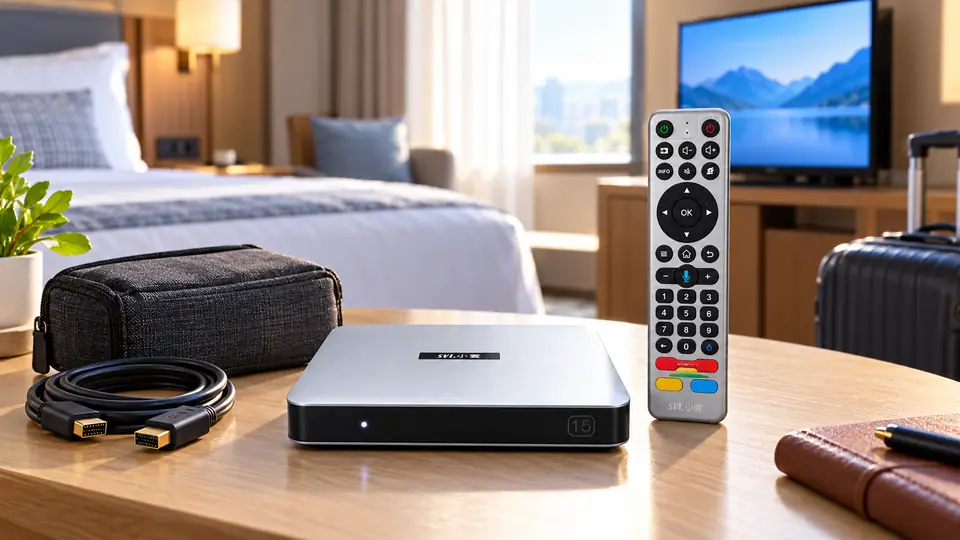
It makes the most sense for families who revisit the same property, stay long enough to enjoy a familiar setup, or carry a compatible personal movie collection. If your household mostly watches on a phone during short trips, buying another device may add luggage without improving the experience.
Five destination checks before you buy
1. Can you use the television’s HDMI input?
The 15P connects to a compatible TV through HDMI. Before booking around a TV box, ask whether the display has an accessible input and whether guests may change the TV source. Some accommodation screens are mounted or configured so that their ports or input controls are hard to reach. A photo of the television alone is not enough to confirm access.
At home, you can test the first connection using the site’s SviCloud 15P HDMI setup guide. On arrival, use the same simple sequence: connect the box, power it with the appropriate adapter, and select the correct TV input. Do not change hotel equipment settings that the host asks guests to leave alone.
2. Is the correct power adapter and plug available?
The product listing describes Type-C power and offers plug-type choices. That does not mean any phone charger is an appropriate substitute. Pack the adapter supplied for your unit and check that its plug suits the destination. If you need a travel plug adapter, verify its physical fit and electrical rating before departure. Keep the power cable separate from your phone charger so neither is left behind.
3. Will the network allow the box online?
Home Wi-Fi usually has a straightforward password. Hotels, campuses and some holiday properties may instead require a web sign-in, room number, acceptance page or per-device registration. Ask the property how guest devices connect; do not assume that seeing the Wi-Fi name means the box can complete every sign-in flow.
The 15P supports 2.4GHz and 5GHz Wi-Fi 6, but that does not override weak coverage or network restrictions. If you have a choice of bands and a normal network password, our 2.4GHz, 5GHz and Ethernet guide explains the trade-offs. If the destination uses a captive portal, confirm the property’s supported connection method before relying on live streaming.
4. Are your must-have apps available there?
Familiar hardware does not make every program travel with you. Apps, logins, regional rights and optional subscriptions can change what appears at the destination. Make a short list of what your family actually wants to watch and check those services for the destination country. The SviCloud 15P apps guide is a useful starting point for the device side of that check; the app or service itself determines its current catalog and rules.
5. How much setup time can you spare?
If you expect to arrive late and leave early, carrying a box may be more work than it is worth. If you stay a week or more, a few minutes of setup can be reasonable. Test your own cables and remote before departure. Photograph the way the adapter and HDMI cable connect at home if someone else in the family will set it up.
A small, realistic SviCloud 15P travel kit
Pack the box, its matching remote, supplied power adapter and HDMI cable together. The site’s 15P box-contents checklist separates the standard kit from promotional extras, which is useful when deciding what you actually need in your bag. Confirm remote battery requirements for your specific unit and carry them according to your airline’s rules where relevant.
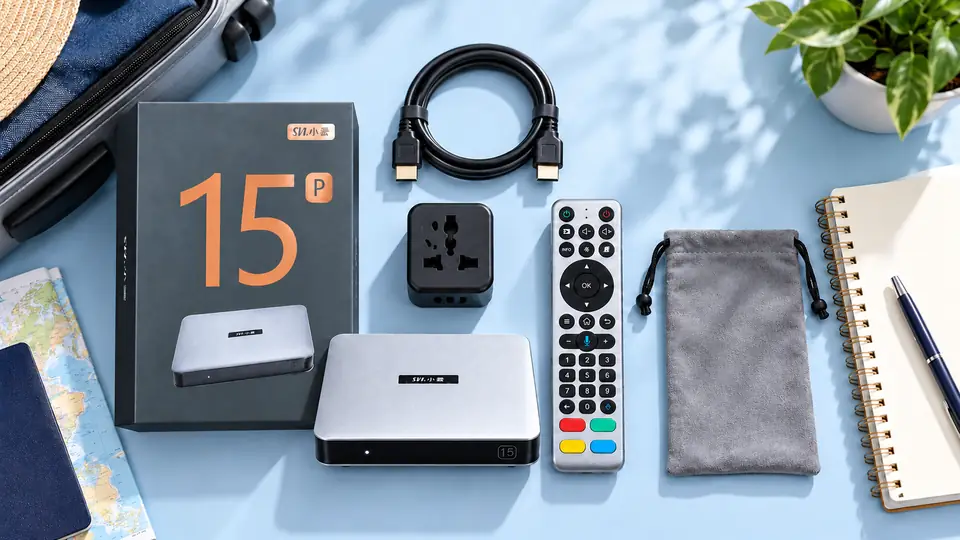
| Item | Why pack it? | Check before leaving |
|---|---|---|
| 15P box and remote | Familiar menus and control | Both turn on and respond at home |
| Supplied power adapter | Correct power for your unit | Plug type and destination outlet |
| HDMI cable | Connection to an accessible TV input | Cable works and is long enough |
| Optional storage device | Compatible personal media | Files play before departure |
| Optional headphones | Quieter shared-room viewing | Pairing and charging work at home |
A soft pouch may help keep small pieces together, but it is not listed as a standard item in the current product bundle. If you add one, avoid placing pressure on the remote in a tightly packed suitcase. A travel plug adapter is also a destination-specific accessory, not a substitute for the box’s own power supply.
What can you watch away from home?
There are two broad paths. Online viewing uses a working internet connection and the app’s current access rules. Local viewing uses files you already own or have permission to use, provided the box supports the particular file, storage device and audio track. The 15P product page highlights compatible personal-media playback, including Filmax and several common file formats, but compatibility is not a promise for every file. Test important movies before you leave; the local-media organization guide explains why file structure and subtitles matter.
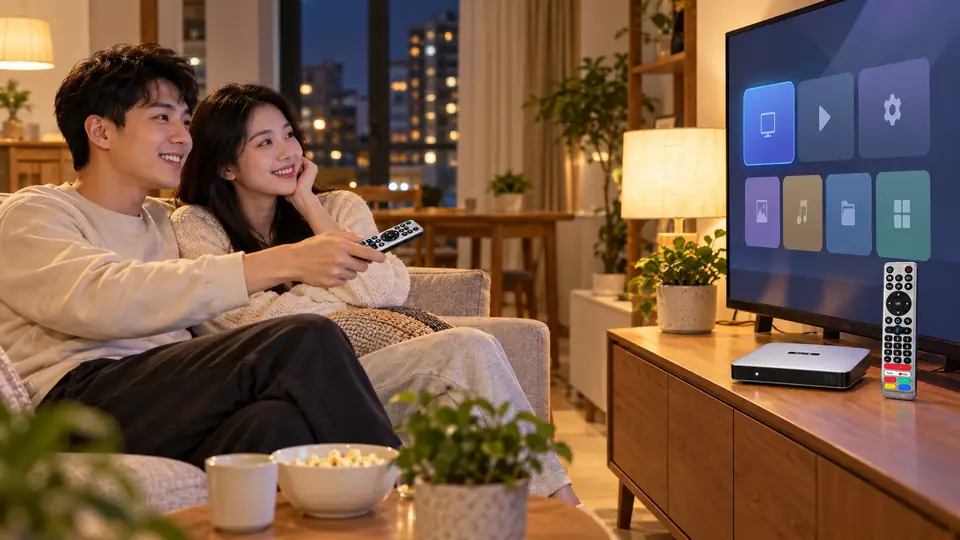
For a shared room, the current product information lists Bluetooth 5.4 and compatible private headphone listening. Pair your own headphones at home before travel and carry their charger; the Bluetooth headphone guide covers the relevant setup and limitations. Do not promise yourself silent viewing until you have tested the exact headphones and box together.
If you plan to show photos from a phone, remember that phone mirroring is a separate feature with its own compatibility and network requirements. Guest networks may isolate devices from one another. Do a home trial before treating mirroring as your only way to share family videos.
When buying a 15P for travel makes sense—and when it does not
Good fit: You also want a capable box for your home TV, take longer stays in places with accessible HDMI and normal Wi-Fi, and value keeping the same remote and interface. In that case, travel use is an added benefit of a home purchase.
Think twice: You mainly take overnight hotel trips, the TV inputs are unknown, the destination network requires a connection process you cannot verify, or you only watch a few phone apps. The 15P may still be a good home device, but those conditions make “I can use it everywhere” a weak reason to buy.
Ask before ordering: If the purchase depends on one specific app, country, accommodation type or headphone model, check that requirement with the relevant provider or with SviCloud order support. Share the destination and the exact equipment you plan to use. A concrete answer is more useful than a broad compatibility slogan.
Travel FAQ
Will the SviCloud 15P work in every hotel?
No universal guarantee is possible. You need an accessible HDMI input, suitable power and a connection method the device can use. Check those details with the property before relying on it.
Can I watch without hotel Wi-Fi?
Compatible personal media on a suitable local storage device may be playable without online streaming. Test the exact files and storage at home. Online apps, updates and cloud features still need internet access.
Does Wi-Fi 6 make poor guest Wi-Fi fast?
No. The box’s wireless capability cannot repair weak coverage, congestion, internet limits or a network that blocks device access.
Should I buy a second SviCloud 15P only for trips?
For occasional travel, first test whether moving your existing box is practical. A second unit makes more sense when you regularly stay in a compatible second location and want to leave one device at home.
Final decision
Buy the SviCloud 15P primarily for the television you use most. Its travel value rises when you know the destination’s HDMI access, power and network in advance, and when you stay long enough to enjoy the familiar setup. For uncertain hotels and short visits, keep your expectations modest. Compare the current SviCloud entertainment range and confirm the 15P’s plug option, included items and order terms before deciding.