
SviCloud 15P box contents can look identical across two offers until you compare what the seller actually puts in the parcel. One listing may describe the standard TV box kit; another may show a keyboard, hub, and remote cover as promotional gifts. If you are buying for a family member, the difference matters more than a dramatic product photo. This guide separates the confirmed box contents from the current offer, then shows you what to check before paying.
Start with the SviCloud TV box range to make sure you are comparing the right generation. The SviCloud 15P TV Box listing is the reference for the kit and current gifts described below. A reseller’s bundle may differ, so treat the actual checkout page and written order confirmation as the final record of your purchase.
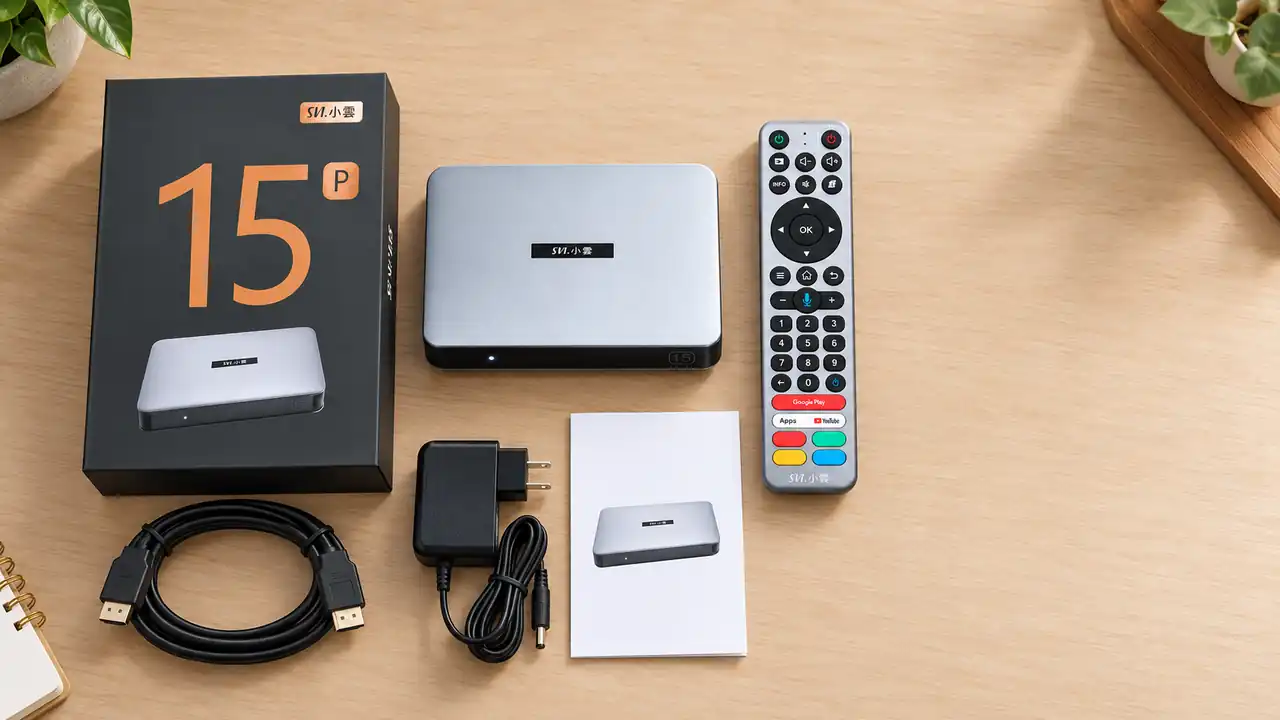
SviCloud 15P box contents: what is in the standard kit?
The current SviCloud 15P listing names five standard items: the TV box, an AI voice air-mouse remote, a power adapter, an HDMI cable, and a user manual. Those are the essentials you would expect for a first connection to a compatible TV. The listing also says standard accessories are shown in its product image. It does not clearly promise every small accessory a buyer might imagine, such as batteries, an Ethernet cable, or a wall-mounting kit. Do not add those to your mental checklist unless the seller explicitly lists them.
| Item | Why it matters before ordering | What to confirm |
|---|---|---|
| SviCloud 15P box | This is the device you are buying, rather than an older model with a similar name. | Model name and photographs on the order page. |
| AI voice air-mouse remote | It is the main way to navigate the interface from the sofa. | That the remote is included; ask about batteries if that matters to you. |
| Power adapter | The box requires its own power source. | The plug option selected for your delivery country. |
| HDMI cable | It connects the box to a compatible display. | Whether the seller’s specific bundle still lists a cable. |
| User manual | It provides the starting reference for the supplied unit. | Language availability if buying for someone who needs it. |
The published product page offers US, UK, EU, and AU plug choices. Choose the plug that suits the destination rather than assuming the warehouse will infer it from your shipping address. A travel adapter can sometimes solve a physical plug mismatch, but checking the option at checkout is the cleaner purchase decision. If the order is a gift, confirm that the recipient’s TV has a usable HDMI input and that someone can connect the box and select that input.
The remote is part of the core package, but its features are not a reason to assume every television command will work automatically. The site’s SviCloud 15P remote control guide explains the separate questions of box pairing, air-mouse use, voice input, and compatible TV control. If you are ordering for an older relative, read that before deciding whether an extra keyboard would genuinely help.
Which items are current gifts rather than standard contents?
The SviCloud 15P product listing currently advertises three free gifts: a backlit mini wireless keyboard, a Type-C plus USB dual-connector 8-in-1 hub, and a protective remote cover. These are presented as a promotion. They should not be confused with the standard kit, and they should not be assumed to accompany every seller’s listing, region, or future order. Check the offer displayed on your own order page before payment.
Does the gift bundle add value? It depends on how you watch. A mini keyboard may be convenient for entering searches or passwords, especially in a household that uses several apps. The remote cover may be more useful in a busy family room than on a shelf in a single-person home. A hub should be judged by the connections you actually need and by its confirmed compatibility with your equipment. Do not buy a bundle just because a gift has a long feature list.
Likewise, a pictured gift is not the same as a line item in your order. Take a screenshot of the product offer and the completed order summary, especially if you are buying during a promotion. If a gift is important to your decision, ask support to confirm it in writing before placing the order. The site’s SviCloud 15P price guide is useful for comparing the total cost and value of an offer instead of focusing only on a crossed-out price.
What the SviCloud 15P box contents do not tell you
A physical bundle list cannot answer every question about what you will watch. The 15P listing describes its own app ecosystem and a wide range of content categories, but channel availability can change by app, region, and service. Buying the hardware does not turn every third-party subscription into a free service. If programming is your main reason to buy, compare your household’s needs with the site’s SviCloud 15P channel list guide and confirm any must-have content before paying.
The same distinction applies to apps. A device with an app store is not a promise that every app you have used on another television is supported, licensed, or included without charge. Check the app or service directly when it is a deal breaker. The SviCloud 15P apps guide can help you separate built-in options from apps you may need to install or sign into later. This is particularly relevant when the box will be shared by family members with different viewing habits.
A practical pre-order check for your household
First, confirm the model name. “SviCloud TV box” is broad; your order should explicitly identify the SviCloud 15P if that is the model you want. Match the box image and specification summary to the current product listing. If a marketplace listing has inconsistent photos or an older remote, pause and ask the seller for the exact version. The site’s genuine SviCloud TV box buying checklist covers seller and authenticity checks in more detail.
Second, compare the total delivered price, not only the device price. Check shipping destination, tax or import charges shown at checkout, plug choice, and the exact gifts included. A cheaper listing can be less appealing if the seller cannot verify the model, accessories, or support route. Conversely, a promotion is only valuable if its extras suit the person who will use them.
Third, think about who will open the parcel. If the recipient lives in another country, select the plug for that country and save a copy of the order details. If it is a family gift, tell them which accessories are standard and which were part of the promotion; that makes the arrival check straightforward. For a first-time owner, the SviCloud 15P setup guide is the next step after unboxing. This article is about choosing the right offer, not changing settings or solving connection problems.
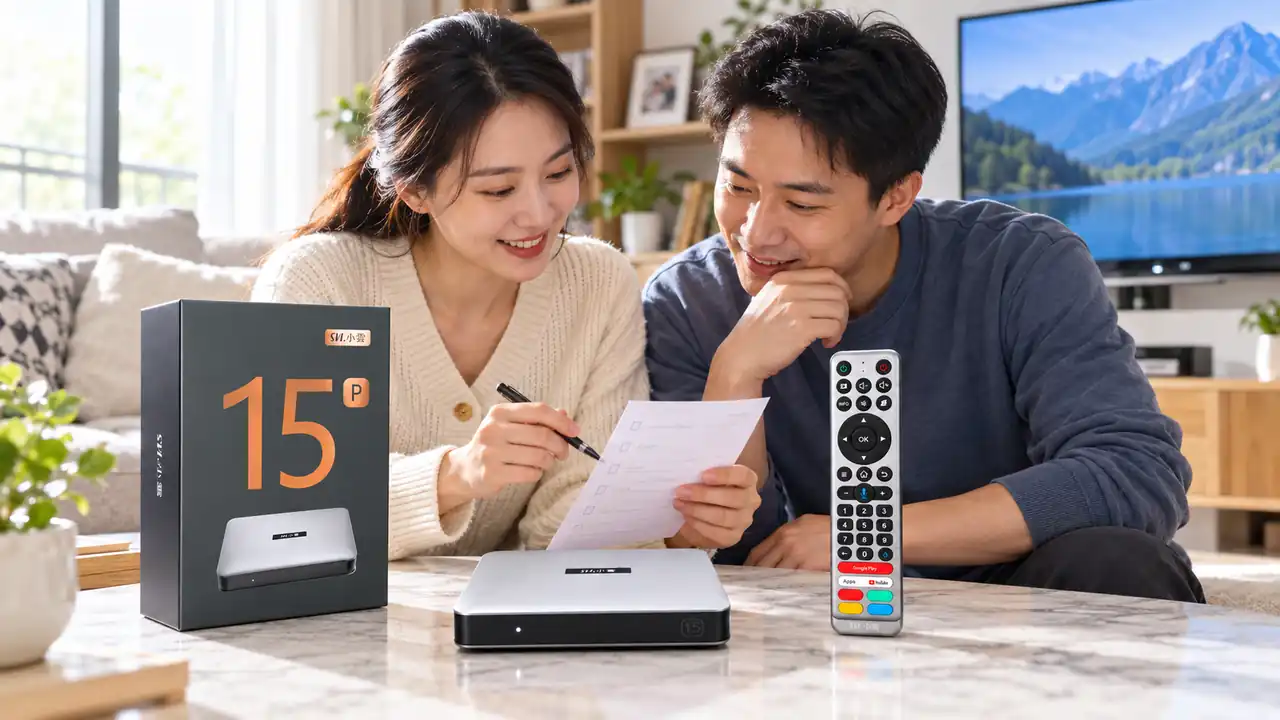
What should you check when the parcel arrives?
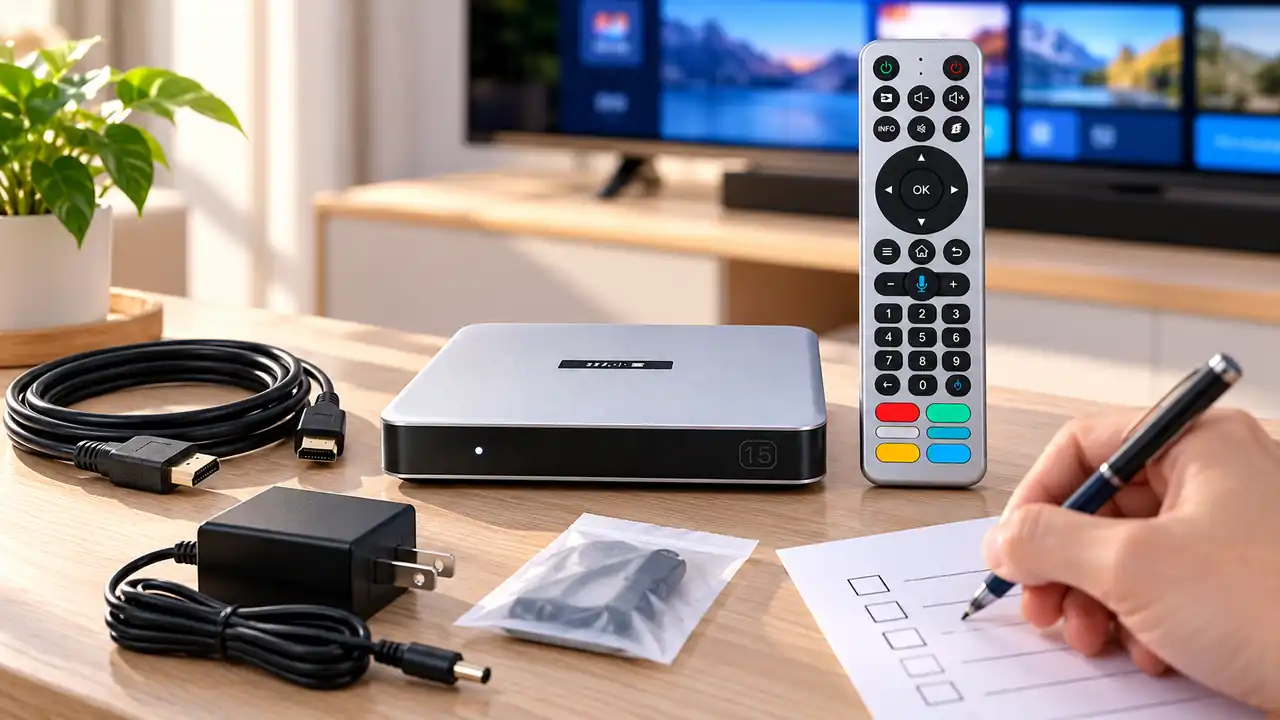
Use the SviCloud 15P box contents checklist when the parcel arrives: compare the received model and standard accessories against your order confirmation before discarding the packaging. Put the box, remote, adapter, HDMI cable, and manual together so nothing small disappears among the packing materials. If your order promised promotional gifts, check those against the recorded checkout offer as a separate list. Photograph any missing or damaged item and contact the seller promptly with the order number.
Do not plug in a visibly damaged adapter or cable. If the outer package is damaged, photograph it before opening where practical. Keep the original packing until you know the device and accessories are correct. The site’s return policy explains the process for wrong, defective, or changed-mind orders; if something is wrong, contact support before sending anything back. These simple records make a resolution easier than a vague message saying the parcel was incomplete.
FAQ
Does the SviCloud 15P include an HDMI cable?
Yes. The current SviCloud 15P product listing includes an HDMI cable in the standard package. Still check the specific seller’s order summary if you are purchasing through a different channel.
Are the keyboard, hub, and remote cover always included?
They are currently shown as free gifts on the SviCloud 15P listing, not as the permanent standard box contents. Promotions may change. Confirm all three on the live listing or with the seller before ordering.
Does the box include remote batteries or an Ethernet cable?
The product listing does not clearly identify either as a standard included item. Ask the seller rather than assuming they will be in the parcel.
Which power plug should I order?
The product listing offers US, UK, EU, and AU plug options. Select the option that fits the destination and check it again in the order confirmation.
Does the purchase include every streaming service?
No blanket promise should be inferred from a hardware bundle. App access, content catalogs, regional availability, and third-party subscriptions should be checked individually before buying.
Is this SviCloud 15P bundle worth buying?
It is worth considering if the standard kit fits your TV and the current offer gives you accessories you will actually use. The strongest purchase is the one where the model, plug type, included items, promotional gifts, and delivered total are all clear before payment. Compare the SviCloud entertainment box selection if you are still deciding between models, then review your chosen 15P bundle at checkout.
The current offer also advertises the lowercase coupon code svi8 for 8% off an eligible SviCloud 15P order. Enter it at checkout and confirm that the discount appears before you pay; availability and eligibility can change. Check the three advertised gifts on the same order summary.