If you have searched for a Xiaoyun TV box and landed on a SviCloud listing, the two names can look like competing products. The confusion matters when you are about to order: a translated marketplace name isn’t enough to tell you which model, remote, or support you will receive. Here is how to connect the names, identify the SviCloud 15P TV Box, and decide whether it fits your home.
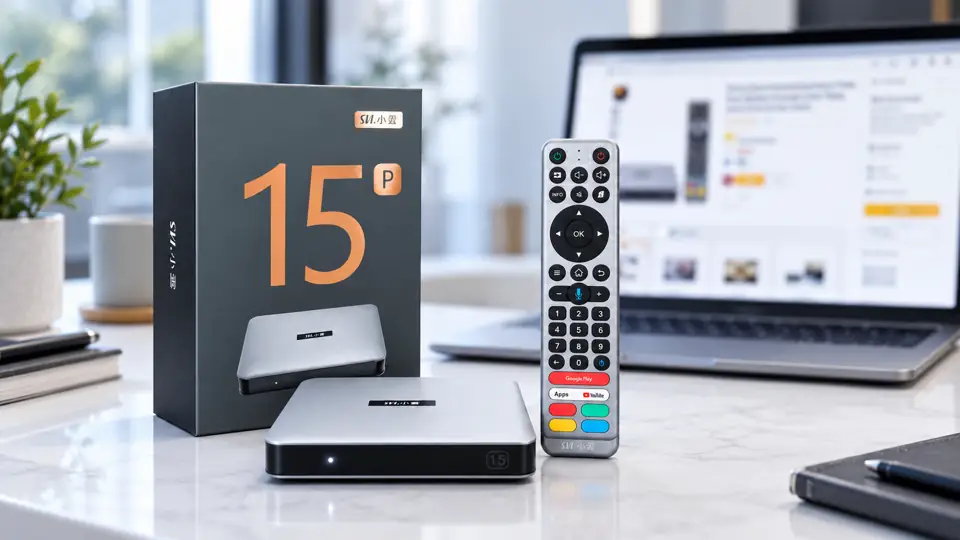
The XiaoYun Smart TV Box and SviCloud TV Box are the same brand, with different names used in different markets. The SviCloud 15P is the latest model in the XiaoYun/SviCloud TV boxes lineup. The product packaging and remote may display the Chinese “小雲” branding, while SviCloud is the name used for the English-facing product line.
What does “Xiaoyun TV box” mean?
“Xiaoyun” is a romanization of the Chinese name 小雲. In English-language shopping results, you may see Xiaoyun, Xiao Yun, SViCloud, SviCloud or even “Svi Cloud.” These searches often lead to the same product family, but a search-result title is written by a seller, not by the device. A family member might say “小雲盒子,” while an English listing says “SviCloud 15P.” Neither phrase alone establishes the model number.
That is why the number matters. The 15P is a specific model; older SviCloud models and unrelated products can appear beside it in search results. If you intend to buy a Xiaoyun 15P, check for “15P” on the listing and compare the photographed box and remote with the seller’s current product photos. Do not assume that a page saying only “Xiaoyun TV box” includes the latest hardware or the accessories shown for the 15P.
How to identify the SviCloud 15P before ordering
Start with details that a listing can actually substantiate. The store’s 15P specifications state Android 14, 4GB RAM, 64GB storage, dual-band Wi-Fi 6, Bluetooth 5.4, 4K HDR10, AV1 decoding, and an AI voice air-mouse remote. A seller that cannot name the model or show its package contents may simply be using a broad brand keyword to attract searches.
- Model: Look for the exact 15P designation in the title, specifications and order confirmation.
- Photos: Compare the physical box and remote against the product listing; ask for current photos if a marketplace uses generic renders.
- Package: Confirm the remote, power adapter, HDMI cable and manual expected with the 15P. Promotions and extra gifts can change, so verify them separately.
- Plug: Select the plug type for your country rather than assuming that a box advertised globally ships with your local adapter.
- Support: Read the seller’s delivery, return and contact information before paying.
For a more detailed seller checklist, see how to check a genuine SviCloud seller. That guide is useful if you found the term “Xiaoyun TV box” on a third-party marketplace and need to compare the offer with a store you can contact afterward.
What does the SviCloud 15P add to a living room?
The naming question is usually the beginning of a buying decision, not the whole decision. The SviCloud 15P is an Android TV box for people who want streaming apps, the brand’s built-in entertainment environment, and personal media on a television. Its 4GB RAM and 64GB storage are published hardware specifications; they do not by themselves guarantee that every app or service works in every country.
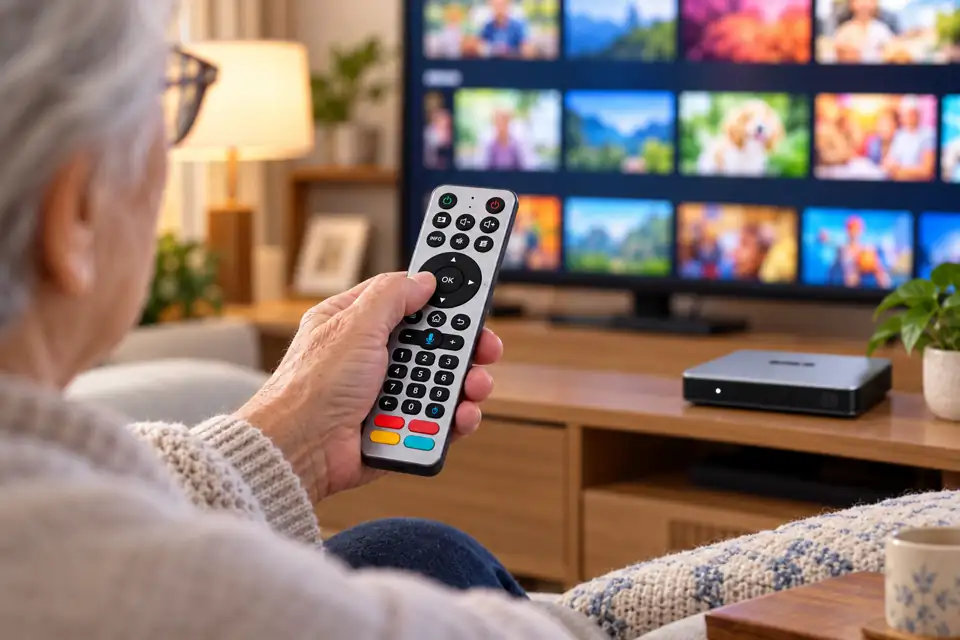
The included remote has directional controls, air-mouse navigation and supported voice input. That combination can make searching and moving through menus more comfortable than typing with an on-screen keyboard. Voice results still depend on the active app, language and internet connection. For families sharing one screen, it is worth thinking about who will use the remote every day, not only which processor appears on a spec sheet.
For viewing, the important distinction is between the box and its content sources. The device can provide a convenient place to browse entertainment, but a permanent promise of every channel or movie would be misleading. The available lineup may change with apps, region, rights and updates. If particular languages or program categories are essential, compare your needs with the SviCloud 15P channel and viewing guide before buying.
You can also use compatible apps for other services or your own media. App compatibility and subscriptions are set by each provider, and some services apply geographic or device restrictions. Our 15P app installation and availability guide explains this part of the experience more directly than a product nickname ever could.
Does “Xiaoyun” imply free TV or a monthly fee?
Yes, buying the SviCloud 15P is a hardware purchase; the store does not charge a recurring fee simply for owning the device. That does not make every third-party streaming service free. Providers can require their own accounts, subscriptions or one-time purchases, and availability can change by region.
If a seller advertises “all premium content forever” without explaining where it comes from, slow down. Ask what is included with the hardware, which apps are optional, and who supports them. The distinction between SviCloud 15P ownership and separate app fees will help you compare the real cost of two listings.
Five checks when a Xiaoyun TV box listing says SViCloud or Svi Cloud
- Match the exact model. A brand name or Chinese nickname is not enough; confirm that the item is the 15P.
- Check the supplied remote. Compare the remote in current seller photos with the remote shown in the 15P listing. Replacement remotes and older bundles can look different.
- Read the specifications carefully. Compare operating system, memory, storage and wireless features with the published 15P details. Avoid treating a seller’s “latest” claim as a specification.
- Check delivery and support for your location. An attractive price is less useful if the plug, shipping terms or returns are unclear.
- Separate hardware from content promises. Ask which features are part of the box and which depend on apps, subscriptions or regional availability.
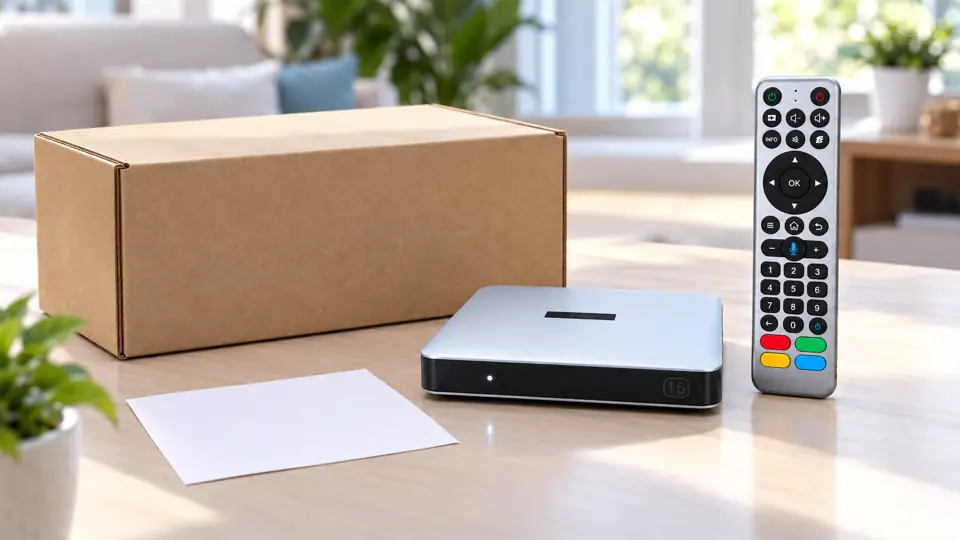
Once the box arrives, check the included items before discarding the packaging. Connect it to the television with the supplied HDMI cable, use the compatible power adapter and follow the on-screen prompts. The SviCloud 15P first-time setup walkthrough covers the rest without assuming that every home uses the same TV or network.
Frequently asked questions
Is Xiaoyun 15P the same as SviCloud 15P?
Yes, Xiaoyun 15P and SviCloud 15P are the same TV boxes from SviCloud.
Is every Xiaoyun TV box a 15P?
No. “Xiaoyun TV box” can be used broadly in search results. The model number is what distinguishes the 15P from an older box or an unclear marketplace listing.
Can I use the SviCloud 15P outside the United States?
The product listing offers several plug options, but delivery, apps and content availability depend on your destination and provider. Confirm the plug and shipping details for your country before ordering, then check the services you expect to use there.
Should I buy at the lowest price?
Compare the complete offer: model, supplied accessories, plug, delivery, returns and support. A low headline price can conceal a different bundle or a seller you cannot reach when something goes wrong.
Choose the model, not just the name
“Xiaoyun TV box” is a useful search term if it helps you find the SviCloud family, but it is not a substitute for identifying the 15P. Review the current SviCloud TV box range, compare the specifications and photos, and decide which features your household will actually use. If the 15P fits, check its current product details and seller terms before ordering.