
On a TV box, RAM and storage do different jobs. RAM keeps the system and active apps ready to work; storage holds the system, installed apps, downloads and other saved data. Our SviCloud 15P TV Box pairs 4GB RAM with 64GB storage. That combination gives a household room for everyday entertainment apps and a responsive way to move around the interface. If you are comparing specifications across the SviCloud TV box lineup, understanding those two numbers is more useful than treating “4+64GB” as one mysterious speed rating.
The simple rule: choose RAM for the work the box is doing right now, and storage for what you want to keep on the box. Neither number, by itself, tells you how fast your internet is or guarantees that every video will play at 4K. Here is what the SviCloud 15P specification means when you actually sit down to watch, search, install an app or browse a personal movie collection.
In this guide
SviCloud 15P 4GB RAM vs 64GB storage: the quick answer
4GB RAM is working memory. Android and the apps you are using draw on it while the box is running. 64GB storage is saved space. It accommodates the operating system, apps, app data and files you keep internally. The system itself uses some of each, so neither number is a promise of that exact amount being free to you.
| Question | RAM: 4GB | Storage: 64GB |
|---|---|---|
| What is it for? | Active system and app work | Installed software and saved data |
| When does it matter most? | Navigation and moving between active apps | Adding apps and retaining their data |
| Does a restart clear it? | Active working contents are refreshed | Installed apps and files remain |
| Will more of it fix weak Wi-Fi? | No | No |
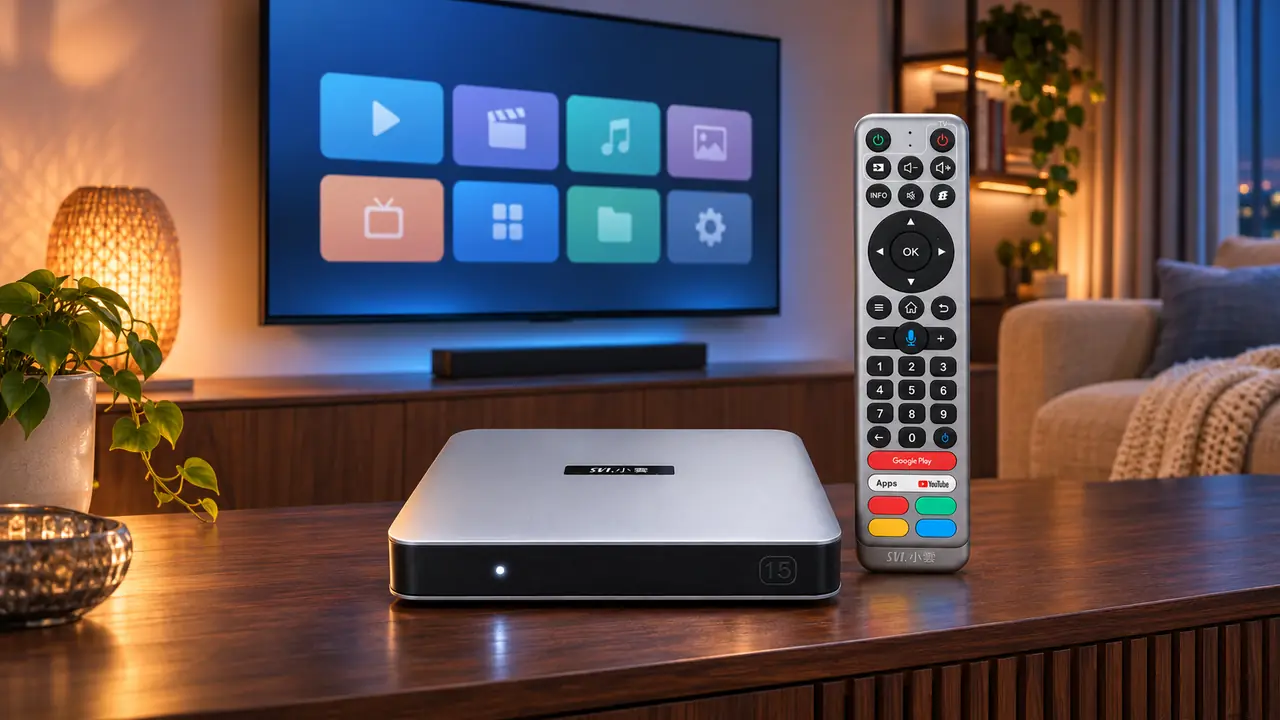
What the SviCloud 15P’s 4GB RAM does during viewing
Think of RAM as the workspace on a desk. The SviCloud 15P uses part of that workspace for Android 14 and part for whatever apps and menus are active. A larger workspace gives the system more room to handle its current tasks. On the SviCloud 15P, the listed 4GB RAM works alongside its 64-bit A55 processor for everyday navigation, searches and compatible entertainment apps. These components do different jobs, so the RAM figure alone is not a complete performance score.
For example, you may open a video app, return to the home screen and launch another app. The system decides which activity remains in memory and which one must reload. How smoothly that sequence feels also depends on the software, what else is running and the particular app. The useful takeaway is that the SviCloud 15P’s 4GB gives its Android environment working room while the rest of the hardware handles processing and playback.
RAM is temporary. Restarting the box refreshes active processes; it does not erase the apps or movies you saved. Likewise, installing another app does not permanently “use up” a fixed slice of RAM in the same way it uses storage. An installed app can consume working memory when running, but its installation files live in storage.
This distinction is especially helpful if you enjoy lightweight Android games as well as viewing. A game uses RAM while it runs, but its installation and saved data take storage space. Game compatibility and responsiveness also depend on graphics, controls and the game itself. Our SviCloud 15P casual gaming guide helps put that use case in perspective.
What the SviCloud 15P’s 64GB storage is for
Storage is the bookshelf rather than the desk. It retains Android 14, built-in software, the apps you install, app updates, thumbnails, preferences and files stored on the device. The SviCloud 15P’s listed 64GB is useful for a household that wants more than one entertainment app and a few utilities ready to open. It is total built-in capacity, not 64GB of empty user space: the system and preinstalled software occupy part of it.
Different apps need different amounts of space, and updates or cached data can change that figure over time. For that reason, a claim such as “64GB fits exactly 100 apps” would not help you plan. Think instead about what you actually keep installed. A family might want a mix of video apps, a media player, a file manager and a casual game. Our guide to useful SviCloud 15P apps is a practical place to build that shortlist.
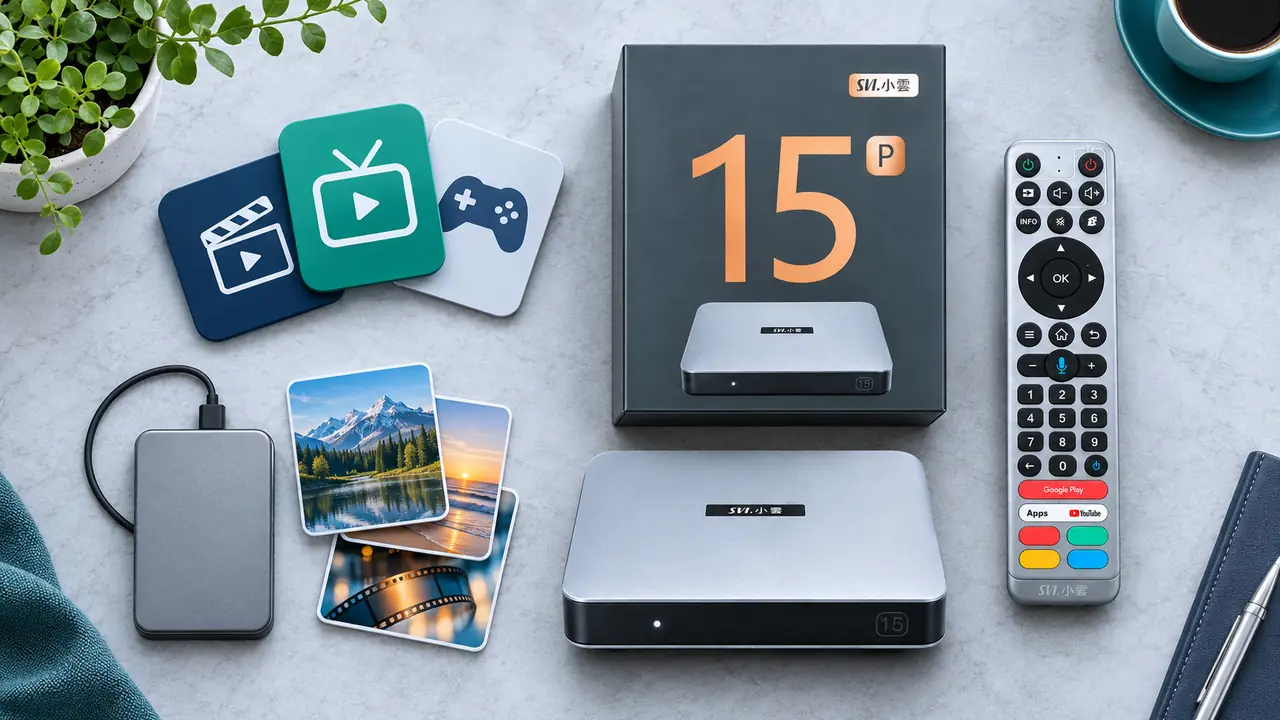
Where should a personal movie library go?
For a small selection of compatible files, internal storage may be convenient. A large personal movie collection is a different question: video files can consume space quickly, and their size varies widely with format and quality. The SviCloud 15P also supports compatible external storage and Filmax local-media browsing, giving you a way to organize your own collection without making the internal drive carry everything. See our SviCloud 15P local movie organization guide for a closer look at file formats, subtitles and the poster-wall experience.
Storage is not the same thing as a cloud subscription, either. The 64GB figure describes space inside the device. A separately supplied online service has its own account, content and storage terms. Knowing where your movies and apps actually live makes it easier to decide whether the SviCloud 15P’s built-in space fits your habits.
Three ways the 4GB + 64GB combination serves a home
1. A shared family television
In a shared living room, people move between news, drama, sports, movies and children’s entertainment. The SviCloud 15P’s built-in entertainment environment and compatible Android apps make that range convenient to explore. RAM supports the active interface and app work; storage holds the software and data you choose to keep. The two capacities work together, rather than competing to be the one “important” specification.
2. Several apps, used at different times
If different members of the household prefer different apps, the 64GB capacity gives you space to keep a useful selection installed. The 4GB RAM helps the box handle whichever app is active. Android may still reload an app when you return to it; that behavior is normal system management, not proof that storage is full. Before choosing apps, focus on the services and controls your family will actually use. Our SviCloud 15P feature tips show several ways to make daily navigation more convenient.
3. Streaming plus personal files
Many households want both online entertainment and their own videos or photos. The SviCloud 15P supports compatible online apps, local playback features and external media. Internal storage can hold apps and modest saved data while an external drive carries a larger media library. That division is often easier to manage than trying to place every large video file in the box itself.
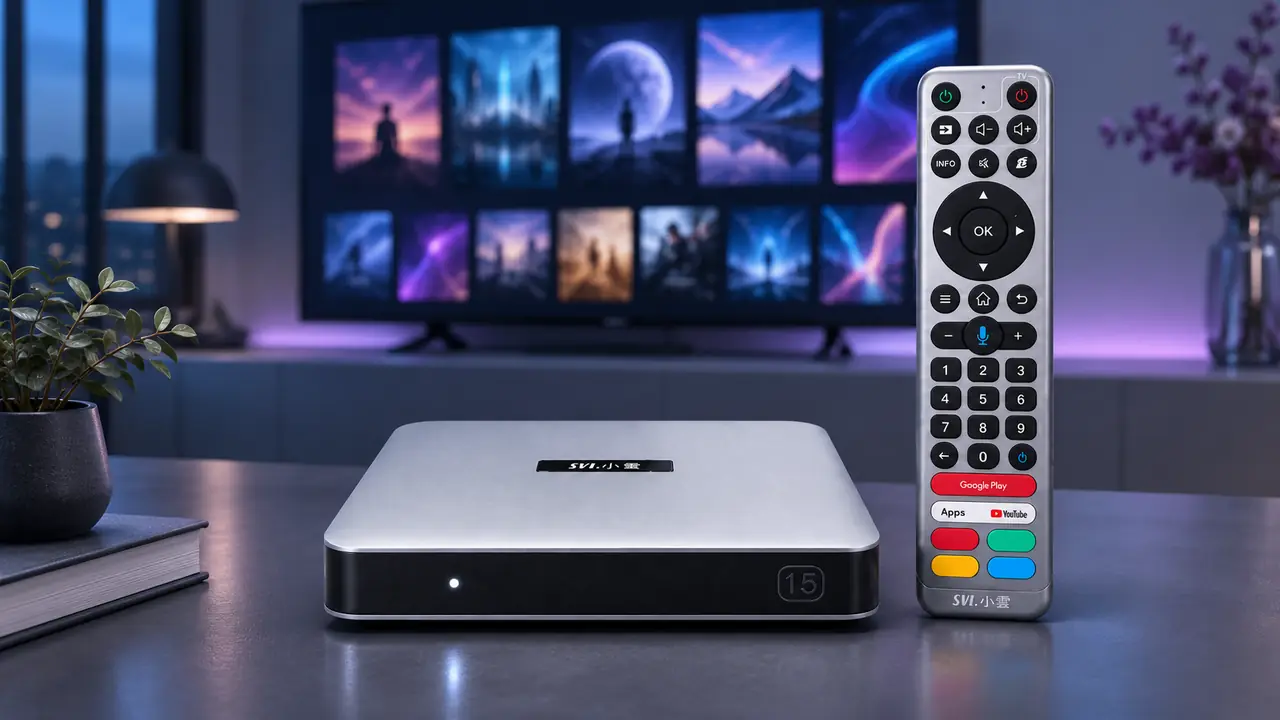
The other specifications behind the experience
When comparing Android TV boxes, do not ask RAM and storage to explain the whole viewing experience. The SviCloud 15P also lists a 64-bit A55 processor, dual-band Wi-Fi 6, Bluetooth 5.4, 4K HDR10 output and AV1 decoding. The processor handles computation, the network connection brings online video to the box, and the supported video features help it handle compatible sources and displays. Our Android 14 upgrade guide explains how the newer platform fits alongside these hardware choices.
If online video buffers, start with the network and source rather than assuming the 64GB storage needs an upgrade. If an app takes too much space, inspect installed apps and their data rather than blaming the Wi-Fi connection. Keeping the roles separate leads to faster, more useful decisions. The practical network checks in our SviCloud 15P internet-speed guide address the streaming side of the equation.
How to decide whether the SviCloud 15P’s capacity fits you
Make a short list before you buy: the apps you expect to use, whether you keep personal media files, and whether your family switches among several types of entertainment. The SviCloud 15P’s 4GB RAM and 64GB storage make it a versatile choice for a living room that does more than open one app. If your personal collection is large, plan external storage for that collection and leave the internal space for the system, apps and ordinary app data.
There is no need to choose by the biggest number alone. Ask what the box lets your household do, how you will navigate it and which software you will actually use. That is where the SviCloud 15P’s memory, storage, Android 14, remote and media features come together.
Frequently asked questions
Is 4GB RAM the same as 64GB storage on SviCloud 15P?
No. RAM is temporary working memory for the running system and active apps. Storage keeps Android, installed apps, app data and saved files.
Is all 64GB available for my downloads?
No. The 64GB is the listed total built-in capacity. Android and preinstalled software use some space, and installed apps and updates use more.
Will 4GB RAM make my internet faster?
No. RAM helps with active system and app work. Internet speed and stability depend on your connection, router, signal or wired setup, and the video source.
Can I keep a large movie library on the SviCloud 15P?
The box supports compatible local-media playback and external storage. A large personal library is usually easier to organize on an appropriate external drive, with internal capacity reserved for apps and everyday data.
Should I buy the SviCloud 15P for RAM or for storage?
Consider the whole setup. The 4GB RAM and 64GB storage address different needs, while the processor, software, network and viewing features determine how well the box fits your household.
Our takeaway
The SviCloud 15P’s 4GB RAM gives its Android 14 environment working memory; its 64GB storage gives you built-in space for software and saved data. Together they support a flexible entertainment setup, especially when your family uses a range of apps and keeps some personal media. For a large movie collection, use the SviCloud 15P’s compatible external-media options and keep the internal space available for daily use.
Explore our SviCloud entertainment boxes if you are deciding which room or viewing style you are buying for. If the SviCloud 15P fits your list, its current specifications and availability are ready to review.