
SviCloud 15P vs onn. 4K Pro is a practical choice for a US household that wants more from its living-room TV. Walmart’s onn. 4K Pro is an accessible Google TV device for familiar streaming apps and smart-home controls. Our SviCloud 15P brings a different package: Chinese-language entertainment through its built-in apps, Android 14, 4GB RAM, 64GB storage, and a voice air-mouse remote. The better purchase depends on what your family actually opens after dinner.
We offer the SviCloud TV box range for households that value convenient entertainment and personal media. You can check the exact configuration and included items on our SviCloud 15P TV Box listing before comparing it with Walmart’s current onn. model.
In this guide
The short answer for a Chinese-speaking home
Choose SviCloud 15P if your household wants Chinese-language live and on-demand categories alongside compatible Android apps, room for a personal movie library, and a remote that combines voice input with an air mouse. Choose the 2026 onn. 4K Pro if your main goal is Google TV, supported mainstream apps, Gemini voice functions, Dolby Vision and Atmos, and a lower-cost US retail purchase. These are different ways to organize the TV, rather than two versions of the same experience.
For a family that shares one television across generations, start with content rather than RAM. Ask what parents, children, and other viewers will search for first. Our SviCloud 15P channel and viewing guide explains the available categories more usefully than a generic list of specifications.
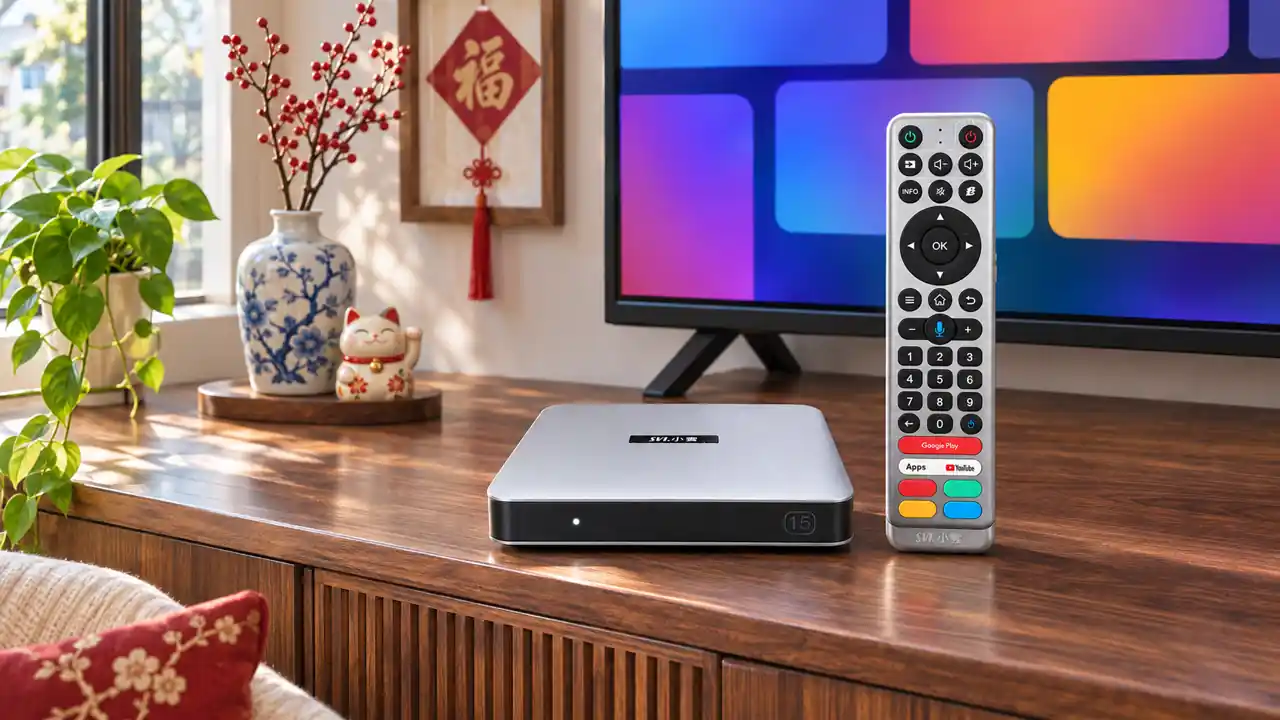
First, make sure you are comparing the right onn. 4K Pro
The name onn. 4K Pro appears on more than one generation. This comparison uses Walmart’s current 2026 onn. 4K Pro Streaming Device with Google TV and Gemini, whose listing states 3GB RAM and 32GB storage. An older review or secondhand listing may describe different hardware. Before buying, look for the generation, product photos, memory, storage, and included remote on the exact retail listing.
Walmart describes this model as available for the United States and Puerto Rico, with international-use restrictions on its product listing. That matters if you intend to move it between countries. For a US family buying a box for a television at home, it mainly means you should compare the actual devices and the services you plan to use, not a headline that says only “4K Pro.”
SviCloud 15P vs onn. 4K Pro: the useful specifications
| Buying consideration | SviCloud 15P | 2026 onn. 4K Pro |
|---|---|---|
| Software | Android 14 and SviCloud entertainment apps | Google TV with Gemini features |
| Memory and storage | 4GB RAM; 64GB internal storage | 3GB RAM; 32GB internal storage |
| Wireless connection | Dual-band Wi-Fi 6 | Wi-Fi 6 |
| Picture and media | 4K HDR10 and AV1 decoding | 4K UHD and Dolby Vision; Dolby Atmos audio |
| Remote | AI voice air-mouse remote | Voice remote with Find My Remote feature |
The difference between 64GB and 32GB is meaningful when you keep several supported apps and personal files on the device. Both products list Wi-Fi 6, so the right placement for your router and television matters whichever device you choose.
What does your family want to watch?
This is where the purchase decision becomes clear. Our SviCloud 15P combines compatible Android applications with SviCloud’s built-in entertainment apps. Those apps are organized around live and on-demand categories such as news, sports, television series, movies, documentaries, and animation. For a Chinese-speaking household, that ready-to-explore mix can be the main reason to choose a dedicated box instead of starting with a general Google TV interface.
The onn. 4K Pro follows Google’s app-centered approach. Its Google TV interface brings together content from supported services, and its Gemini features add voice and smart-home options. If everyone in your household already knows which mainstream services they use and wants a familiar Google TV experience, the onn. device is a sensible fit. Those third-party services may still require their own accounts or subscriptions.
SviCloud 15P does not require a monthly device subscription for its built-in apps. Internet service and optional third-party subscriptions are separate. We explain the distinction in our SviCloud 15P monthly-fee guide. Compare the content each household member actually wants, then consider the ongoing cost of any optional services rather than assuming either box replaces every streaming subscription.
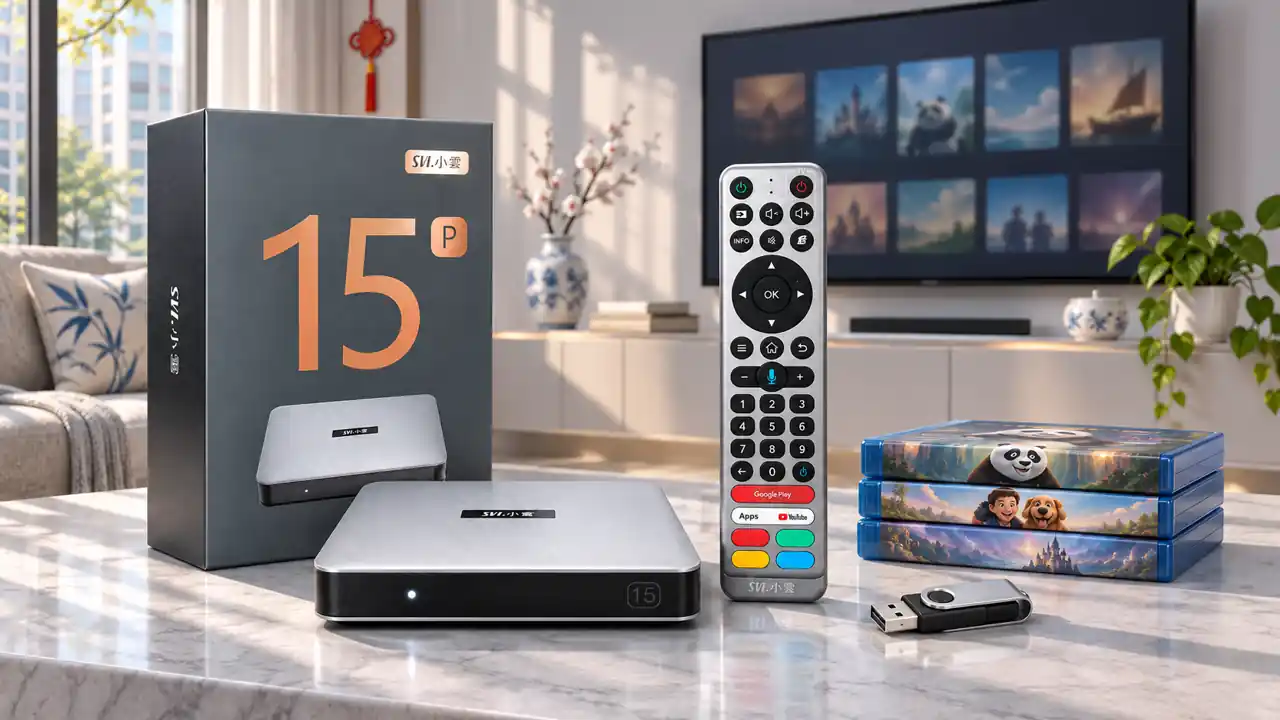
Storage, media, voice and the remote
Our SviCloud 15P has 64GB of internal storage and Filmax local-media tools, including a visual poster-wall experience for organizing compatible personal movies. That is useful when the TV serves as both an app screen and a place to browse your own files. The SviCloud 15P local-movie guide shows how to prepare a collection for easier browsing.
The onn. 4K Pro lists 32GB storage plus a USB 2.0 port. That can be entirely adequate for a family primarily installing supported streaming apps. Its 2026 listing also calls out Dolby Vision and Dolby Atmos. If you own compatible display and audio equipment and subscribe to services that supply those formats, they deserve attention. SviCloud 15P instead lists 4K HDR10 and AV1 decoding, a combination well suited to supported video sources and personal media. Match the format to your actual TV and the content you watch.
The remotes reveal another difference in daily habits. SviCloud 15P offers AI voice control and an air-mouse function for supported on-screen interfaces. You can move a pointer rather than relying entirely on directional buttons when that interface calls for it. Walmart promotes voice features and Find My Remote on its current onn. 4K Pro. A family that regularly misplaces the remote may appreciate that convenience; a family that navigates varied Android interfaces may prefer the SviCloud 15P air mouse. Our SviCloud 15P remote control guide explains its controls in more detail.
What about price and long-term value?
The onn. 4K Pro is positioned as a budget-friendly Walmart streaming device. SviCloud 15P is a more specialized purchase for families that want its Chinese-language entertainment environment, larger internal storage, and local-media features in one box. A lower upfront price is attractive when the mainstream apps you already use are the entire plan. A broader entertainment setup can be worth paying for when it changes what the family will actually watch on the shared TV.
Compare the checkout total, included remote and accessories, return terms, and any optional service costs. Our SviCloud 15P price and value guide gives you a framework for judging the purchase beyond the sticker price.
Which should you buy?
Buy SviCloud 15P when Chinese-language viewing is central to the household and you also want compatible Android apps, a 64GB personal-media setup, Wi-Fi 6, and a voice air-mouse remote. These benefits work together: a parent can browse familiar program categories while another family member uses apps or a saved movie collection on the same television.
Choose the 2026 onn. 4K Pro when the television is mainly for supported mainstream streaming services, Google TV discovery, Gemini controls, and Dolby Vision or Atmos equipment. Its smaller 32GB storage and the different content experience may be reasonable trade-offs for that use. For buyers outside the US and Puerto Rico, read Walmart’s current regional-use terms before choosing it.
If you are comparing other mainstream streamers too, our SviCloud 15P versus Google TV Streamer comparison explores a different Google device. The right answer is not a universal winner; it is the box whose content, controls, and storage match your family.
Frequently asked questions
Does SviCloud 15P have more storage than the 2026 onn. 4K Pro?
Yes. Their current product listings state 64GB for SviCloud 15P and 32GB for the 2026 onn. 4K Pro. Available space after system files is lower on both.
Do both devices support Wi-Fi 6?
Yes, both current listings include Wi-Fi 6. Actual wireless quality depends on the router, room layout, network traffic, and internet connection.
Does buying either device include every streaming subscription?
No. Optional third-party streaming services may charge separately. SviCloud 15P’s built-in app offering does not require a monthly device subscription.
Which one is better for a Chinese-speaking family?
Start with SviCloud 15P if Chinese-language live and on-demand categories are a major part of family viewing. Choose onn. 4K Pro if your family mainly wants the Google TV environment and its supported mainstream apps.
Make the choice around your household
For customers who want Chinese-language entertainment, personal movies, and familiar Android flexibility in one living-room device, we recommend starting with SviCloud 15P. The onn. 4K Pro is a strong alternative for US buyers focused on Google TV, Gemini and supported Dolby formats. Decide by the programs and controls your family will use every week.
You can explore our wider SviCloud entertainment lineup if you are comparing models. When SviCloud 15P fits your home, review the current configuration and availability before ordering.