
Halloween plans do not need a complicated home-theater project. With a little preparation, the SviCloud 15P can bring compatible streaming apps, live entertainment and personal media to the family TV for a seasonal movie night. Start by checking what your household actually wants to watch, then confirm that the room, network and chosen app are ready. The SviCloud 15P TV Box is built around Android 14, 4K HDR10 support and local-media features, while the wider SviCloud TV box range helps you compare current models before ordering.
One expectation matters: no TV box can promise that a particular Halloween film, channel or app will be available in every country. App catalogues, subscriptions and regional rights change. Use this guide to plan a smooth family viewing night without relying on a title being included by default.
Contents
A quick Halloween movie-night plan
- Choose a few age-appropriate titles from apps or services available in your region.
- Test the exact app, account, subtitles and audio before guests arrive.
- Connect the 15P to the TV over HDMI, then confirm the TV input and network.
Choose content everyone can actually watch
Before decorating the room, make a short list of the people who will be watching and what they enjoy. Some families prefer a light animated adventure; others want a mystery or a classic that older relatives remember. Agree on the mood first. “Halloween movie” can mean a gentle seasonal story for children or a much scarier film for adults.
Then check the service that carries each title. The SviCloud 15P supports Android apps, but compatibility and catalogue access depend on the app, account, region and current service terms. A title appearing in a search result does not mean it is included with the box or free to play. Confirm whether it needs a separate subscription, rental or purchase. If your family mainly wants to browse the built-in entertainment environment, review the current SviCloud 15P channel and viewing guide and check regional availability rather than assuming one fixed list.
Subtitles can help when grandparents and children prefer different languages, and they are useful when the room is lively. Open the title early and verify that the subtitle track you want is offered by that app or file. Some services let you choose language and captions from the player; exact controls vary, so try them before the room fills up.
For a practical shortlist of compatible services and app setup, use the SviCloud 15P apps guide. Treat it as a starting point, then check the specific app’s current listing and account rules. Keep a backup option ready in case a title is unavailable in your region or an account needs attention.
Set up the television and room before guests arrive
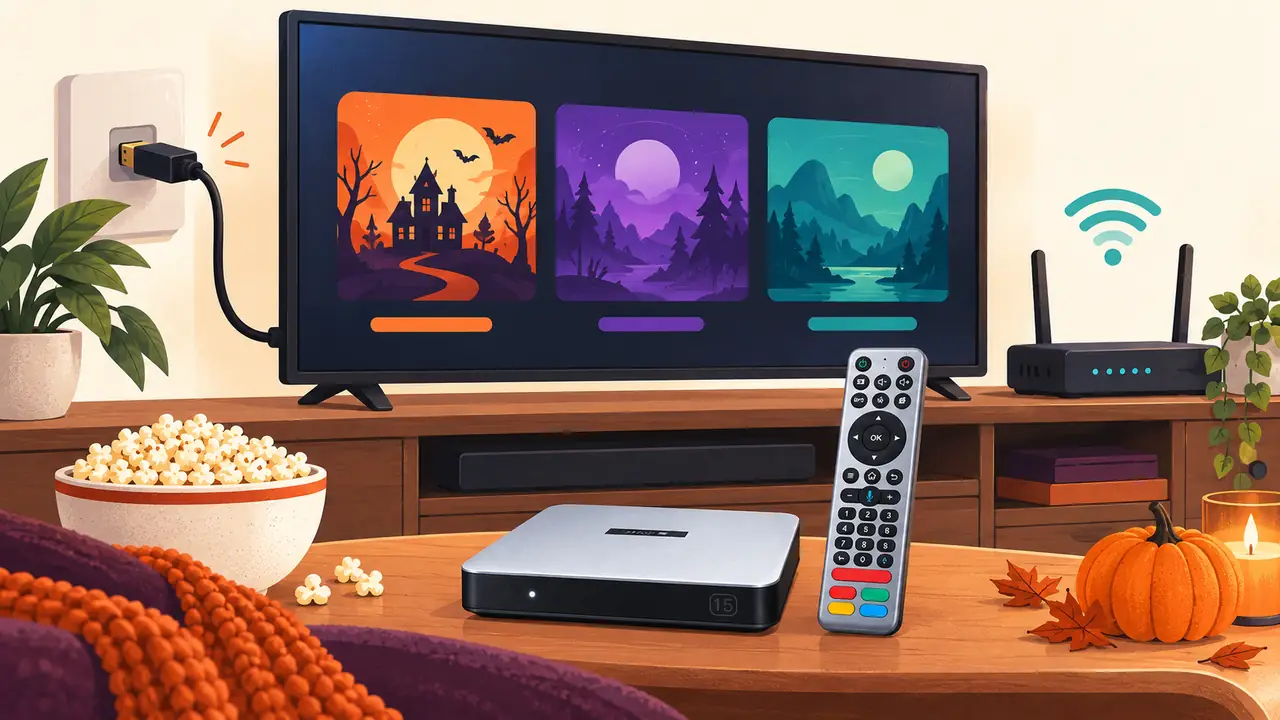
Connect the SviCloud 15P to an available HDMI input and use the supplied power equipment. Switch the television to that same HDMI source and wait for the device to finish starting. The product listing describes 4K HDR10 output for compatible TVs and content; the final picture also depends on the display, cable, source and selected settings. Do not assume an older television will show HDR just because the box supports it.
Give the box open space around it and keep cables where people will not trip over them. Place the remote where children and guests can reach it, and clear enough room on the screen for everyone to see. If you plan to use a soundbar, receiver or other equipment in the HDMI path, test that arrangement before the event instead of adding it at the last minute.
First-time owners can follow the site’s SviCloud 15P setup guide for the initial connection sequence. If the TV displays “No Signal,” check the selected input, power and HDMI connection before changing software settings.
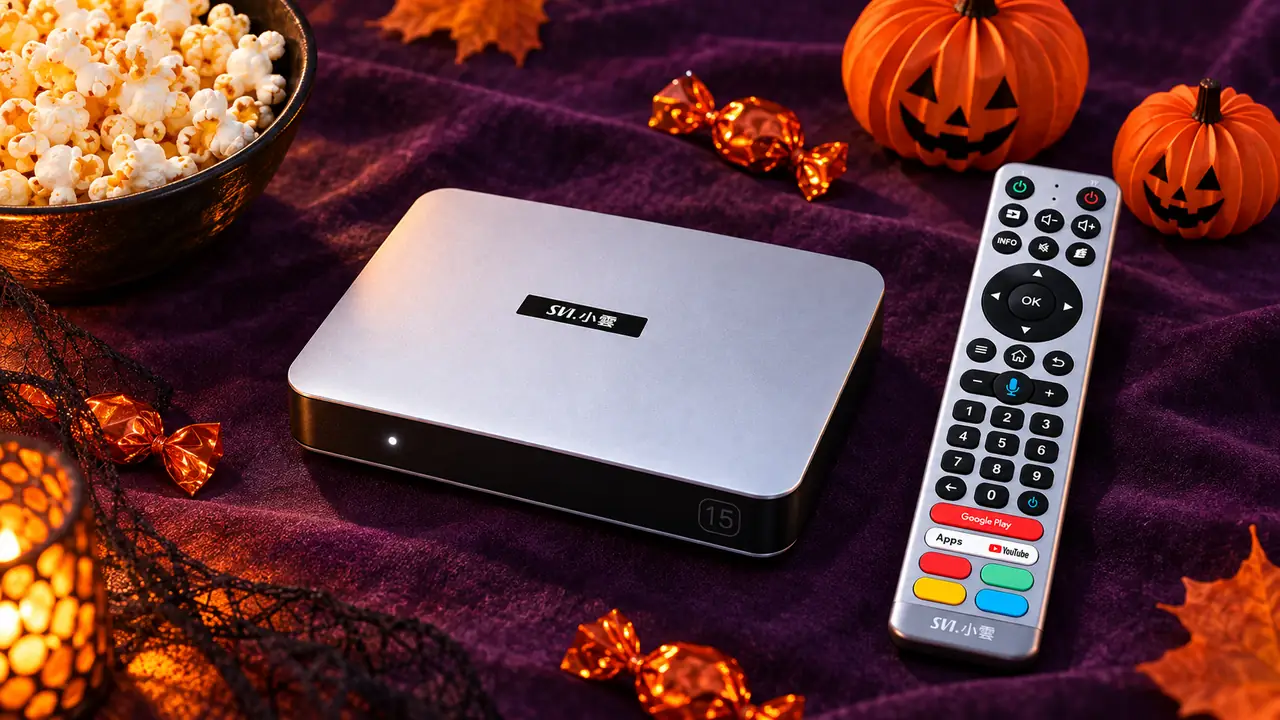
Check Wi-Fi, sound and remote controls
Test streaming from the exact place where the TV will sit. The 15P listing specifies dual-band Wi-Fi 6, but real-world performance depends on the router, distance, walls and competing traffic. If a video buffers, try improving the router-to-TV path or use a suitable wired connection when available. The SviCloud 15P Wi-Fi 6 and Ethernet guide explains the connection choices. Download or update apps before the event where possible so guests are not waiting through setup screens.
Set the TV and box volume to a comfortable level, then play a short sample with clear dialogue. If the room will be quiet after children go to bed, compatible Bluetooth headphones may help one viewer listen privately. The product listing names Bluetooth 5.4 and compatible headphone use; pairing behavior varies by accessory. Follow the SviCloud 15P Bluetooth headphone guide and test the connection before guests arrive.
Keep both the TV remote and the SviCloud remote nearby. Use the TV remote for input selection and TV sound settings; use the box remote for its interface and playback. Voice search or air-mouse behavior can vary with the app and software. A simple backup plan is to have the title open and ready before everyone sits down.
Use your own compatible movie files
If you maintain a personal collection, the SviCloud 15P includes local-media features such as Filmax and Smart Poster Wall. The product information highlights compatible BDMV, ISO, MKV, MP4 and TS files, along with subtitle and audio controls. Compatibility is not universal: the video codec, audio track, subtitle format, file structure and storage condition can affect playback. Test the exact files you plan to use instead of assuming every file with a familiar extension will behave the same way.
For a private collection, choose files you have the right to use and store. Organize them in advance and check that poster artwork and titles are matched correctly; metadata may be incomplete or mismatched. The SviCloud 15P local-media guide explains how to prepare a library and test subtitles, audio tracks and compatible formats. This route can be useful when you want a known backup title that does not rely on a streaming catalogue being available at party time.
A simple preparation timeline
| When | What to do | Why it helps |
|---|---|---|
| Several days ahead | Pick age-appropriate titles and confirm app, account, region and subtitle availability. | Prevents a last-minute search for content that is unavailable or needs a new subscription. |
| The day before | Check HDMI, Wi-Fi, sound, remote batteries and any local files you plan to play. | Leaves time to resolve a cable, input or file issue calmly. |
| Before guests arrive | Open the chosen app or file, set a comfortable volume and arrange the seating and snacks. | Guests can settle in without watching setup screens. |
| After the gathering | Disconnect temporary accessories and store the remote with the box. | Makes the next regular viewing session easier. |
Content note: The SviCloud 15P is a playback device. It does not guarantee that specific Halloween movies, live channels, apps or regional catalogues will be available. Check the provider and your own account before relying on a title.
Is SviCloud 15P a good Halloween upgrade?
It can be a useful purchase if you want a dedicated Android 14 TV box with 4GB RAM, 64GB storage, dual-band Wi-Fi 6, 4K HDR10 support and local-media functions for your home entertainment. Those features do not replace a reliable internet connection, a compatible TV or any third-party account a chosen app may require.
The site states that the device itself has no required monthly subscription. Internet service and optional paid apps or rentals remain separate costs. If the current SviCloud 15P fits your viewing plans, confirm its latest listing, plug type, included accessories and shipping details before ordering.
Halloween movie-night FAQ
Does SviCloud 15P include specific Halloween movies?
No specific title is guaranteed in this guide. Availability depends on the app or provider, region, account and current catalogue. Check the title before the event.
Can I use SviCloud 15P for a family movie night?
Yes. It connects to a compatible television over HDMI and supports Android apps and compatible local media. Choose content suitable for your group and test it in advance.
Can I play my own Halloween movie files?
The product listing identifies several compatible local-media formats, including BDMV, ISO, MKV, MP4 and TS. Individual codecs, audio tracks, subtitles and file structures can affect playback, so test the actual file.
Does the 8% svi8 discount apply to every item?
Coupon eligibility may vary by order. Check the live cart and final order summary for the applied amount, exclusions and shipping.
Does the box require a monthly fee?
The store says there is no required monthly subscription for the device. Internet service and optional third-party subscriptions, rentals or purchases may cost extra.
Make the evening about the guests
Choose a few titles, test your setup and keep one backup ready. The SviCloud 15P can bring compatible apps and personal media to a shared screen, while a little preparation helps avoid interruptions once everyone has settled in. Review the current SviCloud TV box selection and the product details for the model that fits your home.
At checkout, enter the lowercase coupon code svi8 for 8% off an eligible SviCloud 15P order. Confirm the discount in your order summary before completing checkout.