SviCloud 15P AV1 decoding is a modern video feature: it lets a compatible player decode video encoded with the AV1 codec. It is different from 4K, which describes picture resolution, and HDR10, which describes a high dynamic range format. Our SviCloud 15P TV Box lists AV1 decoding alongside 4K HDR10 output. Those specifications work together, but each answers a different question about the picture on your television.
If you are comparing video formats for a new smart TV box, the SviCloud TV box lineup is a useful place to see the current models. This guide focuses on what AV1 means in everyday viewing, how it relates to 4K and HDR10, and what to check when you play your own videos or use a streaming app.
What does SviCloud 15P AV1 decoding mean?
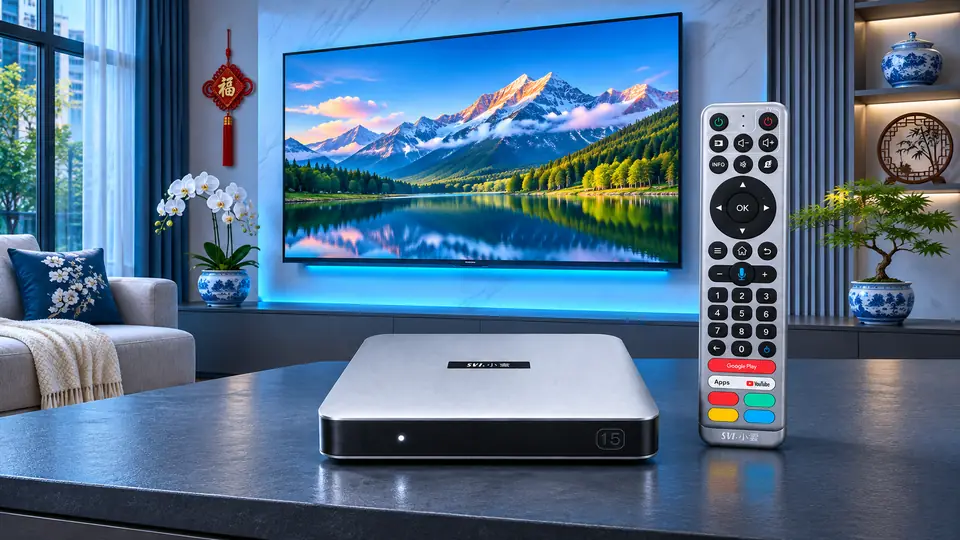
When a video is prepared for online delivery or stored as a file, it is encoded using a codec. The player then decodes that video for display. AV1 is one such codec. It was developed as an open video compression format with the aim of delivering high-quality video efficiently. SviCloud 15P includes AV1 video decoding in its published specifications, so the hardware has support for this modern format.
That is useful because a growing video library can contain different encoding methods. A media file may use AV1, while another video at the same resolution uses a different codec. The codec name tells you how the picture data is encoded. It does not, by itself, tell you whether the video is 4K, HDR, or available in a particular app.
Think of AV1 as one part of the playback path. The source must actually contain AV1 video, and the app or media player must open the source and pass it to a suitable decoder. Once decoded, the picture still has to travel to the television through the selected output mode.
AV1, 4K and HDR10: three different jobs
| Term | What it describes | What it means for viewing |
|---|---|---|
| AV1 | How video is compressed and decoded | Helps a compatible player handle video encoded in AV1 |
| 4K | The picture’s pixel resolution | Provides more detail when the source and display also support 4K |
| HDR10 | A high dynamic range video format | Can show a wider range of brightness and color with suitable content and display |
A video can be AV1 without being 4K. A 4K video can use a codec other than AV1. HDR10 can be carried in a compatible video stream regardless of whether the word “AV1” appears in its title. These labels are complementary rather than interchangeable. That distinction makes specification lists easier to read: SviCloud 15P supports AV1 decoding on the input side and 4K HDR10 output on the display side.
For a closer look at the screen and connection, our SviCloud 15P guide for 4K TV owners covers HDMI input, source quality and HDR considerations. Here, the important point is that the codec is only one stage in that chain.
Why video decoding matters in daily use
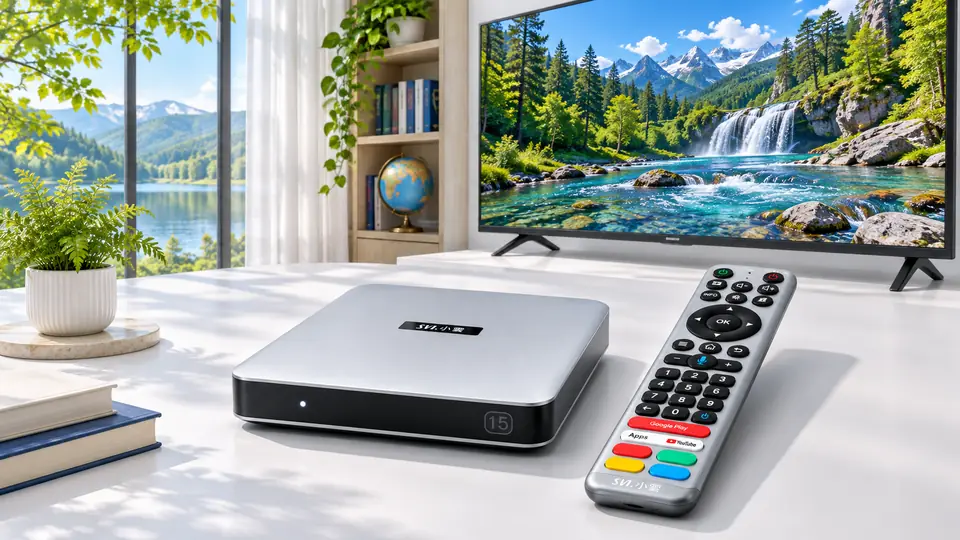
A modern Android TV box may play video from the SviCloud entertainment environment, compatible third-party apps and your own local collection. Those sources do not all use the same video file format or quality setting. SviCloud 15P AV1 decoding gives the box another format to work with as you move among different sources. It is a practical capability for a device intended to serve as a central media player, not a promise that every program will suddenly look sharper.
When you choose an app, the service controls the video it delivers, the quality options and any account requirements. Your SviCloud 15P provides the playback platform, while the app selects its own available streams. If you are deciding which apps to add around the built-in entertainment experience, our SviCloud 15P media and streaming app guide explains useful categories without treating every service as identical.
The quality of an online picture also depends on the connection reaching your television area. Efficient encoding can help a video provider use bandwidth well, yet a weak or interrupted connection can still cause pauses. Our SviCloud 15P internet-speed guide helps you separate the broadband plan from the Wi-Fi signal where the box actually sits.
What about AV1 videos on a USB drive?
If you keep a personal movie library, look at more than the file extension. MP4 and MKV are containers; they can hold video encoded with different codecs. Two files ending in “.mkv” can therefore behave differently. AV1 identifies the encoded video inside the file, while the container, audio track and subtitles are separate parts of the playback experience.
SviCloud 15P is designed for more than online apps. Its published local-media features include Filmax, a Smart Poster Wall and playback support for compatible personal files. Our SviCloud 15P local-media guide shows how the library interface, file organization and subtitle choices fit together. If you have a specific AV1 file, open it with the media player you plan to use and check picture, sound and subtitles together. This quick test is more useful than assuming the container name alone tells the whole story.
There is another helpful separation here: internal storage is where the system and apps reside; it is not the same thing as video decoding. The SviCloud 15P has 64GB internal storage, but AV1 support is a playback capability rather than extra space for files. For households choosing between app capacity and a large personal movie collection, the SviCloud 15P RAM and storage explanation covers those memory terms in everyday language.
How to tell whether you are actually watching AV1
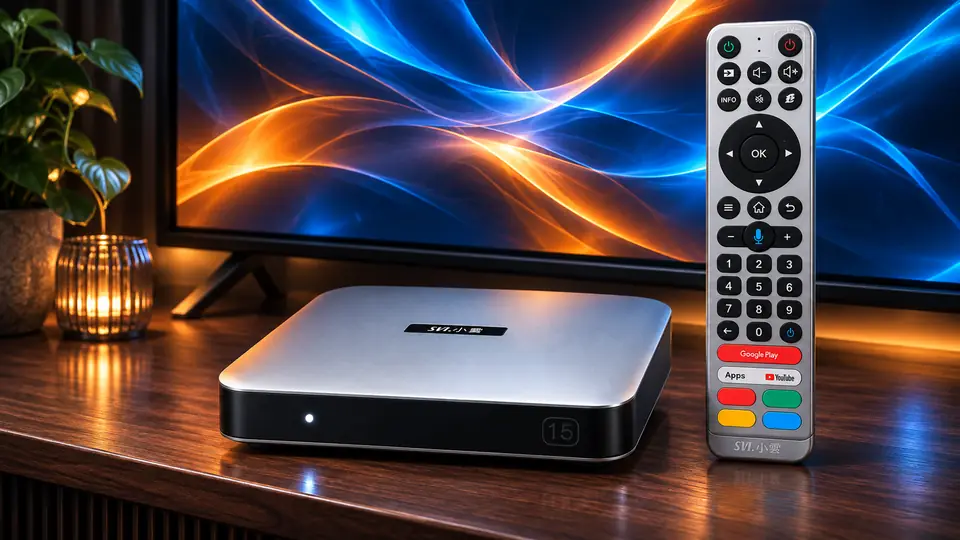
Do not rely on the “4K” label as proof. A 4K title identifies resolution, not necessarily its codec. Some apps or media players display a “stats,” “media information” or “codec” panel during playback. When that information is available, look for AV1 in the video-codec field. On a personal file, a media-information utility can also show the encoded format before you copy it to a drive.
There is no need to change the codec setting every time you watch television. In normal use, you choose a program and the compatible player handles the format. Checking the codec is most useful when you are curious about a particular file, comparing two versions of the same video, or investigating why one item behaves differently from the rest of your library.
Does AV1 make SviCloud 15P worth choosing?
AV1 is valuable as part of a complete video platform. SviCloud 15P pairs that decoder with 4K HDR10 output, Android 14, 4GB RAM, 64GB storage and our built-in entertainment environment. The everyday appeal is the ability to move between live viewing, movies, compatible apps and personal media on one box. AV1 gives that platform support for a modern video format; 4K and HDR10 describe the display experience you can enjoy with suitable sources and television.
If your current screen is Full HD, the box can still provide its entertainment and media features without turning that television into a native 4K display. Our SviCloud 15P guide for 1080p televisions addresses that separate buying question.
Frequently asked questions
Is AV1 the same as HDR10?
No. AV1 is a video codec; HDR10 is a high dynamic range format. A video can involve both, but the terms describe different aspects of playback.
Does AV1 mean every SviCloud 15P video is 4K?
No. Resolution is determined by the source video and the output/display setup. AV1 video can exist at different resolutions.
Do I have to switch on AV1 manually?
For normal viewing, select your program or file in a compatible app or player. The codec is generally handled as part of playback. Check a media-information panel when you specifically want to identify the format of a video.
Can SviCloud 15P play my personal AV1 files?
The published SviCloud 15P specification includes AV1 decoding. For a particular file, also consider its container, audio, subtitles and the media player you choose; test the complete file on your own setup.
Bring the right video features to your TV
SviCloud 15P AV1 decoding prepares the box for a modern video format, while 4K HDR10 output supports a richer picture on a compatible television with suitable content. Together with our entertainment environment and local-media tools, those features give you a versatile way to enjoy both online programs and a personal library. Explore the SviCloud TV box range, then review the current SviCloud 15P specifications and availability for your home setup.
At checkout, enter the verified SviCloud 15P coupon code svi8 for 8% off your eligible order. This offer cannot be combined with another coupon.